razbeunck
Members
-
Joined
-
Last visited
Everything posted by razbeunck
-
 Hello. Thanks for this beautiful pickup! For fix issues with window tint, use this vehicle.meta: vehicle.txt And for fix issues with lighting and skin, use this carvariation.meta: carvariation.txt
- 87 comments
- 23 reviews
-
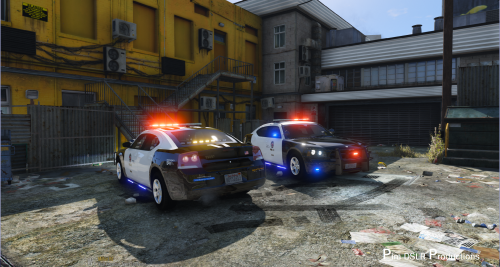 Hello Thanks Pim for your beautiful work! About this car, siderunners as an extra but not a lightbar and COL bug is allready here. Can you make a pushbar in extra part? Thanks again for your hard work and quick release. RaZ
- 38 comments
- 10 reviews
-
Hello When I call Noose SWAT in Blaine Country, LSPDFR crash. I have see something wrong in backup.xml in <NooseSWAT> section, s_m_y_hwayswat_01 doesn't exist, I have remplace with s_m_y_sahpswat_01 and now it's work fine respectfully RaZ