Takao
Members
-
Joined
-
Last visited
Everything posted by Takao
-
the game won't launch for me after i click play on microsoft games live BS
-
but the game won't start correctly
-
i have tried microsoft games live is a pain
-
I'm really eager to get the F/A-18C so i can fly the CF-18 FOR CANADA!!! :D and Eurofighter :3 P.S whats your steam i wanna fly with you :DCan't wait for this new PFM its gonna be amazing!!! i can finally fight with easewoooohooooo only 12 more daysreinstallDisable trainer keysi mean really i know im like rank 180 and im asking this question but seriously what got the community to be such assholes i mean GTA 4 on PC, pretty good community there but GTA online its well, the reason i always fly the jet and never get out.Thanks, will try it :)previously i had installed GTA 4 multiple times but it would never boor up after i sign into Win liveI have it on steam not DiskHow do i get GTA 4 to work on win 8.1 a friend suggested i install Microsoft framework 4.5good god how wrong is that lightbar just saying
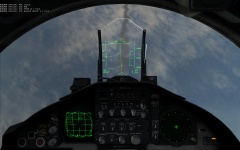 You do realize that this was screen capped while dogfighting -.- second all this were taken at different times.Just some pics of online gameplay
-
2014 09 21 00017
-
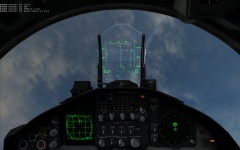 2014 09 21 00016
-
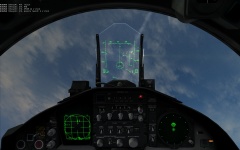 2014 09 21 00015
-
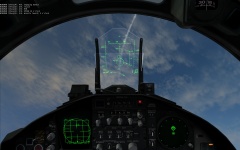 2014 09 21 00014
-
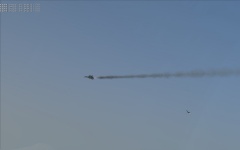 2014 09 21 00013
-
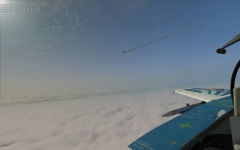 2014 09 21 00012
-
 2014 09 21 00011
-
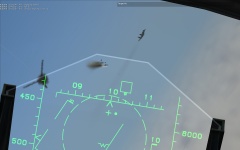 2014 09 21 00010
-
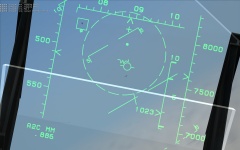 2014 09 21 00009
-
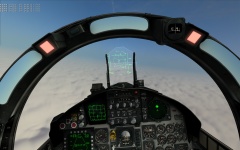 2014 09 21 00008
-
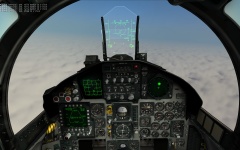 2014 09 21 00007
-
 2014 09 21 00006
-
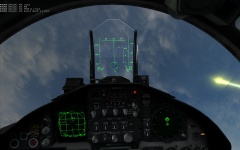 2014 09 21 00005
-
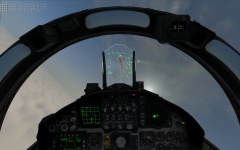 2014 09 21 00004
-
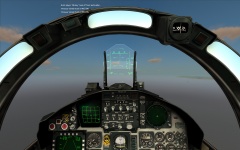 2014 09 21 00003
-
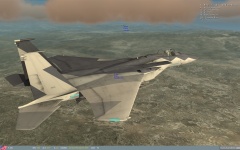 2014 09 21 00002
-
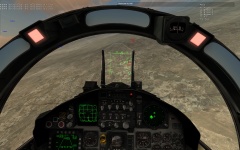 2014 09 21 00001
-
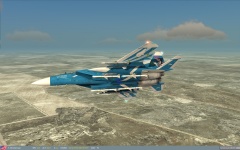 2014 09 20 00015
-
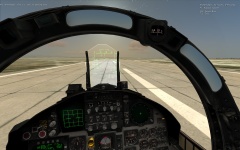 2014 09 20 00014
-
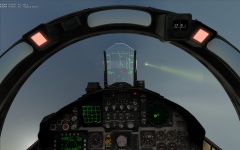 2014 09 20 00013
From the album: DCS: World