



waihonlam1994
Members
-
Joined
-
Last visited
Everything posted by waihonlam1994
-
And as soon as I post that I manage to fix it, instead of using the more traditional DiffuseTint of "0x00FFFFFF" this one seems to work with "0xAA0A0A0A" instead! How strange!
-
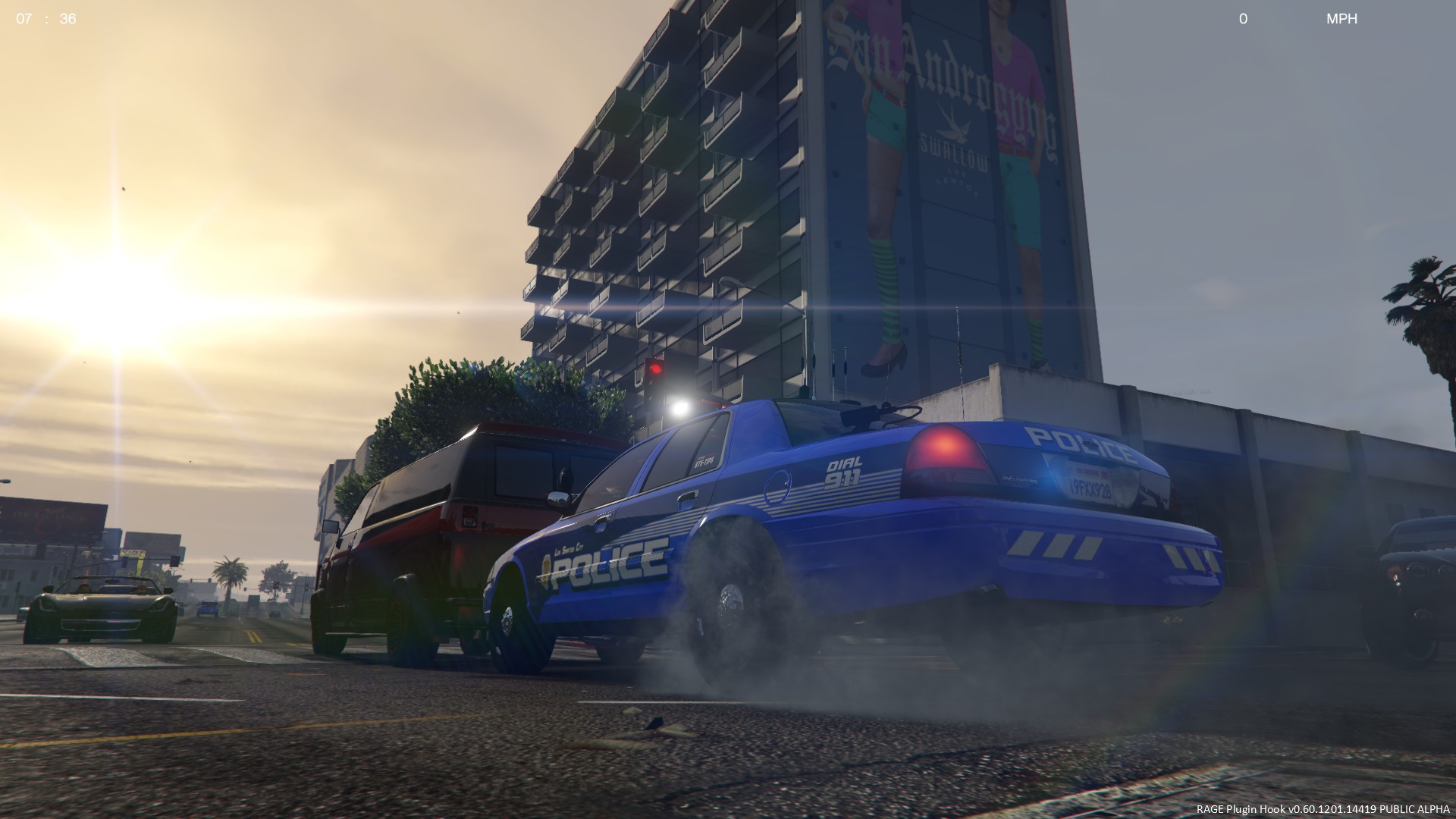
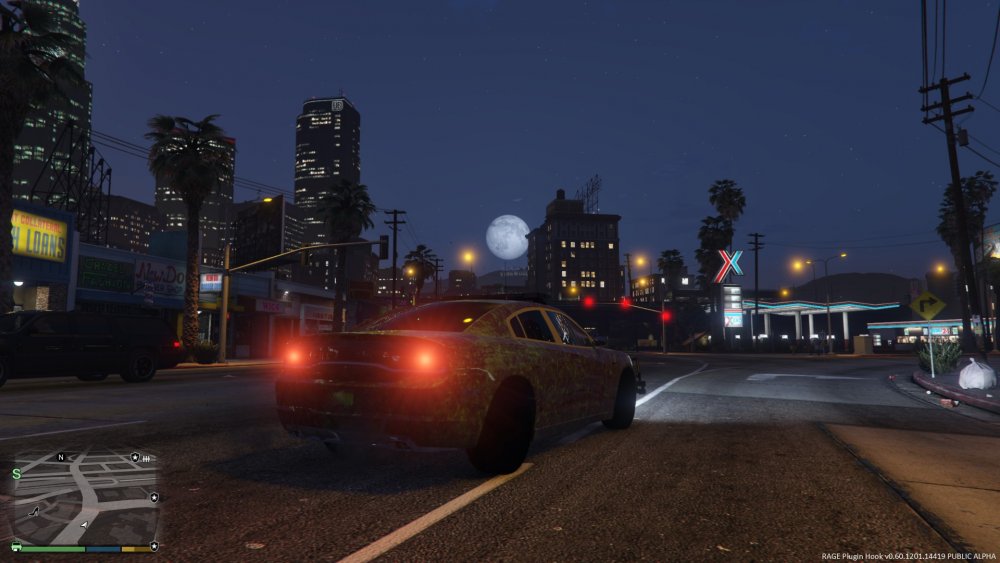
Hmm, I don't know if this is related, but I added a sheriff Charger and FPIU. The FPIU works beautifully and as intended, but with the charger.... I've changed the model too, but get the same result.
-
Sorry for no update for a while, but just used your updated gameconfig file link, and it now loads! Thank you very much!
-
I’m using the .rpf from mpchristmas2, that only has a few DLC vehicles in there by default.
-
Reinstalled the vehicles, including deleting the originally installed vehicles themselves from the .rpf file, didn't work. Removing the vehicle's meta lines from both vehicles.meta and carvariations, along with the deleted vehicles from then vehicles.rpf did, unsurprisingly. Is there a limit to the size of the vehicles.meta?
-
Currently in the process of actually re-installing the vehicle models itself to see how that goes. If that doesn't work, I'll try your suggestion.
-
Yes, I do. I have placed a back-up .meta without those lines into the game before, and the game loaded up correctly, even with the lines still present in the carvariations.meta.
-
Nope, still doesn't work when I remove the variation lines for CVPI2, Charger3 & Charger4.
-
The last vehicles I tried to add was CVPI2, Charger3 and Charger4. The carvariations.meta is attached to this post (as an .xml file as the forum does not support .meta files). carvariations.xml
-
Oops, how helpful! The game crashes to desktop when loading.
-
So I've been adding more police vehicles in-game, and this worked well until today! I cannot for the life of me figure out what is causing the game to crash on loading, apart from the fact that it's definitely in the meta file as I have used one from a back-up and that works fine. [Note: Have attached .meta file as an XML as I did do a spoiler tag of it's contents earlier, but it didn't display the same way as it did in the file.] vehicles.xml
-
Note to forum staff: Thanks for moving this to correct section! :-)
-
Hi, first of all I hope this is in the correct section, my sincere apologies if it is not. I have changed my FBI2 slot, firstly to a 2015 Tahoe model which worked absolutely fine. However, when I then try to change it to a slicktop Ford Police Interceptor Utility, Ragehook gives me an access violation. Log in spoiler:
-
 Would you be able to point me in the right direction for this fine looking texture?
 -
2 is not NYPD, it's another Whelen siren.
-
-
All of the ELS enabled vehicles I have installed (Police, Police2, Noose, FBI, Polpatriot). Each have their own config files.
-
Whenever I exit my vehicle, 9 times out of 10 ELS will "freeze" the lights in their current positions, and when I get back into the cruiser, the lights will turn off, with the ability to turn them back on being lost. This is especially annoying if I have left the siren-running when I have left the vehicle (mostly for 10-57 foxtrots) as the siren will then stay stuck-on without being able to be turned off. Any help on how I could solve this? Thanks in advance
-
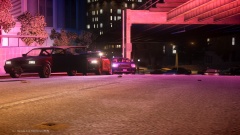
From the album: Odds & Sods
A marked unit spotted a known drug dealer occupying the driver's seat of a grey Blista Compact in Broker. As the unit pulled up, the dealer decamped and the officer set off in hot pursuit. Another unit was called to the scene to secure the vehicle and the scene. -
-
I'm not quite sure but it might of been somebody's birthday!
-
I'm sorry. There was also another diesel loco in a Police livery, can't remember which one as I don't know it's fleet number....
-
Haha, of course the locomotive wasn't actually owned by the Police. It was painted in British Transport Police colours to act as a deterrent to crimes such as vandalism and trespass on the UK rail network. It was formerly owned by state-owned British Rail and then Virgin Trains, and was employed on InterCity trains throughout the country.
-
I remember once, after having arrested someone an AI Cop said, "When I get back to the station I'm going to beat you with a phonebook", he then gets ran over by a NPC police cruiser, (fatally) to which his response was "oomph!!".
-
It's a Federal Signal Smart Siren.



