


Kernow
Members
-
Joined
-
Last visited
-
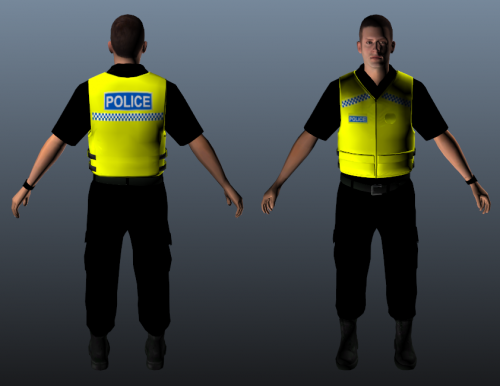 Awesome, sorted it :)
 -
Followed the instructions and didn't work for me, the skin hasn't changed.
-
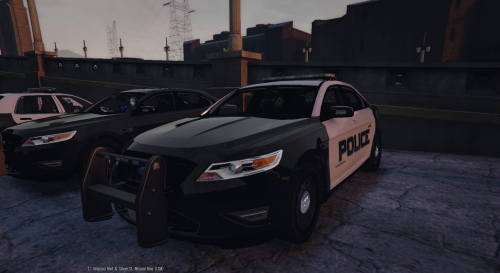 Did anyone figure out what to put in the carvariations.meta to make the lights work normally under police3?
- 49 comments
- 8 reviews
-
It was exactly that!! Thanks for that! It's always the most simple and easiest things you overlook eh! Or maybe just me, cheers :D
-
How frustrating, everything is up to date... I've reinstalled LSPDFR and Ragehook and it all loads fine until it says loading plugin LSPDFR and then crashes...I'm not playing it through steam either... Anyone who might know whats going on your help would be much appreciated!! I've just tried to launch the game without ragehook activating the LSPD plugin and the game still crashed... I'm very confused :/
-
The only plugins I have are LMS.Common.dll and LSPD First Response.dll?? Also scripthook is up to date :)
-
Every time ragehook tries to launch the LSPDFR plugin the game crashes, any idea why this is? I've just updated to the new ragehook and as far as I'm aware all the other files are up to date.
