Sgt.rossi
Members
-
Joined
-
Last visited
Everything posted by Sgt.rossi
-
i just get my fresh copy and delete the other one, i'm making some updates, lets see if works
-
i get a retail version, how i verify the cache?
-
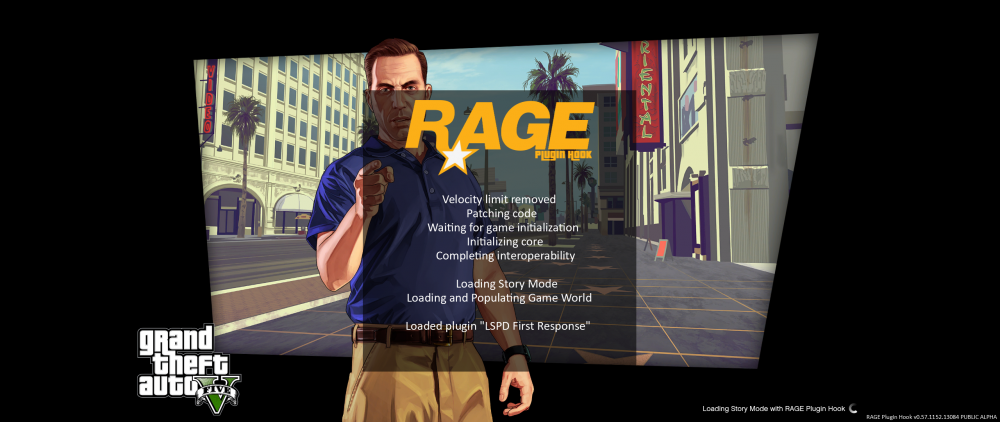
Yea still the same thing, the rhp its loading in the middle, and is loading the LSPDFR plugin, but still infinite loading almost start it, but still on the infinite lol i'm getting crazy with this, i never had these problem before
-
there's a default one and a traffic 2x one, wich one i install? and can i rename my _mods to mods?
-
oh sorry, i'm with Franklin, i grab my computer yesterday and i make that first mission, then i go to Franklin house and saved the game. After i star install the RHP and LSPDFR
-
on the initial loading screen, right after i choose start the story mode, then load for a bit and stop working, them crash. i get a backup copy if that fix something..
-
oh sorry, i can move the dll if any problem, i just figure out when i try launch my GTA5.exe he stop working in the middle of the story mode loading
-
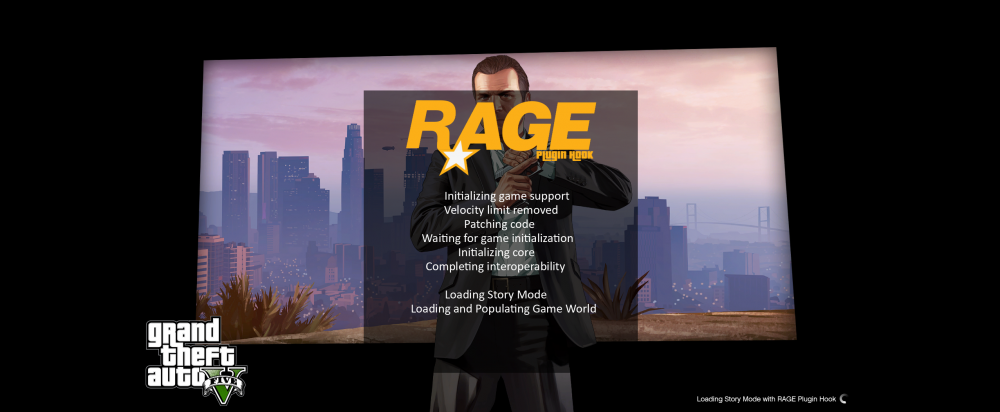
yes, my mods folder still named like _mods, i moved the LSPD First Response.dll to my desktop and try run the game, still infinite screen, but like this right now the LSPDFR plugin dont really load, and keep infinite anyways
-
i did what u told me, and now still infinite screen, but is loading in the middle right now i check the both options
-
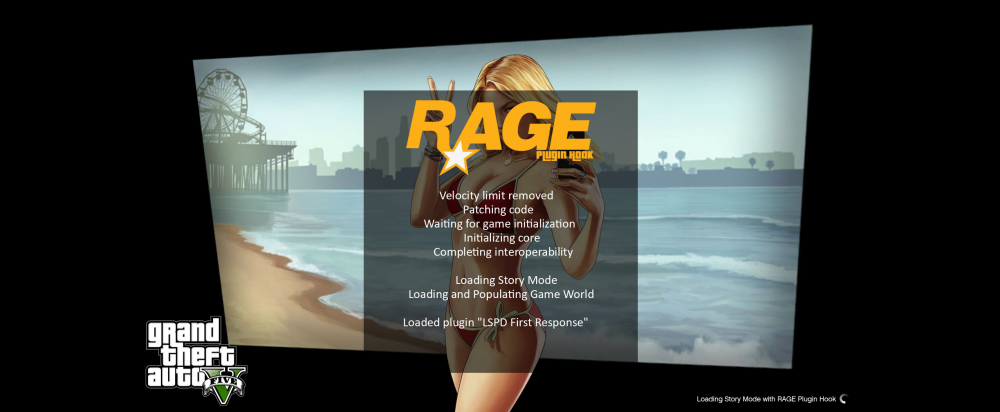
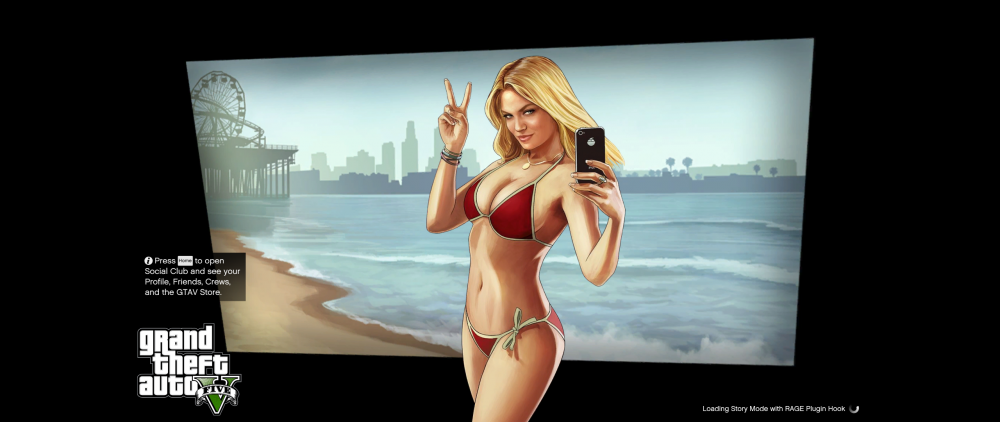
i renamed my mods folder to _mods and delete the ScriptHookV, and still infinite loading and don't load everything in the middle of the screen. load's just like the image below
-
get the same issue, any fix ?
-