


alexks101
-
Joined
-
Last visited
File Comments posted by alexks101
-
-
Edited by DarthWound
Good work PeterU. My favorite callouts plugin. However my game always crash when "illegal radio broadcasting" is triggered.
RPH0.45, VisualV, RDE (but tried without it too), PoliceRadio, SpeedRadar, PanicButton, and custom lights for cruiser, that's all.
EDIT: forgot to say that troubleshooter found 0 errors.
EDIT2: still have this issue with 0.7.1.0
By the way, for next releases, it would be nice to be able to disable/enable callouts in a main ini file ^^
-
Edited by DarthWound
3 hours ago, Albo1125 said:It does matter. I put it in there for a reason.
Please install it to fix this issue.
I'll try that. Why is it required technically speaking? Playing some integrated audio files or something? Just curious.
EDIT: no more crashes since WMP was installed, thank you and keep up the good work!
-
Hi Albo, great mod!
However I have a crash when I respond to "traffic backup". Always when the cop who requested assistance exits his vehicle.
Seems related to the ped, RPH log attached to this comment. Troubleshooter found nothing (except WMP not installed but it doesn't matter).
I tried with no plugins/scripts at all (except LSPDFR) and it still crash. I have no ped mod, only vehicle textures.
Thanks!
-
-
-
-
Yeah, basically it just launch GTA and you can kill the process. Good work for the effort and the time on it, but I don't see the point too.
With GTA IV and TaskManager shortcuts (on desktop/taskbar) it's a bit useless. I don't say this to be rude.
- HookerHeels and DexterHD
-
 2
2
-
Thanks to this video, I got it working with the controller without simulatekeypress.
I am going to be
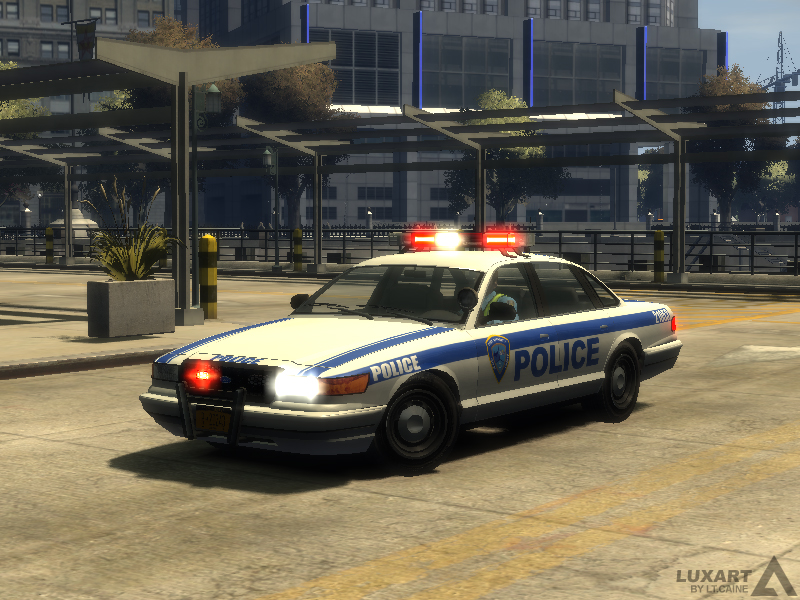
If anyone is interested, I've made a fix for the Buffalo Port Authority livery : because the logo is reversed on the left side.
Download this texture and rename it "bflo_sign_3" and import it in the police.wtd.
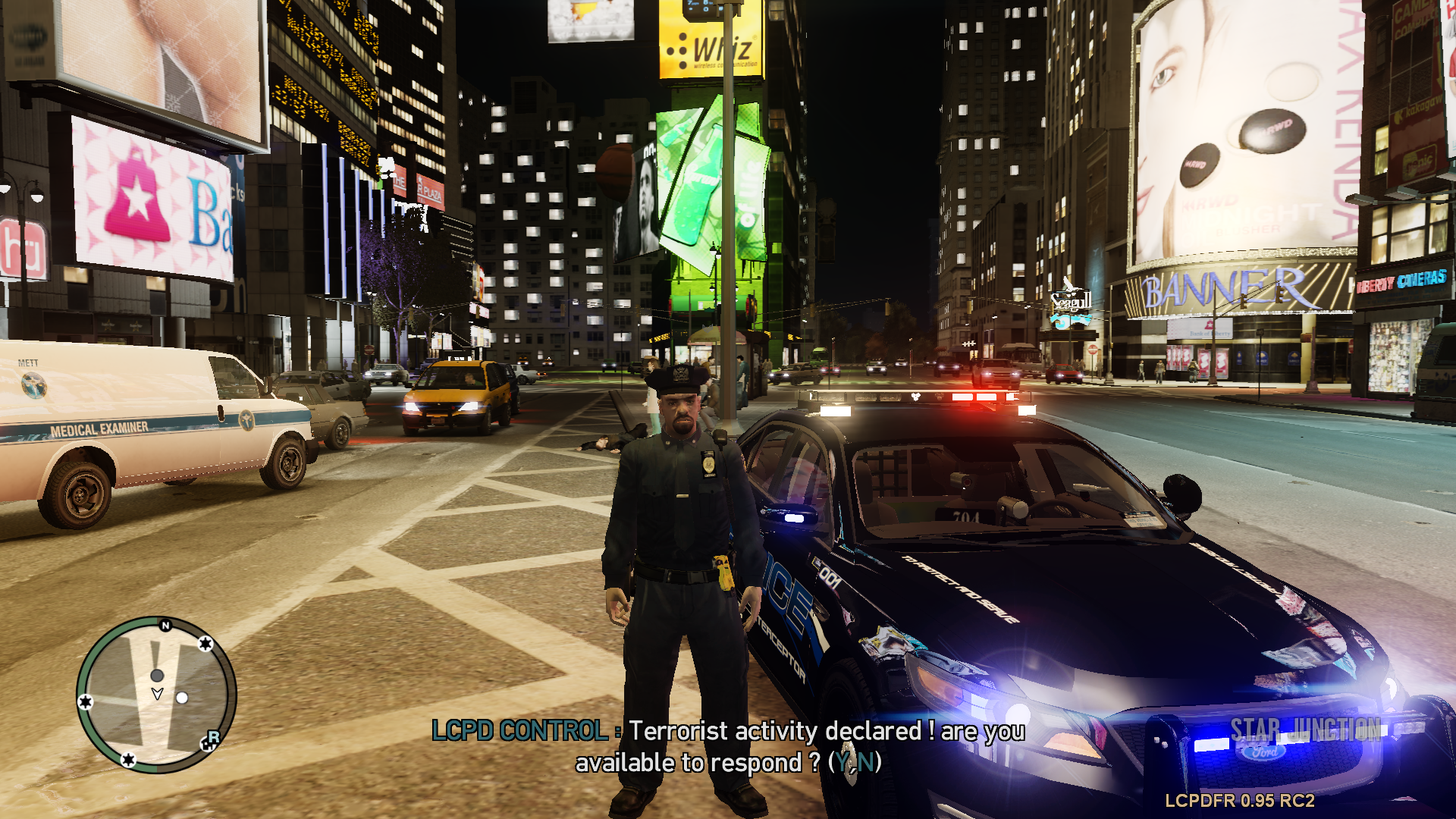
I like the script, however, you should tweak itt a little.
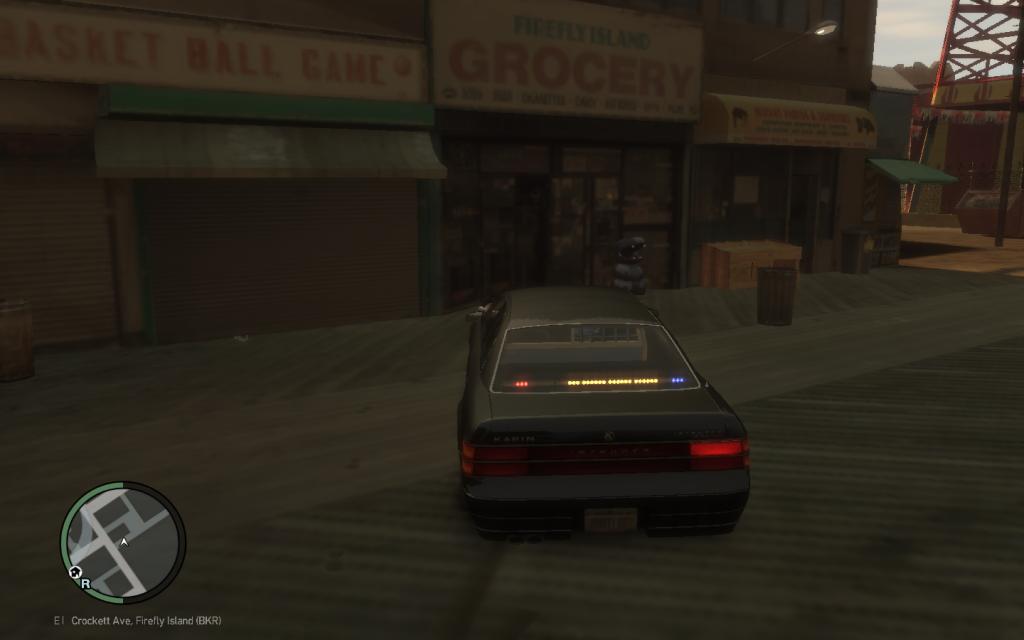
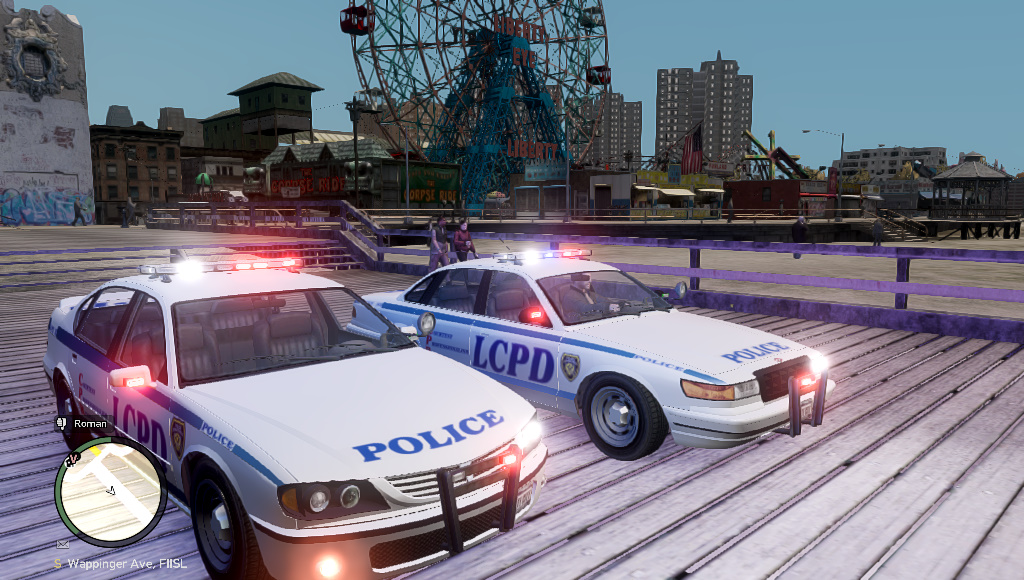
Merit (police2) headlights are invisible, they need to be in the foreground in zmodeler.
Some secondary lights like traffic adviser would be nice.
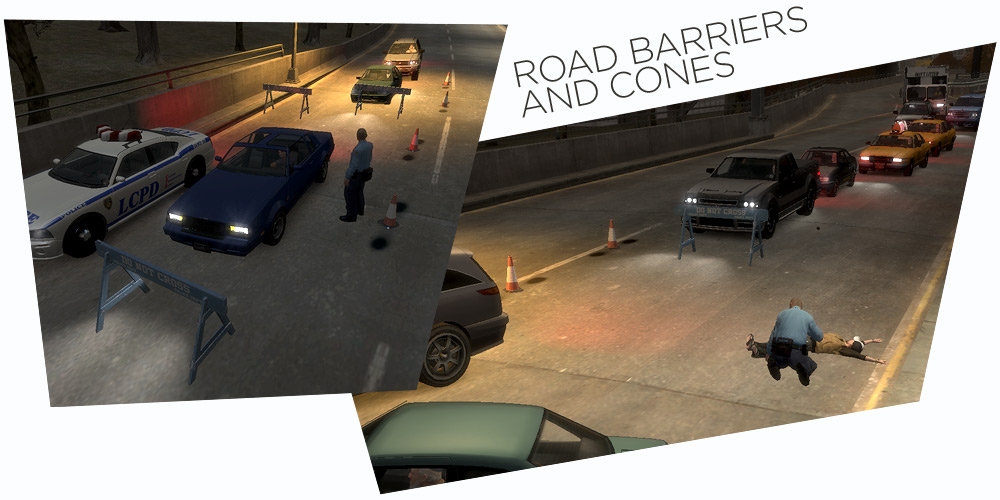
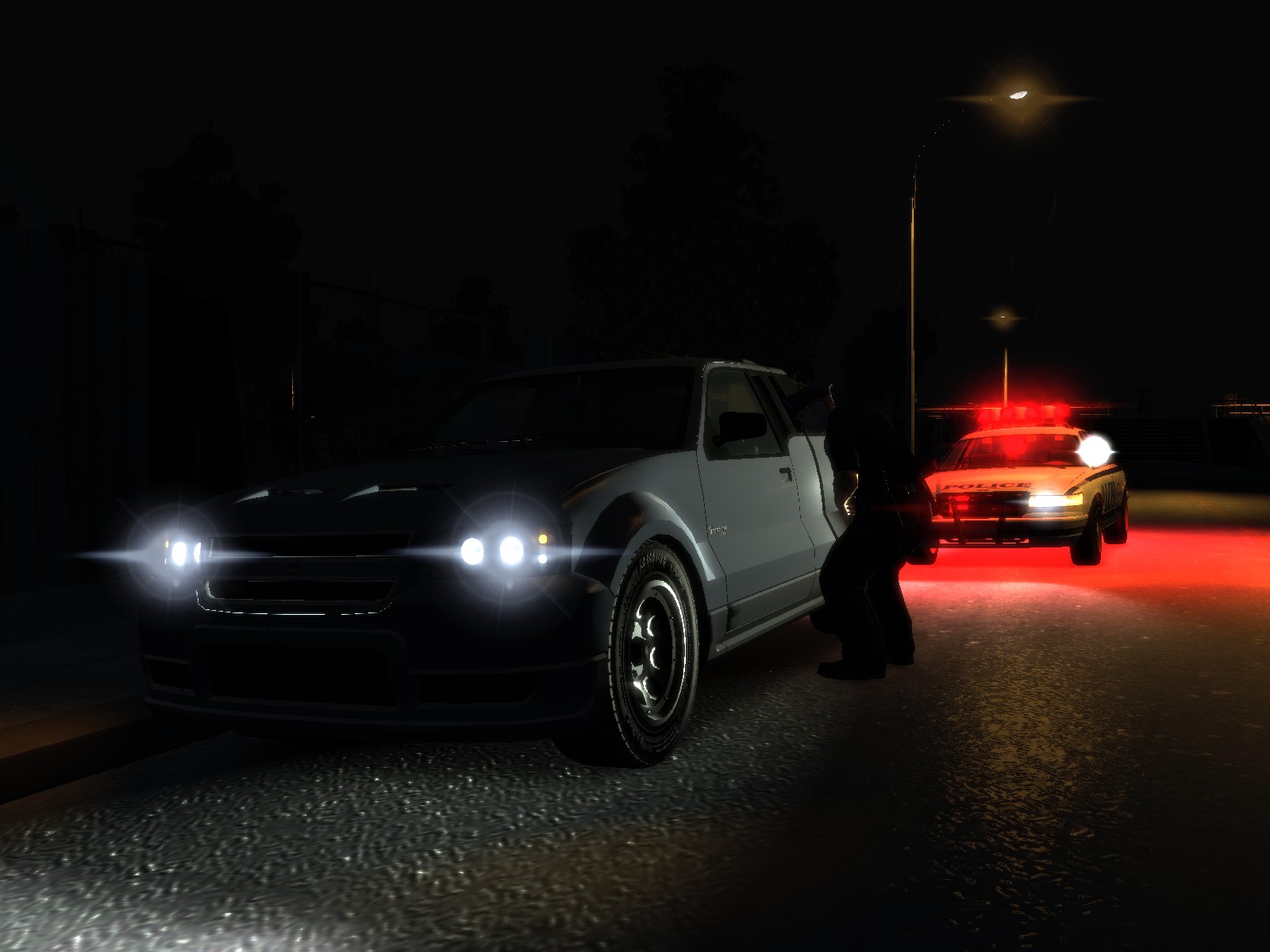
I can confirm I too had the noise/static during daytime, firing up TLAD and changing the grainy option to off fixed this.


Account
Navigation
Search
Configure browser push notifications
Chrome (Android)
- Tap the lock icon next to the address bar.
- Tap Permissions → Notifications.
- Adjust your preference.
Chrome (Desktop)
- Click the padlock icon in the address bar.
- Select Site settings.
- Find Notifications and adjust your preference.
Safari (iOS 16.4+)
- Ensure the site is installed via Add to Home Screen.
- Open Settings App → Notifications.
- Find your app name and adjust your preference.
Safari (macOS)
- Go to Safari → Preferences.
- Click the Websites tab.
- Select Notifications in the sidebar.
- Find this website and adjust your preference.
Edge (Android)
- Tap the lock icon next to the address bar.
- Tap Permissions.
- Find Notifications and adjust your preference.
Edge (Desktop)
- Click the padlock icon in the address bar.
- Click Permissions for this site.
- Find Notifications and adjust your preference.
Firefox (Android)
- Go to Settings → Site permissions.
- Tap Notifications.
- Find this site in the list and adjust your preference.
Firefox (Desktop)
- Open Firefox Settings.
- Search for Notifications.
- Find this site in the list and adjust your preference.
Better Call LSPD (intro)
in Misc Modifications
·
Edited by DarthWound
I don't want to sound like an assh*le, but no, sorry :/
But thank you for asking instead of stealing, I appreciate that :)