Officer Gibb
Members
-
Joined
-
Last visited
Everything posted by Officer Gibb
-
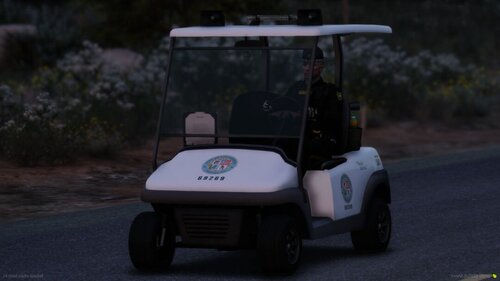 clams to work for fivem but dev will not give support for five m files
 -
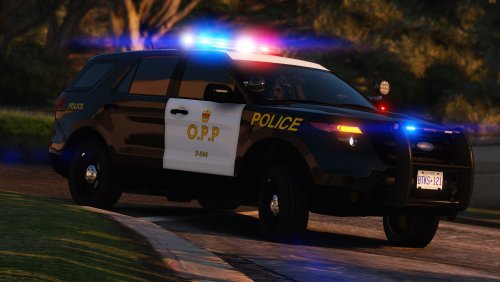 found the issue in the readme it says put them in mods > update > x64 > dlcpacks > patchday24ng when they need to go in mods > update > x64 > dlcpacks > patchday24ng>dlc.rpf>x64>levels>gta5>vehiclesrpf
 -
threw them in to patchday24 and they don't seem to work
-
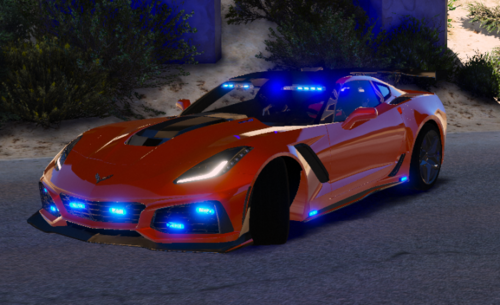 sirens and a few of the lights do not seem to work on Fivem
 -
 doesnt work for me but that likely due to me messing up something otherwise its an awesome idea
- 325 comments
- 17 reviews
-
i would love to play with a few of my friends with LSPDFR but i cant seem to find a way to get online working does anyone have an answer or is that completely gone
-
i hope this is fixed soon as i'm having the same issue my game wont even finish loading