


Royal Jay
Members
-
Joined
-
Last visited
Everything posted by Royal Jay
-
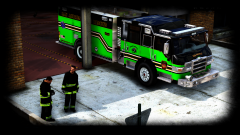 I don't know who "he" is, but cool then, look forward to seeing it in the future
 -
Where did your DL that from?
-
 @thegreathah I have a small question since I'm a bit stumped. I've been trying to replace the red | blue color on top of the light bar with all silver (the color in the middle). I am trying to edit the emergrx file, unfortunately, when I replace the red | blue with silver I can no longer see the lights (as you can see from the picture). What's even more confusing is, if I drop the opacity down to say 50-75% I can see the lights. Unfortunately, the problem with that is I can also see the lightbar design, which I don't want. Is there a way I can change the default top color without having to edit opacity or losing the ability to see the lights? Thanks
- 208 comments
- 59 reviews
-
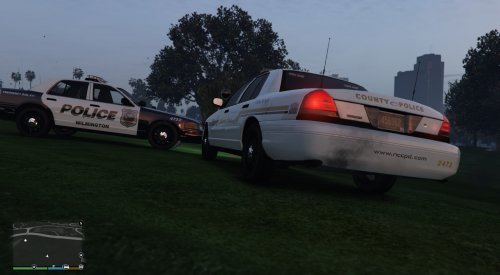 Being from New Castle County, DE I have to agree this pack is pretty damn accurate
- 7 comments
- 6 reviews
-
-

- 1
-
-
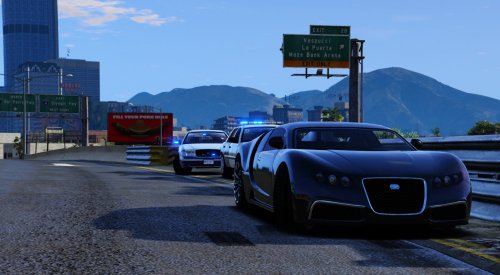 I didn't really question the center console, but the antenna part is interesting *Sorry for the double post apparently my computer lagged when I was updating my edit and ended up with a double post
- 33 comments
- 7 reviews
-
-
Looks nice, I know very little about MSP and it looks like no two vehicles are the same based on my research. Do you plan on fleshing out this pack eventually @TWISTEDSCOPES ?
- 33 comments
- 7 reviews
-
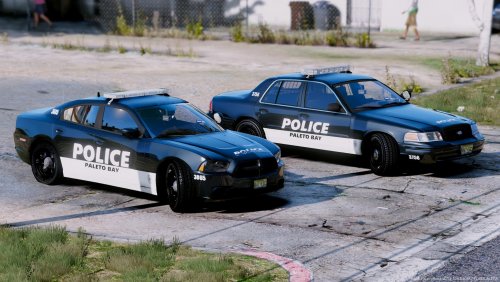 Oh hmm I could have sworn someone else had a model released, but that's cool it looks nice. I'm working on some police textures, but nothing related to fire trucks at the moment
- 6 comments
- 3 reviews
-
I've seen that CVPI before and now I can't find the pack, happen to have a URL @OfficerFabe
- 6 comments
- 3 reviews
-
-
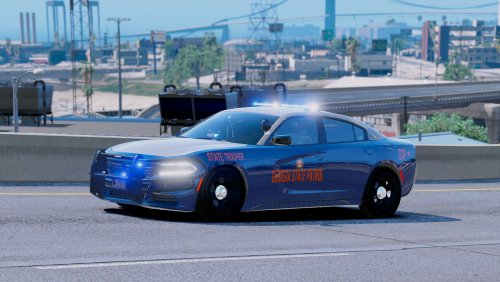 Looks good @Troopercharles my SASP is based off the GSP, I made some alterations so they are lore friendly though. I might use your EUP trooper skins later, how hard was it to create the badge on their arm? I assume you did it in photoshop?
- 16 comments
- 6 reviews
-
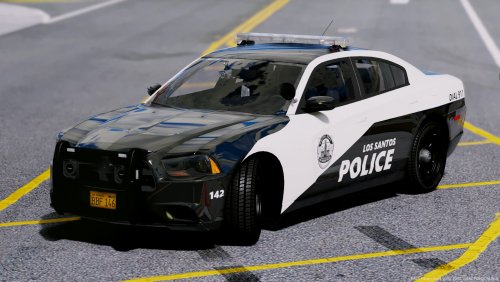 Oh that sucks, we'll I loved that Whelen FPIU so take your time Ah no worries, I clicked for the textures anyway because they are what I would invasion if the LAPD and Arizona DPS merged textures. The model was an added bonus, hence my question and now I have an answer.
- 46 comments
- 16 reviews
-
-
- 1
-
-
-
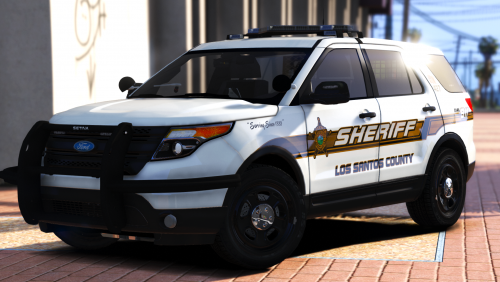 Question for you @getinmybelly0627. I am using @thegreathah Venice 2016 FPIU and I can't find a template. Could you please link me the template you used to create these textures? Also, NICE work on these textures. Nevermind I just realized his FPIU in the Venice pack is a 2013 variant.
- 16 comments
- 12 reviews
-
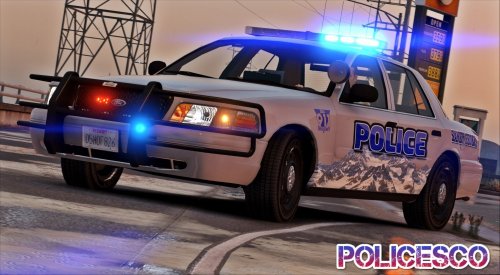 Thanks, I found an old F5544 CVPI template. It's not what I usually use, but it worked and allowed me to adjust my bxbugs style skin for this CVPI.
- 32 comments
- 14 reviews
-
@POLICESCO alright man I've searched and searched, I know the template wasn't provided, but where did you get it from? I've been looking all around.
- 32 comments
- 14 reviews
-
 Randomly scrolling through the vehicle model section when I came across this. My initial reaction was "damn that's a lot of blue lights" until I saw that creator Gump then I was like "oh okay that makes sense" and I knew this model was gonna be good.
- 39 comments
- 27 reviews
-
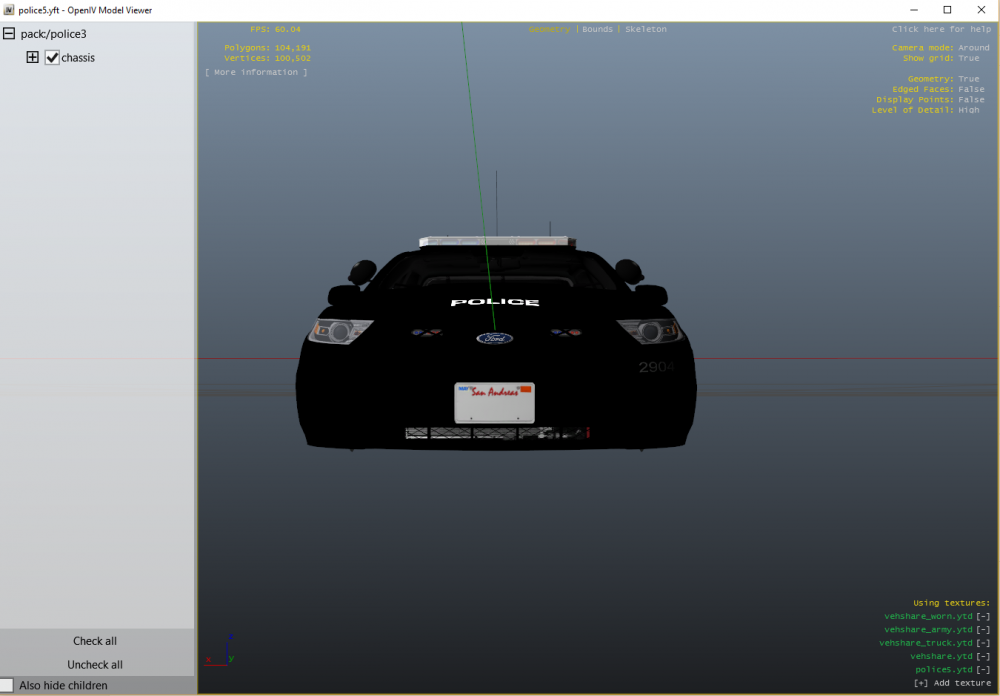
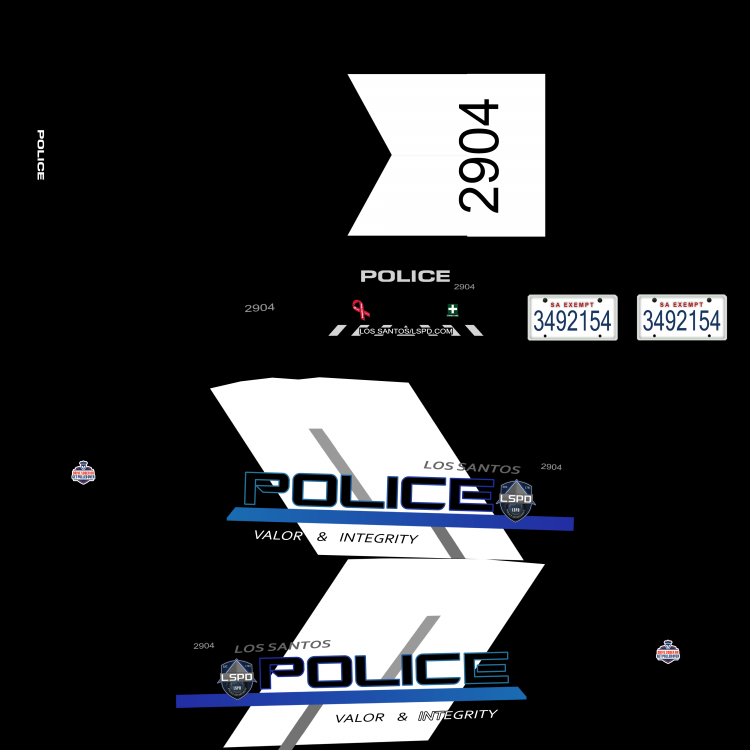
Nah that's not what I mean. I am using photoshop and everything merges over anyway. I'll post a picture later to explain what I mean, been busy, but the final PNG has everything I want the model just doesn't display the license #. Edit: So as you can see there isn't a number even though texture has a number on the plate
-
So I am attempting to retexture one of Windows446 FPIS and I have run into an issue that confuses me. I am using the correct template, however, no matter what I do the license plate will not display the text from the texture. Whenever I load the model in OpenIV it remains blank, but it will change in the game once I am inside the car to the default GTA V license. Is this a model issue, or can I do something on my end to overwrite it because I want each vehicle to have a unique plate number. Thank You
-
-
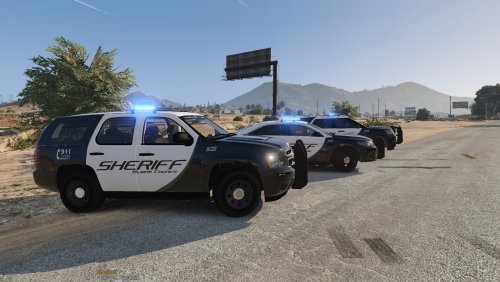 @Kafloopy888 how easy or hard is it to make a Challenger with a Whelen or Code 3 lightbar? Something I can Google in do in an hour or so, or we taking days? I ask because I'd like to replace with Valor with a Whelen.
- 74 comments
- 25 reviews
-
I don't think he meant anything bad by his comment @JJDawkins, my initial impression was he didn't even know @Thehurk pack existed
-
TheHurk pack is pretty realistic
-
-



.thumb.png.debb2e8fd42b234303e9e2473fb894e8.png)
