


1997chevyboy
Members
-
Joined
-
Last visited
Everything posted by 1997chevyboy
-
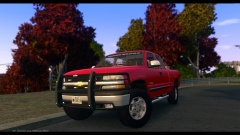
From the album: W.I.P
-
HAHA it does have some high end settings enable that can be disabled that make it run way better than CRY ENB V3 ever could even on the lowest setting! I also posted a link to NextGenELS ENB which is made for mid end pcs and runs really smooth!
-
You best bet for a mid end pc and awesome police lights is one of these 2 here! If you look at my profile there are more videos only with these 2 ENB's! ENJOY '?do=embed' frameborder='0' data-embedContent>> '?do=embed' frameborder='0' data-embedContent>>
-
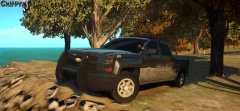 Awesome truck!
 -
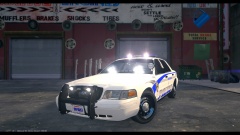 It is realistic, as said in my comment above. I see police units in real life almost everyday with almost this exact same lighting setup! You do know that they do have police units with 8 or 10 head lower front dash lights (IN REAL LIFE) right?
 -
In real life dash lights do somewhat glare on the windshield, no matter what color . But in no way does it make the drivers vision poor enough to where he or she cant drive,or see the car infront of him while on a traffic stop. I see these in action on my cities units almost everyday on traffic stops and for holding traffic for school zones! Also this pic is with takedowns on ingame, please remember this is a GAME and people make fictional and nonfictional models!
-
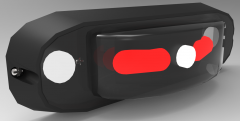 WOW awesome job, i hope to see this in the DEV section one day!
 -
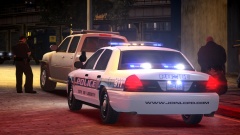 What a beast, awesome job on the skin brother!
 -
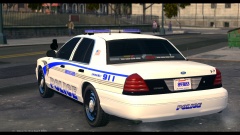 Thanks man i like to be different, also as of now the cvpi has a random spawning wraparound, the pushbar is permanent. I may make a slicktop version without a pushbar, or remove the wraparound and make the pushbar spawn randomly on the marked version. I do plan on a release for the holidays!
 -
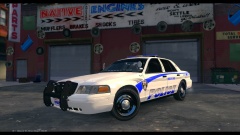
From the album: W.I.P
A final W.I.P made by me to go with my latest charger! -
From the album: W.I.P
A final W.I.P made by me to go with my latest charger! -
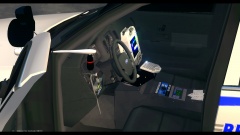
From the album: W.I.P
A final W.I.P made by me to go with my latest charger! -
From the album: W.I.P
A final W.I.P made by me to go with my latest charger! -
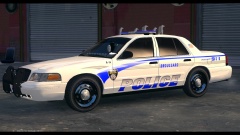
From the album: W.I.P
A final W.I.P made by me to go with my latest charger! -
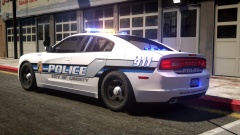 Awesome job man! Im touching her now! LOL
 -
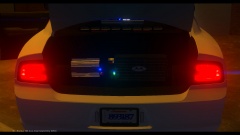
From the album: W.I.P
Will be released soon! -
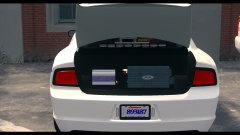
From the album: W.I.P
Will be released soon! -
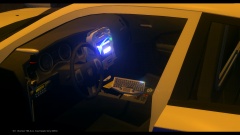
From the album: W.I.P
Will be released soon! -
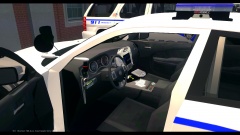
From the album: W.I.P
Will be released soon! -
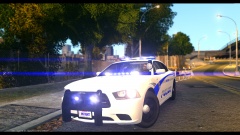
From the album: W.I.P
Will be released soon! -
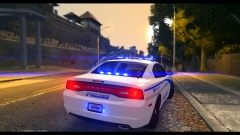 Thanks man the keyboard use's the ELS 8 arrow board function!
 -
From the album: W.I.P
Will be released soon! -
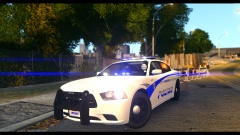
From the album: W.I.P
Will be released soon! -
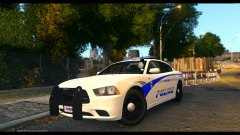
From the album: W.I.P
Will be released soon! -


