


1997chevyboy
Members
-
Joined
-
Last visited
Everything posted by 1997chevyboy
-
I have like 5 different GTA IV folders, each has different mods, and ENB's. I just rename them to anything other than Grand Theft Auto IV, mainly referring to which ENB is installed on that copy of GTA. Also you will only be able to use open iv on the original GTA IV copy, all the others you must use spark iv to install mods!
-
-
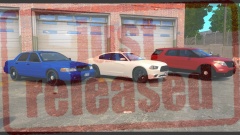 Both Thanks man
 -
From the album: Final W.I.P's
-
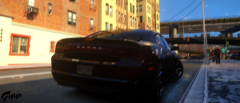 Oh yes!
 -
Absolutely awesome job on your first model 5/5 stars, welcome to the modding life. It will be a
- 16 comments
- 8 reviews
-
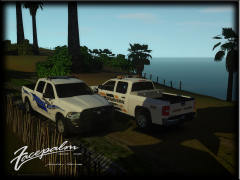 This is amazing 10/10, but i swear if i had me some trucks!
 -
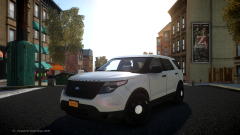 I wish i could give you a solution, but im not familiar with your issue whatsoever!
 -
Oh nice i like this more and more!
-
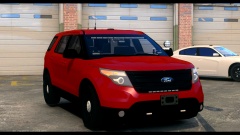 Thanks man i will fix those ASAP!
 -
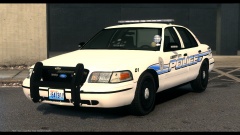 I know man, i told him the same thing.
 -
Thanks man i really appreciate the advice, i may add some additional side lighting to all 3 units!
-
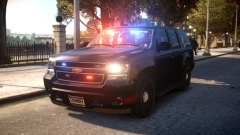 Oh man this is absolutely stunning! ^^^ There aint no tahoes like this one!
 -
-
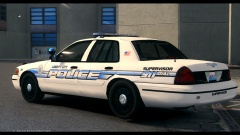 Marked Ford Crown Vic made by Mower
-
Marked Ford Crown Vic made by Mower
-
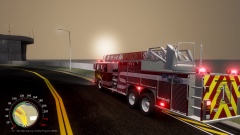 Liberty City Fire Department (Based on Beech Grove Indiana Fire Department)
-
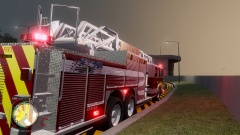 Liberty City Fire Department (Based on Beech Grove Indiana Fire Department)
-
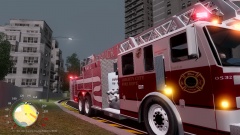 Liberty City Fire Department (Based on Beech Grove Indiana Fire Department)
-
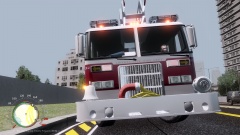 Liberty City Fire Department (Based on Beech Grove Indiana Fire Department)
-
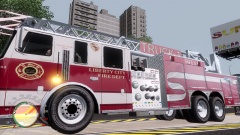 Liberty City Fire Department (Based on Beech Grove Indiana Fire Department)
-
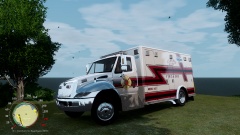 Liberty City Fire & EMS (Based on Beech Grove Indiana Fire Department)
-
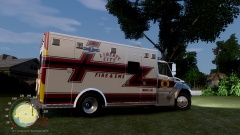 Liberty City Fire & EMS (Based on Beech Grove Indiana Fire Department)
-
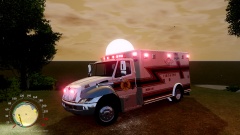 Liberty City Fire & EMS (Based on Beech Grove Indiana Fire Department)
-
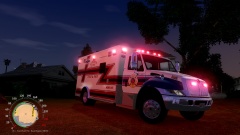 Liberty City Fire & EMS (Based on Beech Grove Indiana Fire Department)
-
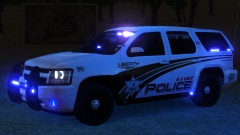 K-9 Tahoe courtesy of Gump (AKA) Ford4Ever
-
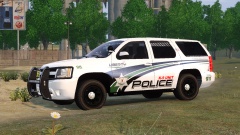 K-9 Tahoe courtesy of Gump (AKA) Ford4Ever
-
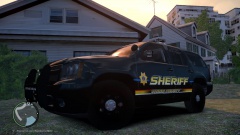 Wood County Wisconsin Sheriff
-
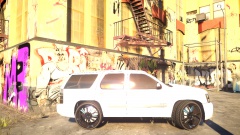 DUB Tahoe #2
-
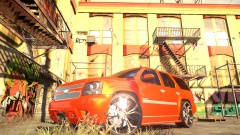 DUB Tahoe #1
-
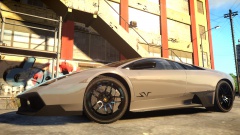 2010 Lamborghini Murcielago SV
-
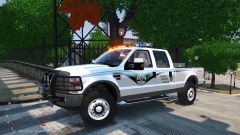 FORD F-250 by Sheriff Van Dyck
-
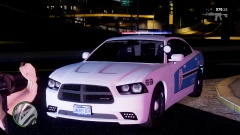 HIGHLAND PARK / LIBERTY CHARGER PACK
-
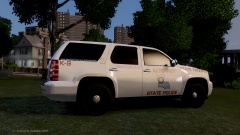 ASP K-9 Tahoe Coming Soon
-
-
From the album: Random
-
From the album: Random
-
Thanks alot man, i to liked alittle reflection to the black rims but unfortunately its just to much reflection. It almost looked gunmetal black, even if the rims were painted gloss black they still wouldn't have this much shine and reflection! As the rims are now is pretty much the closest i can get it to a real matte black mopar hubcap!
-
Look in the video description!
-
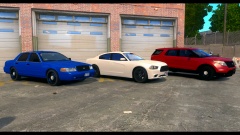
From the album: Final W.I.P's
-
From the album: Final W.I.P's
-
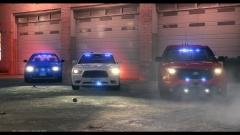
From the album: Final W.I.P's
-
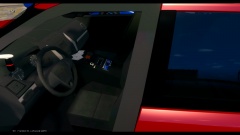
From the album: Final W.I.P's
-
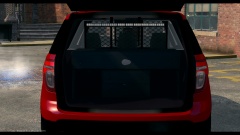
From the album: Final W.I.P's
-
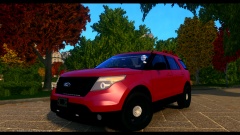 Actions speak louder than words in my world!
 -
Looks like you somehow selected your wheel/wheel col and dummies and moved them over while adding some parts! This is an easy fix just drag your 4 wheels out the car, check all boxes then select all wheels and move them over to the left till its back in place. Hope this helps!


