


Darkskullex
Members
-
Joined
Everything posted by Darkskullex
-
.thumb.png.9d0943161b37f863c291d6d6664edefb.png) I notice that this doesn't seem compatible with other helicopters like hwaymav, sheriffmav, etc that come with Realism Dispatch Enhanced. Are you able to add that in or an option that defines the helicopters we would want orbitting?
I notice that this doesn't seem compatible with other helicopters like hwaymav, sheriffmav, etc that come with Realism Dispatch Enhanced. Are you able to add that in or an option that defines the helicopters we would want orbitting?- 368 comments
- 33 reviews
-
-
-
-
-
-
-
-
-
-
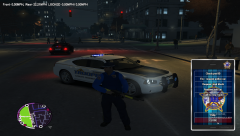
From the album: PoliceHelper
-
-
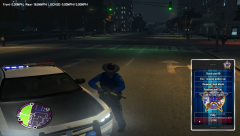
From the album: PoliceHelper
-
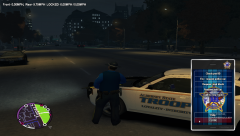
From the album: PoliceHelper
-
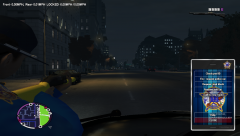
From the album: PoliceHelper
-
Look at this:
-
I absolutely love it!
-
-
How about the default models?
-
-
Love it! But instead of the LCPD logo, can you put the State Police logo on it?
- 82 comments
- 26 reviews
.thumb.png.9d0943161b37f863c291d6d6664edefb.png)

