CodeThreeMiles
Members
-
Joined
Everything posted by CodeThreeMiles
-
-
-
-
 Very good callout pack. I play it every day and have much fun. Many different calls and not always same situation. Sometimes little bugs but developer make updates very often. For me one of the best callout packs. Good work!
- 206 comments
- 18 reviews
-
-

- 1
-
-
 I tested your Plugins ChillCallouts and this manager and I like it but I would like if you could switch the modes on how to place cones
 -
-
stable? I test now
-
-
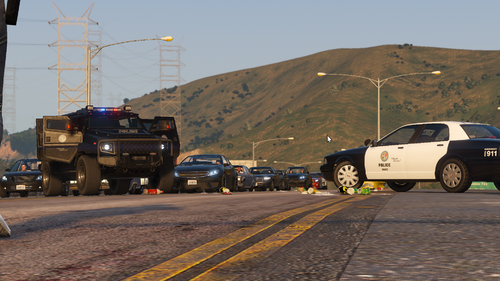 please come back and update miss it
 -
 I am using your Mod for 1-2 Months its amazing