F34
Members
-
Joined
-
Last visited
Everything posted by F34
-
 Mod doesn't work no more, which is a shame - I get this error System.ArgumentOutOfRangeException: Month must be between one and twelve
- 20 comments
- 2 reviews
-
 Love the mod, but whenever I try to do a drug wipe or breathalyser on someone, it says it's complete but never displays the result. Any ideas on how to fix this?
- 737 comments
- 58 reviews
-
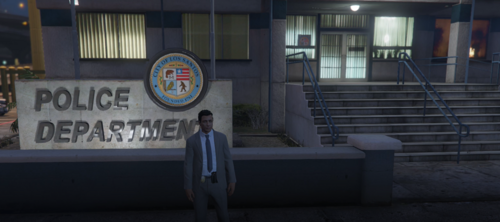 Mod looks awesome, but whenever I use keybinds on the phone to send stuff through dispatch, it plays the jingle as if the result is done, but I don't see what dispatch has said back. For example, in the video I see the notification that pops up in green but dont see what shows up in red - any ideas how to fix this, please? I also dont see the wifi symbol on the minimap like described in the readme
- 118 comments
- 3 reviews