
RayQuan
Members
-
Joined
-
Last visited
Everything posted by RayQuan
-
 Would it be possible to expand the zone system in a future update so that different law enforcement agencies can be assigned to their respective jurisdictions? This would allow: LSPD to remain within Los Santos city limits. LSSD to patrol Los Santos County areas. BCSO to patrol Sandy Shores, Harmony, Grapeseed, and Paleto Bay. SAHP to patrol freeways and major highways. LSIA Police to remain around Los Santos International Airport. Park Rangers to patrol wilderness, parks, and mountain areas. Military Police to remain around Fort Zancudo. It would also be helpful if users could assign GTA zone codes to custom agency pools in the INI, rather than having all geographic assignments hard-coded. A fallback pool could be used whenever the player is outside a recognized zone. I really enjoy the plugin, and expanded jurisdiction support would make it work especially well with large add-on vehicle packs and realistic LSPDFR setups. Thank you for considering it!
 -
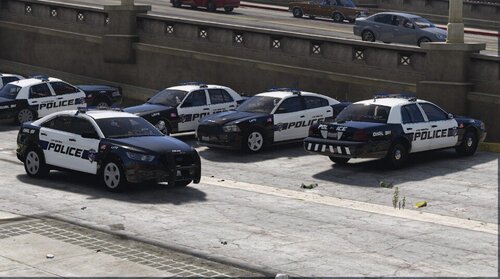 Is there a SAHP livery for Speed 3?