


.jpg.d13bf82fca7cddb909865e7eb620e57b.jpg)
DDvy.david
Insiders
-
Joined
-
Last visited
Everything posted by DDvy.david
-
 @BlueLine Vibes Thanks for the heads up. I’ll add a compatibility notice and continue testing alongside mods that use NAudio 2.2.1. I may align the versions in a future update if necessary. Big fan btw.
- 21 comments
- 3 reviews
-
-

- 1
-
-
@BlueLine Vibes Yeah, but Background Radio Chatter was using NAudio 1.8.4, which was released in December 2017, and it’s been causing compatibility problems for me a lot. And I'm pretty sure it was NAudio was causing all these problems because I've replaced it in the new version and now it works way better.
- 21 comments
- 3 reviews
-
-

- 1
-
-
@jacalapar next update will come soon, and i will add an option to make it stay on automatically and I will also be replacing the NAudio so don't worry.
- 21 comments
- 3 reviews
-
@Marcorgan8472 yeah so basically Background Radio Chatter uses an older version of NAudio, I sometimes have problems with my BlueLine Realism mod as it uses a newer version of NAudio and doesn't support the Background Radio Chatter one. In the next update tho I will make sure to switch NAudio to the newest version of it. Thanks for letting me know.
- 21 comments
- 3 reviews
-
-

-
- 2
-
-
@Marcorgan8472 Go into your main game directory, plugins -> LSPDFR, then find BackgroundRadioChatter.dll and rename it to BackgroundRadioChatter.dll.disabled. Then join GTA 5 again and let me know if it crashes again.
- 21 comments
- 3 reviews
-
@mahamlyrics that's actually exactly why I made it, I downloaded More Radio Chatter one day and it worked but crashed my game. So I had an idea.
- 21 comments
- 3 reviews
-
@jacalapar currently its coded to be started manually. but if you do go into the .ini I've already got a setting in there that says Enabled=false, that setting will allow the scanner to work automatically. That will come in the next update though.
- 21 comments
- 3 reviews
-
. @MAJ14 Thank you, that is exactly the atmosphere I wanted the plugin to create. I really appreciate you giving it a try!
- 21 comments
- 3 reviews
-
-
- 1
-
-
-
Thank you, I really appreciate it! I hope you enjoy it, let me know what you think once you’ve had a chance to try it out.
- 21 comments
- 3 reviews
-
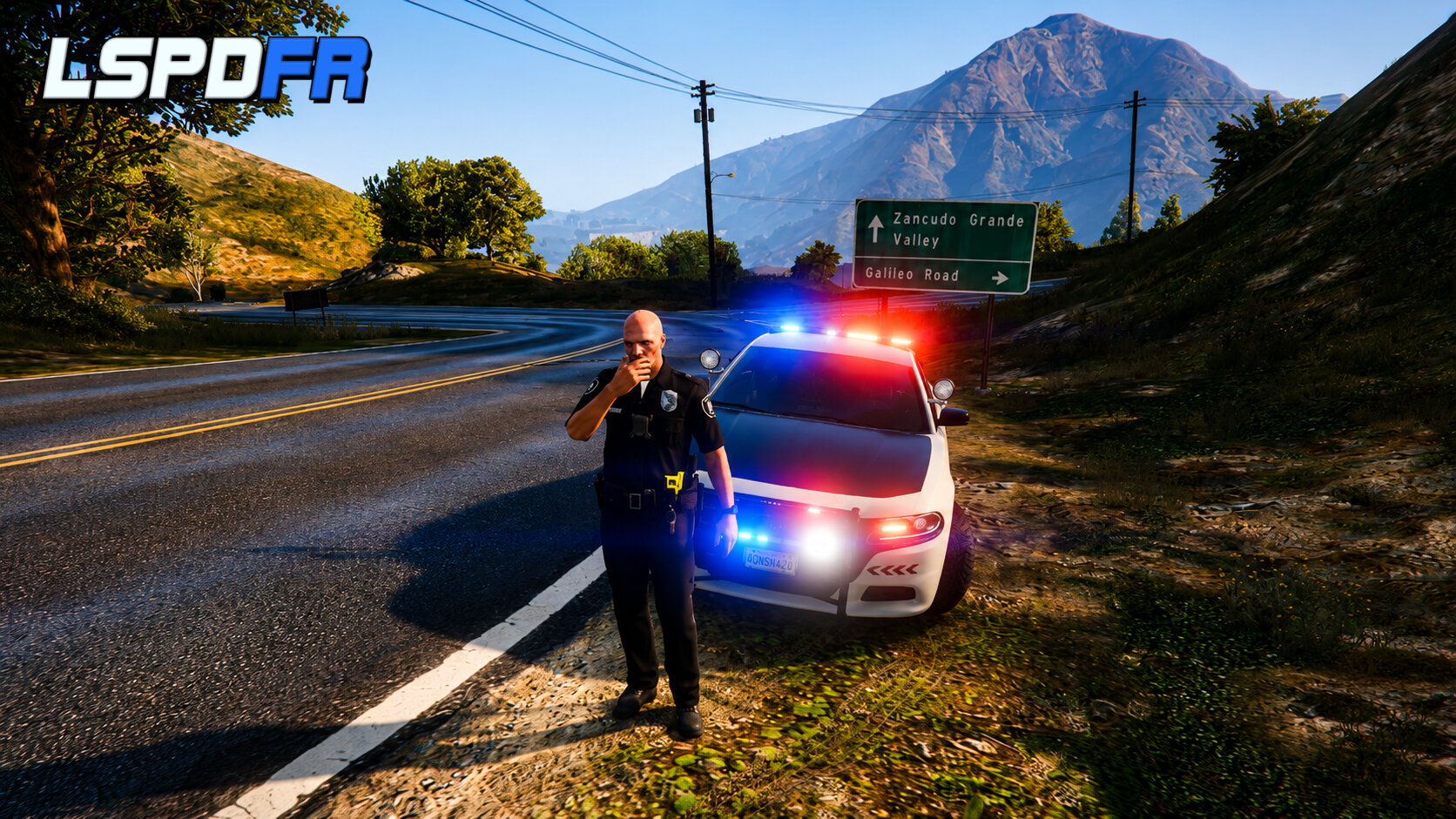
Background Radio Chatter adds a realistic, low-volume police-radio atmosphere to your LSPDFR patrols. Hear random background transmissions from dispatchers, officers, and other units while you patrol Los Santos and Blaine County.Compatibility Notice:Background Radio Chatter currently includes NAudio 2.3.0. Some other LSPDFR plugins, including certain BlueLine Dispatch mods and other plugins that use NAudio 2.2.1 may experience compatibility issues when installed together. This is a shared NAudio dependency conflict and does not necessarily indicate a fault with either mod. If any problems are encountered please let me know. Requirements: A Legal copy of GTA V, RAGE Plugin Hook, and LSPDFR. SHOWCASE VIDEO:MAKE SURE TO SET QUALITY TO HIGHEST
- 21 comments
- 3 reviews
-
-
-
- 3
-
.thumb.jpg.a636d455e34aba2dfc6c98690553567c.jpg)
.thumb.png.8cef6bf40847c87cdc7f2b84d14bb45d.png)