



OfficerDownLoad
Members
-
Joined
-
Last visited
Everything posted by OfficerDownLoad
-
Was seeing if anyone could rate my setup on if its good for heavy modding or just few stuff here and there. Ryzen 5 2600 (non X), 32GB DDR4 (Only showing 2133 speed?? IDK) 1060 (6GB) GPU! Current LSPDFR setup LSPDFR Enhanced, Simple Hud, ELS, 686 Callouts, Menyoo, PdComp, Stop the Ped, Ultimate backup, EUP (Law and Service), Callout Interface, Beach callouts, Campus callouts and I have 3 replace vehicles for Police, Police3 and Sheriff2. Thanks!
-
-
-
-
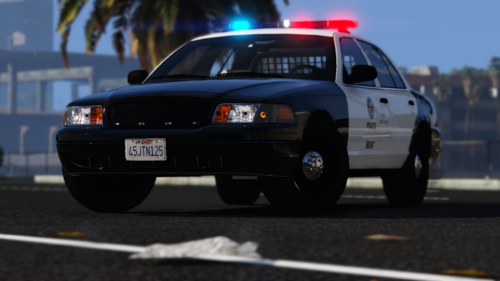 Cool crown vic! just had to edit xml els file like 2 things but other than that nice!
 -
 Love this mod! Only one question I have is when I turn off ALPR, after a few minutes it will still tag vehicles and the sound notification. Had ALPR lite also but remove that last week! Just curious haha
- 263 comments
- 16 reviews
-



