


Periphio9
Members
-
Joined
-
Last visited
Everything posted by Periphio9
-
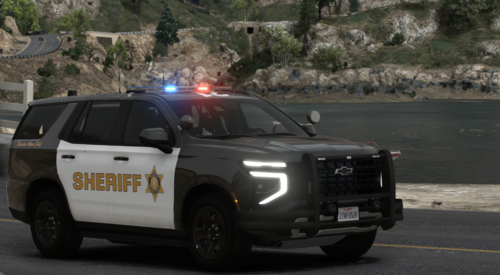 I only see the charger and a tahoe on the replacement files, how di u get the FPIU?
 -
 did you ever find the problem to this?
 -
 Hey man, late comment. I absolutely love these style interceptors along with the Tahoe and charger but with the explorer and charger it's not black. I installed on replace file red/blue twice now but still don't get the original black livery. Any help

