


nadav1
Members
-
Joined
-
Last visited
Everything posted by nadav1
-
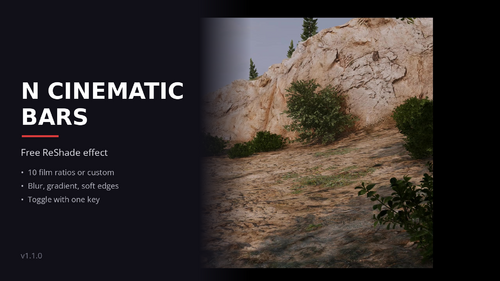 Make your LSPDFR footage look like a movie. N Cinematic Bars adds cinematic black bars to your screen, and you can change everything about them live in the ReShade menu. No restarting, no editing files. Set a hotkey and switch into film mode in the middle of a pursuit. FEATURES - 10 film aspect ratio presets (2.76:1 Ultra Panavision to 1.33:1 Academy 4:3) or your own custom ratio - Extra top, bottom, left and right bars, in percent of screen or pixels - Move the frame up/down or left/right, rounded corners - Any bar color and opacity, plus a two-color gradient - Blurred see-through bars - Soft edges between the bars and the picture - Edge line with its own color, width and opacity - Crop, fit or stretch the picture into the frame, plus zoom - Optional extras inside the frame: color grading, vignette, chromatic aberration, film grain (all off by default) - Lightweight: only the bars are drawn unless you turn on a setting that changes the picture PERFECT FOR - Pursuit and traffic stop clips - Gallery screenshots - Streams and YouTube videos INSTALLATION 1. Install ReShade (reshade.me) for GTA V with the standard effects. 2. Copy NCinematicBars.fx into <your GTA V folder>\reshade-shaders\Shaders 3. In game press Home, click Reload, tick "N Cinematic Bars". 4. Drag it to the bottom of the effect list. Full instructions are in README.txt. Tip: right-click "N Cinematic Bars" in the ReShade effect list to set a toggle key. Note: the bars cover the HUD and minimap too. REQUIREMENTS - ReShade with the standard effects (ReShade.fxh) - Tested on Direct3D 11 with ReShade 6.6.2, 6.7.1, 6.7.3 and 6.8.0 SUPPORT Questions or bugs? Discord: https://discord.gg/tDbrnhdtT Please don't reupload. Link to this page instead.
-
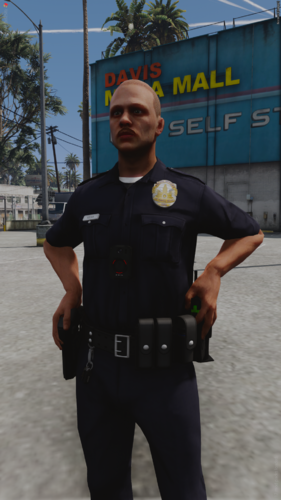 how do i get the charter to move with menyoo?
