
juriwpt
Members
-
Joined
-
Last visited
Everything posted by juriwpt
-
-
-
-
-
-
-
-
-
-
-
-
-
-
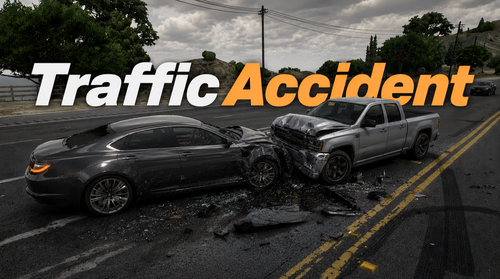 TrafficAccident The script detects vehicle accidents in traffic and makes NPC drivers respond more realistically by slowing down, rolling out naturally, and activating their hazard lights to create believable post crash scenes. Features:Realistic Accident Detection AI vs AI & AI vs player Authentic Vehicle Reaction After a Crash Automatic Hazard Lights More Realistic NPC Driver Behavior Requirements:ScriptHookV ScriptHookVDotNet Installation:Place TrafficAccident.dll and TrafficAccident.ini in your scripts folder Showcase: Attention!"Realistic Traffic AI" and other mods that affect traffic are not compatible because my mod changes the entire traffic system!