




BErad1502
Members
-
Joined
-
Last visited
Everything posted by BErad1502
-
-
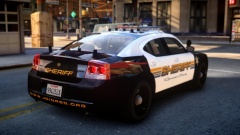
From the album: Random pics
-
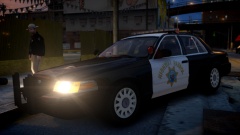
From the album: Random pics
Throwback to 2005 look. vehicle is Sgt.Kanyo this is purely for personal fun. Thanks Again for the AWESOME car Kanyo!!! -
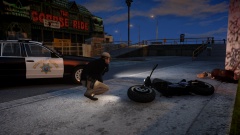
From the album: Random pics
-
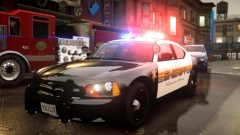 Thanks brother!
 -
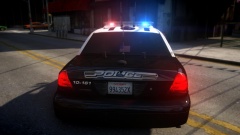 '?do=embed' frameborder='0' data-embedContent>>
 -
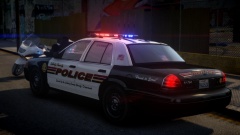 I am a fan of alot of antennas lol.
 -
From the album: My WIP Models
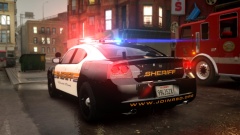
im slowly learning the process of assembling vehicles. maybe after alot of trials i might start releasing. these are just early WIP for now. -
From the album: My WIP Models
im slowly learning the process of assembling vehicles. maybe after alot of trials i might start releasing. these are just early WIP for now. -
From the album: My WIP Models
im slowly learning the process of assembling vehicles. maybe after alot of trials i might start releasing. these are just early WIP for now. -
From the album: My WIP Models
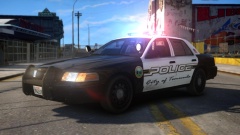
im slowly learning the process of assembling vehicles. maybe after alot of trials i might start releasing. these are just early WIP for now. -
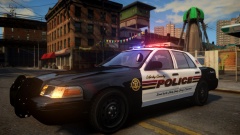
From the album: My WIP Models
im slowly learning the process of assembling vehicles. maybe after alot of trials i might start releasing. these are just early WIP for now. -
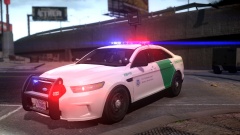 youd have to ask ironic. Its his model. i only made the skin during beta testing.
 -
It is my very first ever model lol. No its not released. it's very basic mainly just my textures that give it the wow factor.
-
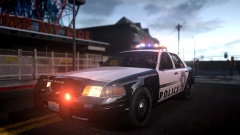 That model is not released and no I don't even have it anymore
 -
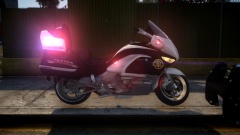 You would have to ask tmbb101 about that. I only made the livery
 -
Sent you a PM
-
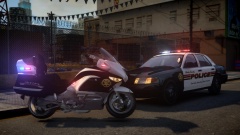
From the album: Random pics
Base model is available for Download put there by Leo All the Way. this bike has been an awesome joint effort by Tmbb101, Thed, Leo All the way and me for the Livery. -
From the album: Random pics
-
From the album: Random pics
-
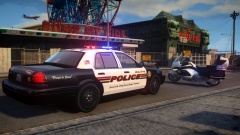
From the album: Random pics
Liberty County Police -
To be honest if you make a request and have any hope of it getting done. all information up front is needed. Me personally wouldn't do this, because your basically giving me a scavenger hunt. Speaking from my own point of view the less work i have to do researching a skin the more likely ill do the skin. So your best bet to get someone to do this is, is to Post images of what you want, post links to models you want skin,and the more you put into making the request the more you'll get from whoever takes it. good luck in the future.
-
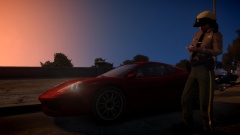
From the album: Random pics
Niko's Insurance is gonna go Up! -
-
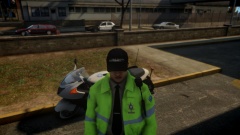
From the album: ON PATROL




