Lt.Zan
Members
-
Joined
-
Last visited
Everything posted by Lt.Zan
-
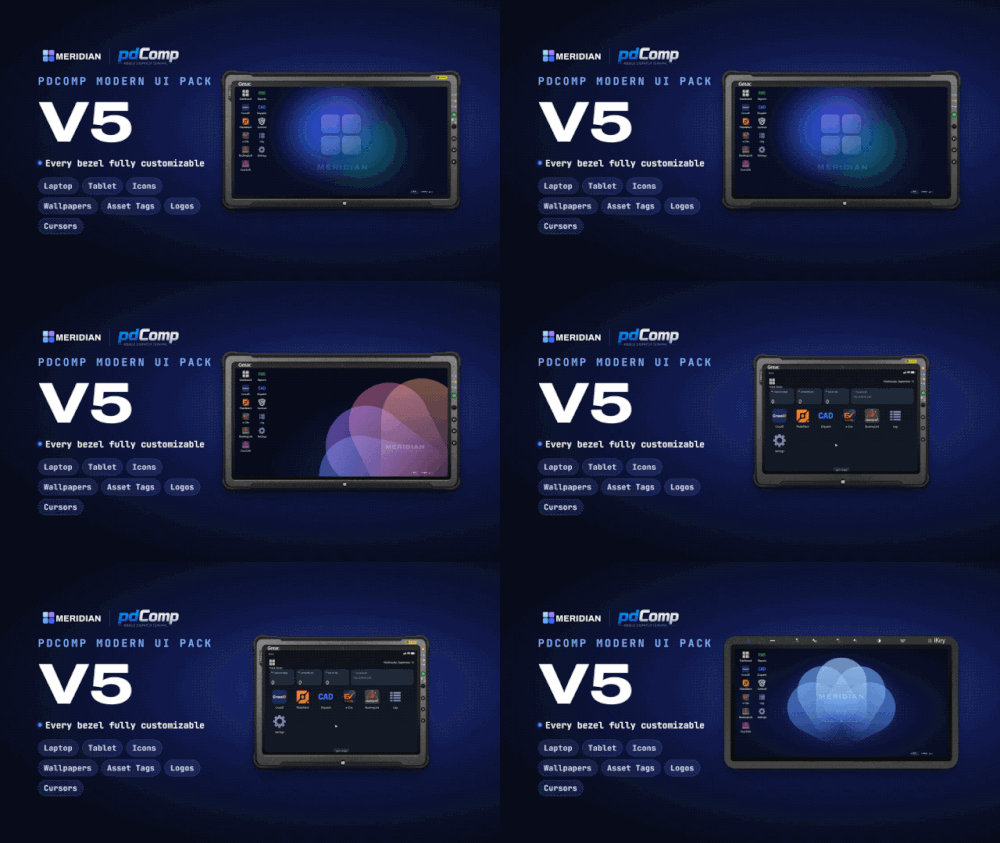 Appreciate the amount of time and effort with this!! Gives pdComp a whole new modern feel and look.
- 22 comments
- 5 reviews
-
-

- 1
-
-
 might install enhanced just to play around with this lol, i can see this being used in rp servers!! very cool
 -
-
 charger please!! 🙏🙏🙏🙏
 -
 This is for Central Real-Life Traffic Mod 2.7, The Banshee is indeed a Ferrari in this pack and not a Viper.
- 19 comments
- 1 review
-
-

- 1
-
-
Update coming later today with a few fixes and some new images, this is my first upload and I didnt expect this many people to use this lol so I want it as best as I can make it.
- 19 comments
- 1 review
-
yea if you have pdComp you could use this but the pictures that appear through pdComp wont match in-game vehicles you will have driving around.
- 19 comments
- 1 review
-
From CentralMods Patreon page, just google the name it will pop up, worth it if you have the extra money and if your pc can handle it.
- 19 comments
- 1 review
-
I looked into it and didnt find a folder for vehicles. The link for Nexus MDT lite is removed as of right now and i dont have the paid version sadly
- 19 comments
- 1 review
-
I made it for personal use but I assumed others would appreciate it as well. glad you like it
- 19 comments
- 1 review
-
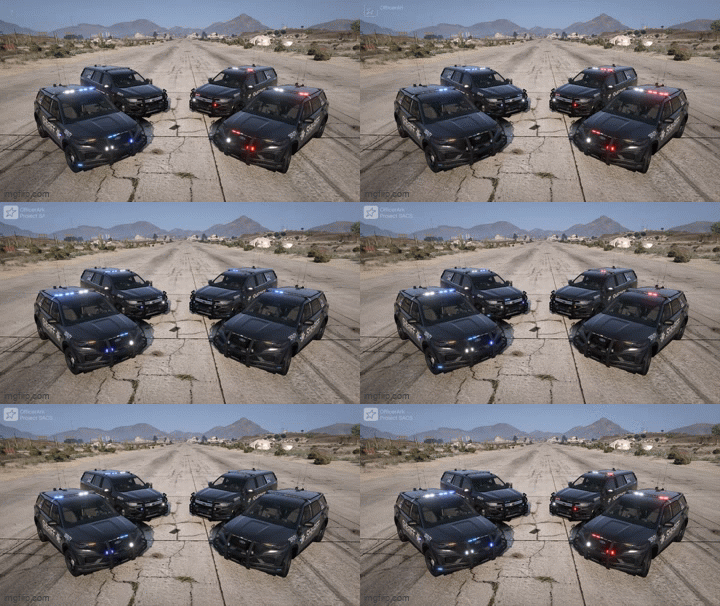
🚓 pdComp Real Life Vehicles v3Upgrade your pdComp experience with a collection of high-quality, real-world vehicle thumbnails for Central Real-Life Traffic Mod v2.9. Each vehicle image has been captured in-game using QuantV and formatted with consistent camera angles, lighting, and resolution for a clean and realistic look in pdComp. ✨ FeaturesReal-world vehicle images replacing default GTA V thumbnails Designed for Central Real-Life Traffic Mod v2.9 Covers all spawnable vehicles from Central Traffic Mod v2.9 Includes default GTA V vehicles not replaced by the traffic mod 320×180 resolution Consistent framing, lighting, and image quality Simple plug-and-play installation 📋 RequirementsLSPDFR pdComp Central Real-Life Traffic Mod v2.9 📦 InstallationDownload pdComp Real Life Vehicles v3. Drag the included Plugins folder into your main GTA V directory. If prompted, select Replace the files in the destination. Launch GTA V and enjoy your updated vehicle thumbnails in pdComp! ⚠️ CompatibilityCentral Real-Life Traffic Mod v2.9: Use v3.0 Central Real-Life Traffic Mod v2.7 / v2.8: Use v2.2
- 19 comments
- 1 review
-
-
-

- 4
-
-
-
Tahoe, FPIU, Charger, and F-150 with maybe some Slicktop/Unmarked variants! Absolutely love the lighting on this pack, cant wait to see what is next for this!