Lt.Zan
Members
-
Joined
-
Last visited
Everything posted by Lt.Zan
-
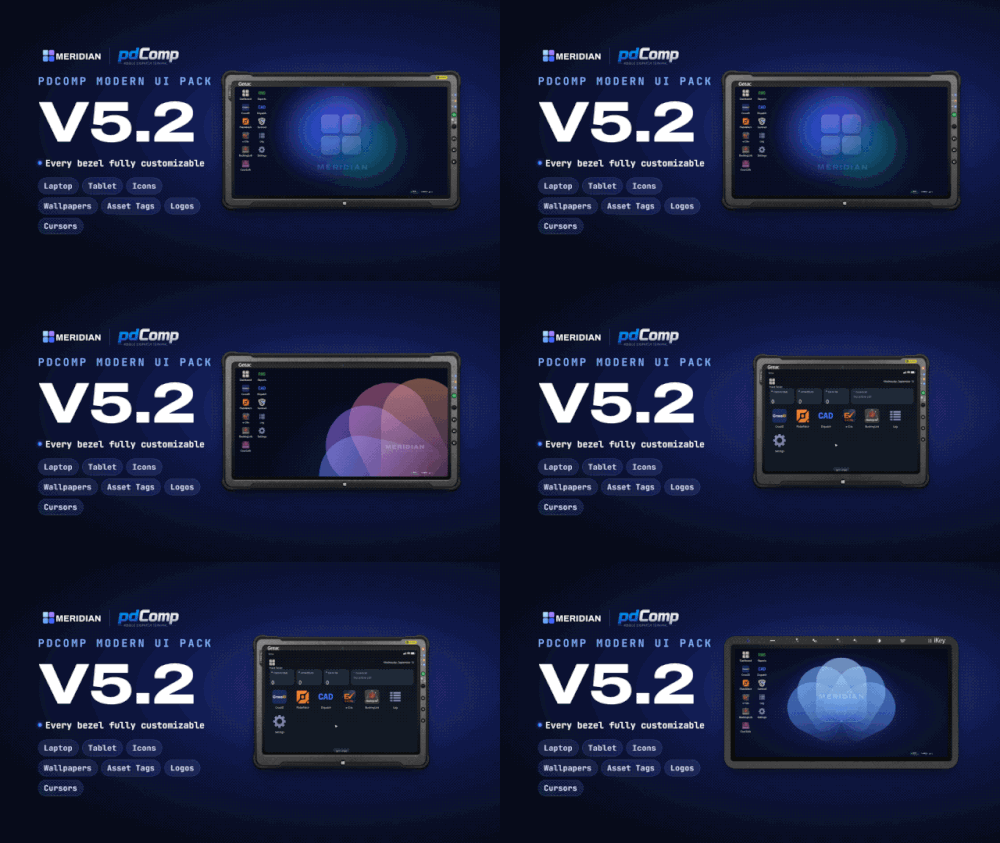 Appreciate the amount of time and effort with this!! Gives pdComp a whole new modern feel and look.
- 26 comments
- 6 reviews
-
-

- 1
-
-
 might install enhanced just to play around with this lol, i can see this being used in rp servers!! very cool
-
 thanks for letting me know!! ill get a update out as soon as i can :)
-
 charger please!! 🙏🙏🙏🙏
-
This is for Central Real-Life Traffic Mod 2.7, The Banshee is indeed a Ferrari in this pack and not a Viper.
-
Update coming later today with a few fixes and some new images, this is my first upload and I didnt expect this many people to use this lol so I want it as best as I can make it.
-
yea if you have pdComp you could use this but the pictures that appear through pdComp wont match in-game vehicles you will have driving around.
-
From CentralMods Patreon page, just google the name it will pop up, worth it if you have the extra money and if your pc can handle it.
-
I looked into it and didnt find a folder for vehicles. The link for Nexus MDT lite is removed as of right now and i dont have the paid version sadly
-
I made it for personal use but I assumed others would appreciate it as well. glad you like it
-
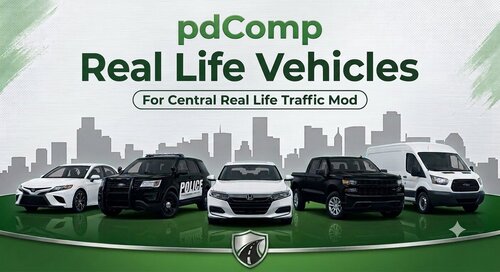
🚓 pdComp Real Life Vehicles v3Upgrade your pdComp experience with 270 high-quality, real-world vehicle thumbnails for Central Real-Life Traffic Mod v2.9. Every thumbnail is captured in-game using QuantV and formatted with consistent camera angles, lighting, and resolution for a clean, realistic look in pdComp. ✨ Features270 vehicle images created for pdComp Real-world vehicle thumbnails replacing default GTA V images Designed for Central Real-Life Traffic Mod v2.9 Covers supported spawnable vehicles from Central Real-Life Traffic Mod v2.9 Includes default GTA V vehicles not replaced by the traffic mod 320×180 image resolution Consistent framing, lighting, and image quality Simple drag-and-drop installation 📋 RequirementsLSPDFR pdComp Central Real-Life Traffic Mod v2.9 📦 InstallationDownload pdComp Real Life Vehicles v3. Extract the downloaded archive. Drag the included Plugins folder into your main GTA V directory. If prompted, select Replace the files in the destination. Launch GTA V and enjoy your updated vehicle thumbnails in pdComp! ⚠️ CompatibilityCentral Real-Life Traffic Mod v2.9: Use v3.1. Central Real-Life Traffic Mod v2.7 / v2.8: Use v2.2. 📌 Important NoticeThe optional vehicle image collection for emergency vehicles, boats, aircraft, and addon vehicles has been permanently discontinued. These vehicles are not included in the current release and will not be supported in future updates. Future updates will focus on supported standard traffic vehicles and thumbnail improvements. Thank you for downloading and supporting pdComp Real Life Vehicles! 🚔
-
-
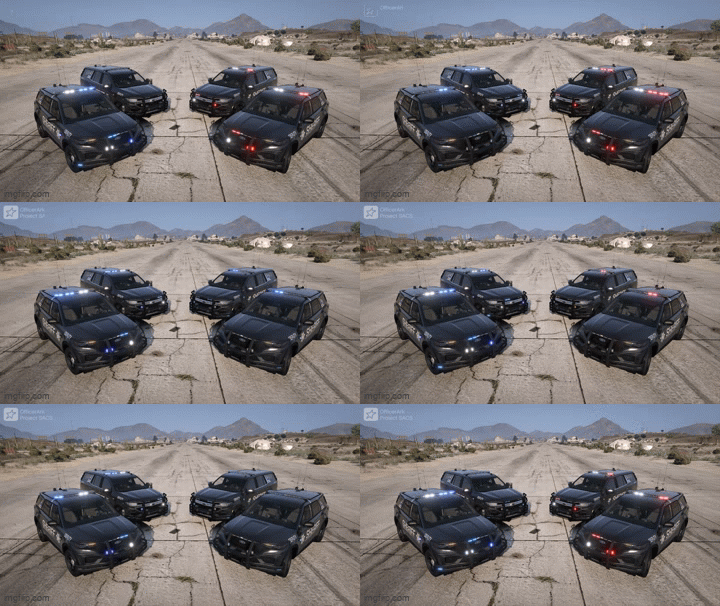
Tahoe, FPIU, Charger, and F-150 with maybe some Slicktop/Unmarked variants! Absolutely love the lighting on this pack, cant wait to see what is next for this!