


Ickthy
Members
-
Joined
-
Last visited
Everything posted by Ickthy
-
 That's just a you problem more than anything else. Nobody else I know has complained of the default EUP causing crashes in the past. Try watching an installation tutorial and reading the installation guide, that should help you out.
- 2,353 comments
- 238 reviews
-
 Love this mod so far! It definitely helps with trying to do stuff with PR on the fly. Though I did notice that there's a weird bug relating to the OpenKey. I tried rebinding the key to my semicolon key, and that for some reason causes the menu to not work even though I am absolutely positive the key format is correct (I even checked Microsoft's Keys Enum page to make sure). Seems like all the other "Oem" keys are working besides the semicolon based on what I've tested so far (quotes, period, comma, etc). -- Other Info -- - Latest Version of PR (1.0.0.5) - Latest Version of pdComp (0.4.2) - Latest Version of LSPDFR (0.4.9) RagePluginHook.log
- 5 comments
- 1 review
-
-

- 2
-
-
 THIS IS SO PEAK!!! I've been following the development process since Zeep started working on this idea, and he's put a TON of hard work and effort into making this a reality. PLEASE download this to support the guy; It's definitely worth installing if you want more realistic AR and Pistol audio for your patrols.
 -
.thumb.png.8037129bc2526a9a9c435f4295948c9e.png) That did the trick - thank you so much! Love the script now that it finally works. I'll definitely be using this a lot for any sovereign citizens I come across during my patrols 😅
That did the trick - thank you so much! Love the script now that it finally works. I'll definitely be using this a lot for any sovereign citizens I come across during my patrols 😅- 7 comments
- 1 review
-
-
- 1
-
-
I'm having issues with getting the script to detect ScriptHookVDotNet3. The files for it are all in my GTA Main Directory, and the files for this script are in my scripts folder. Any ideas as to what may be causing this?
- 7 comments
- 1 review
-
-

- 1
-
-
-
 Just tested this plugin with the default ASI and that was indeed the problem. Very strange how just changing the button click audio would cause this plugin to start throwing a temper tantrum.
- 15 comments
- 3 reviews
-
-
- 1
-
-
-
Just tested this with PR and for some reason, my units are still spawning in with their sirens blaring when I call for Code 2's. Files were placed in their proper location and nothing was changed in the ini file. I tested this with both replace and add-on vehicles, and both seem to still be rolling Code 3 instead of Code 2. Any ideas on what could be causing this @Lunaveli?
- 15 comments
- 3 reviews
-
-
- 1
-
-
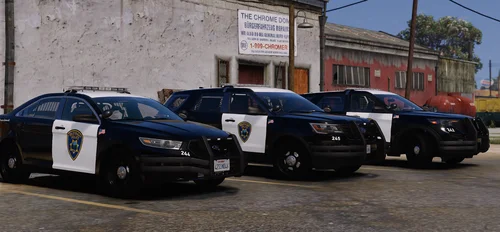 Fair enough - You're completely entitled to that opinion. I personally use both DLS and ELS so I'm not gonna argue one is better than the other, but I'm just saying dude - you're eventually gonna get left behind if you continue to exclusively use ELS.
 -
The time for ELS cars has passed; DLS is slowly becoming the new standard for vehicle packs due to the features it comes with and the customization options it allows for. If you want to stick to ELS cars, just look for a model that looks like the one included in this pack and make the textures yourself.
-
 Hey again! I just downloaded the updated version of this livery pack and I discovered two strange things which I was hoping you could comment on: 1) The folder for the Davis PD Crown Vic is mislabeled as "DPPD1 - 2006 Ford CVPI" when it should be "LSDD1- 2006 Ford CVPI." DPPD1 is associated with the Del Perro PD Tacoma, not the Davis PD Crown Vic. 2) For some odd reason, the LSTP folder includes the livery + light template instead of the updated livery you made for that. Was that done on purpose?
 -
Appreciate the response brother! Yeah no man - I totally get that. It's hard trying to come up with designs, especially when you're trying not to go for the classic black and white design that so many departments seem to have. Like I said man, I'm more than happy to help you come up with designs if you want the help -- Just let me know, and I'll drop my Discord or something like that so we can talk more. Also for 2k liveries - all you have to do is resize the livery from 4096 x 4096 to 2048 x 2048. That's it.
-
This looks like a really great pack dude! I've been trying to rework Thero's pack myself for the past few months to get it to my liking. I very well might just download a few of your liveries to help reduce the amount of liveries I need to overhaul in the long run haha. Also, let me know if you need help expanding this livery pack by the way! It seems to me you're missing a few departments from Thero's pack right now, so I'm more than happy to pitch in, and give you some ideas based on what I've made so far.
-
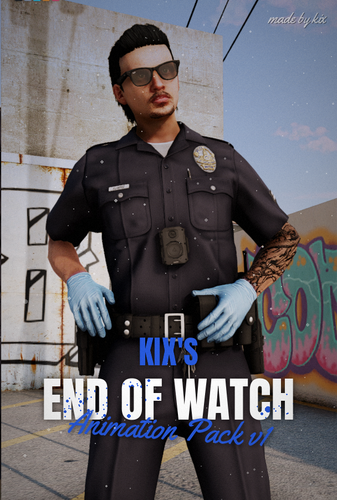 Download the below for the customanims folder. https://www.gta5-mods.com/misc/custom-animations-add-on-customanims Clip_mp_.rpf will be inside of the path dlcpacks -> customanims -> dlc.rpf -> x64 -> anim -> ingame.
 -
Love these emotes a lot - thanks for making them Kix! Also, for anyone downloading these for a singleplayer build, simply download the ycd files to your clip_mp_.rpf file inside customanims, and add these lines to your "FavoriteAnims" xml file inside your "menyooStuff" folder: <Anim dict="kix_endofwatch1@animation" name="kix_endofwatch1_clip" /> <Anim dict="kix_endofwatch2@animation" name="kix_endofwatch2_clip" /> <Anim dict="kix_endofwatch3@animation" name="kix_endofwatch3_clip" /> <Anim dict="kix_endofwatch4@animation" name="kix_endofwatch4_clip" /> <Anim dict="kix_endofwatch5@animation" name="kix_endofwatch5_clip" /> I'm not exactly sure where the ytd/ydr files for the warbag prop would go, so chances are emote 3 will not work properly for single player; however, feel free to correct me if I'm wrong.
-
 YOOOOOOOOOOO CRUNCYCAT IS BACK 🎉🎉🎉 Tysm for making this dude - been wanting to install more patrol vests into my game for the longest time.
- 9 comments
- 1 review
-
 LET'S GO I CAN FINALLY SPRAY MY SUSPECTS WITH NOT JUST BULLETS, BUT CAPCACIN TOO! 😍🌶️ But seriously though, thank you so much for releasing this dude. This is gonna be SO much fun to use during patrols.
 -
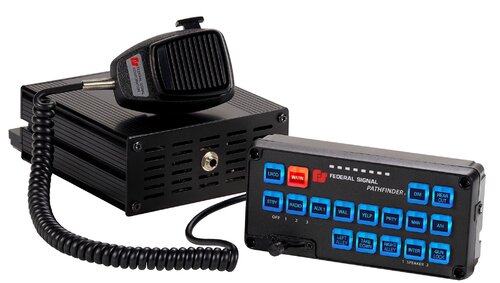 Mods -> x64 -> audio -> SFX -> residents.rpf -> vehicles.awc For further assistance, as OneStar already said, look up a YouTube tutorial. The explanation for how to install sirens is WAY too long for an LCPDFR comment.
- 10 comments
- 2 reviews
-
-
- 1
-
-
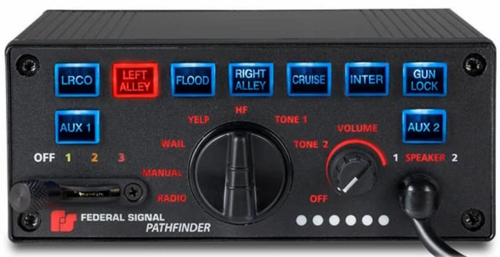 For the people who already have other sirens installed like myself, it would be really nice to also have the siren tones in a "Raw Tones" folder for preview/reconfiguration rather than having to scroll through 100+ other vehicle sounds to find the ones you changed. Sirens sound nice though.
 -
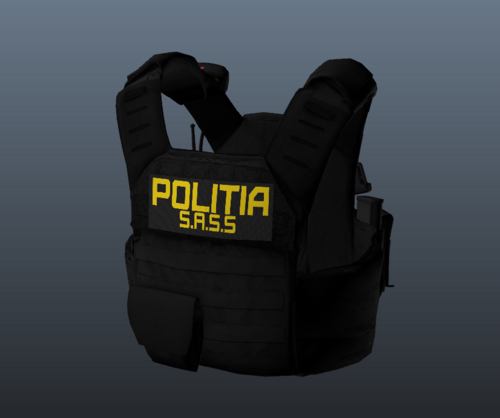 Thanks for publicly addressing that concern and apologizing for the overlook dude! Glad to see you were receptive to the feedback instead of doubling down on the mistake, and being a total ass about it. Very rare to see nowadays with so many egotistical jerks online.
 -
This looks really nice man - Really love how the vest looks overall. My only gripe with it though is how it looks to be exactly the same as Hanako's vest down to the exact same folder path and replace model he used for his EUP Vests and Earpieces" Mod. Now I'm not going to claim you stole/retextured Hanako's model without crediting it, but if you did -- it would be really nice if you included his name somewhere in the mod's description/credits tab instead of claiming you designed EVERYTHING.
-
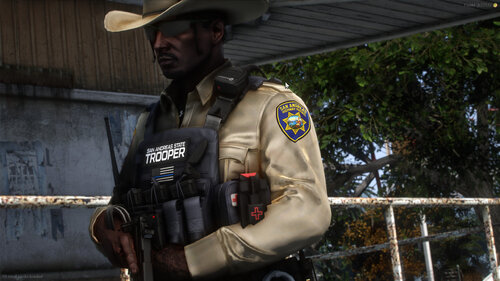 Thanks for the quick response to my feedback, and for dropping the link to your LAPD pack!
 -
 This looks like such a useful plugin for people to use - especially those who use PolicingRedefined where you can't request taxi pickups/notify insurance to repo a car. Plus the ability to call a supe is fire as well 👌Like I said in BLV's Discord - genuinely can't believe that this is something you would let the public use for free. Thank you for doing that instead of locking it behind a paywall like so many developers tend to do nowadays with game-changing plugins/mods like this and pdComp!
- 49 comments
- 10 reviews
-
-
-

- 6
-
-
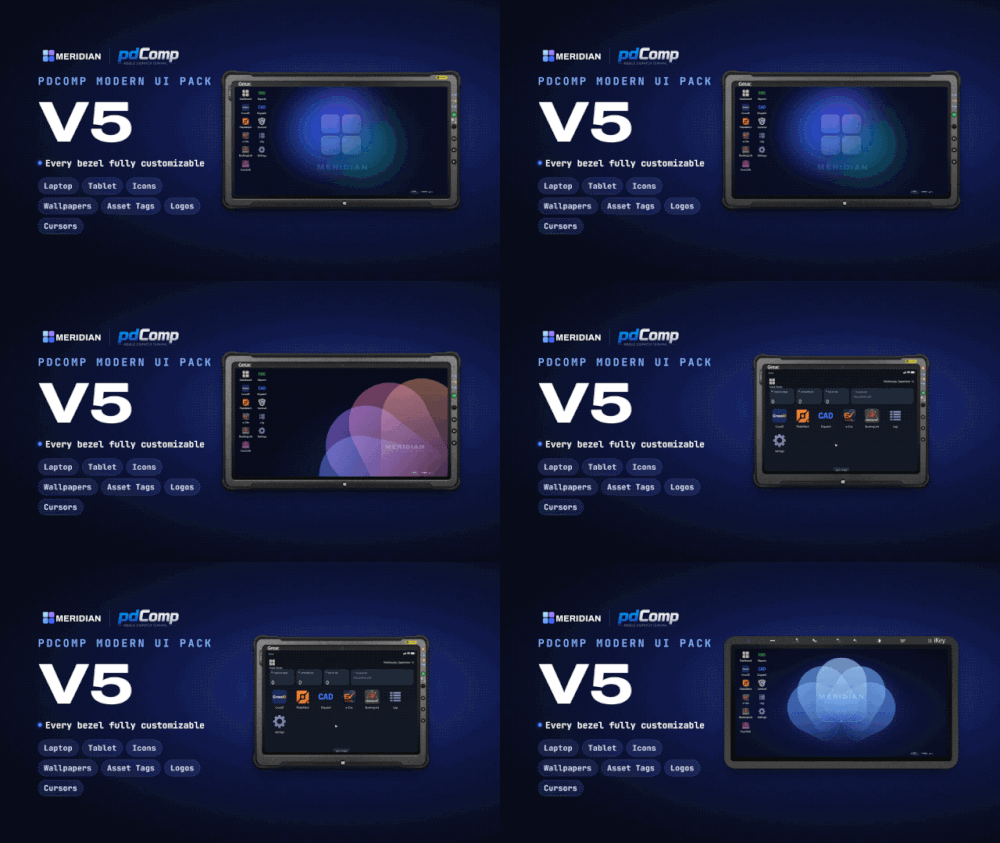 These assets are incredible dude! I've got my own icons I use for my own pdComp setup, so I think I'll skip out on the ones you included; however, I'll most definitely have to try out some of those bezels. Thanks for making these ❤️
- 22 comments
- 6 reviews
.thumb.png.8037129bc2526a9a9c435f4295948c9e.png)
