J T
Members
-
Joined
-
Last visited
Everything posted by J T
-
-
-
-
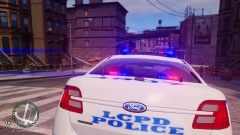
From the album: lcpdfr
by vertex3d -
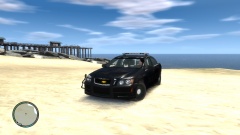
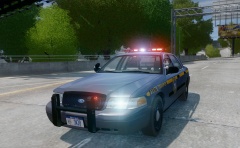
From the album: lcpdfr
by vertex3d released today -
fabriciuz just released liberty timecycle v1 http://www.facebook.com/fabriciuzgraphics I gotta say this is the best timecycle ive ever seen its basically non enb version of cryenb v1
-
-
theres an interceptor pack coming soon by xb consisting of nypd and nysp, slicktops and unmarked also sgt kanyo released some nypd cars and bxbugs on gta police mods
-
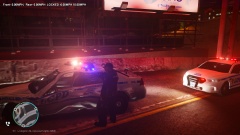
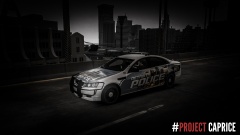
From the album: lcpdfr
possible hit and run -
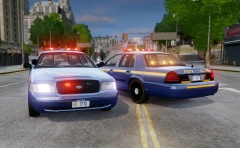 are these still planned for release?
 -
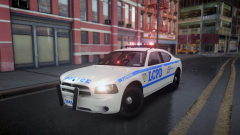 you make that charger?
 -
 love this huge step up from v7...only problem is I crash a lot at loading screen
- 534 comments
- 206 reviews
-
-
sgt kanyo made some really nice nypd cars
-
they look awesome...will this have like a siren mute? when you turn on els the cars move out of the way instead of using the siren all the time thatd be handy
-
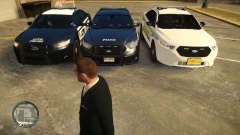 it may look better in this pic but the updated interceptor that xb made I think looks better and its still not finished yet
 -
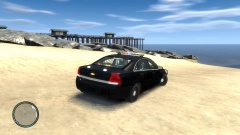
From the album: lcpdfr
-
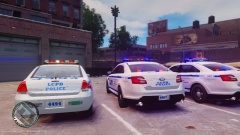 modified cryenb 10 enhanced for els...I will release the settings once I figure out a good color for the trees
 -
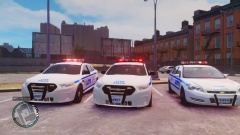 hahahaha he dislikes this wont be able to outrun em now
 -
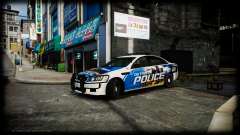 lookin sharp!
 -
xbr410 might make one along with a fpi sedan version
-
yup theres definitely damage on the car
-
yeah I think hes going to add that im just testing to make sure theres no errors or anything with the models and he will be making an unmarked interceptor and ford explorer and a highway patrol version
-
this looks so awesome cant wait! awesome job....will this work on any car or will the cars have to be optimized for els 8?
-