




J T
Members
-
Joined
-
Last visited
Everything posted by J T
-
-
-
-
-
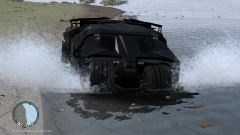 no its not big enough! haha thanks
 -
I think there needs to be an age limit to join on here...18+ this is one of the most immature forums ive ever been in granted ive only been a part of few truck forums but since grand theft auto iv is rated m for mature this site should also go by that and then maybe there wouldn't be so much drama on here because that's all ive seen the past few years nothing but drama queens
-
-
From the album: gotham
-
 haha yeah to bad there isn't a wayne manor map
 -
-
From the album: gotham
-
-
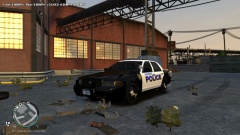
From the album: lcpdfr
alderney police -
-
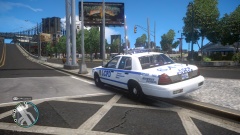
From the album: lcpdfr
-
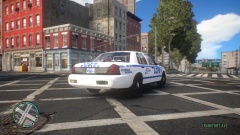 it spawns four different liveries and those in the pictures are part of the car
 -
-
-
-
-
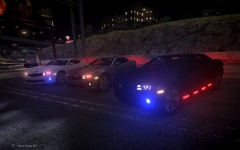 those are pretty sick
 -
-
-
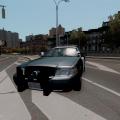 theres already a shit ton of lapd and chp vehicles released...gta v pc will be released In a few months
- 14 comments
- 5 reviews
-
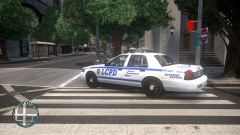 just stock all I changed was the cardefault emissive in the visual settingbecause it was set to low






