




J T
Members
-
Joined
-
Last visited
Everything posted by J T
-
-
-
-
-
 it sure would be nice to see some cop cars with dual spotlights for a change
- 67 comments
- 21 reviews
-
-

- 1
-
-
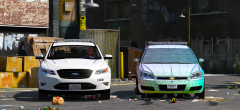 please for the love of god don't use that Taurus the police use 13 and up and they look much better
 -
-
-
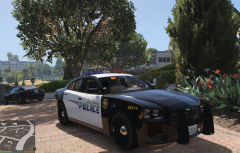 that's what I thought when I seen a nysp car in san andreas
 -
-
-
without rockstar there would be no lcpdfr and no lspdfr or this community
-
-
-
-
-
-
-
-
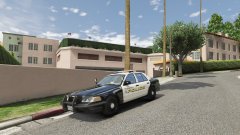 project reload
 -
-
-
-
-
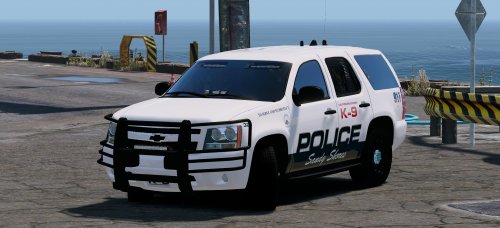 go into visual settings and under edit type in emissive bits then go to car.defaultlight.day.emissive.on and car.defaultlight.night.emissive.on and turn those values up until you get the desired look
- 41 comments
- 18 reviews
-
-
- 1
-



