
Skip to content
View in the app

A better way to browse. Learn more.

LCPDFR.com

A full-screen app on your home screen with push notifications, badges and more.

To install this app on iOS and iPadOS
  1. Tap the Share icon in Safari
  2. Scroll the menu and tap Add to Home Screen.
  3. Tap Add in the top-right corner.
To install this app on Android
  1. Tap the 3-dot menu (⋮) in the top-right corner of the browser.
  2. Tap Add to Home screen or Install app.
  3. Confirm by tapping Install.

Johnnybot3

Members

Files posted by Johnnybot3

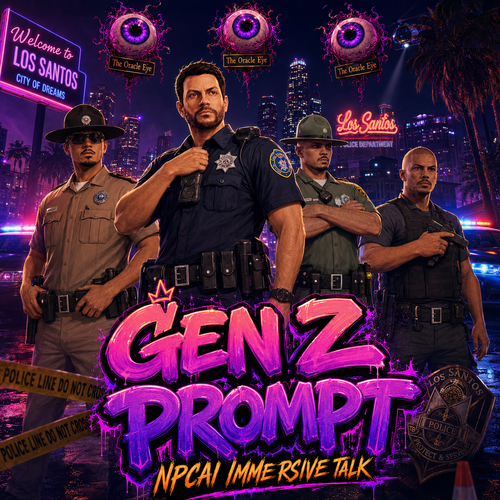
  1. This is not your usual prompt — this is something different.
    I built this myself using C++ and a hybrid engine system to push NPC interaction further than normal strict-command roleplay. I am the creator of the prompts, and yes, parts of my
    source code are included in this release.
    This is still not the full version yet, but even this beta is built to make NPCs feel more alive, more reactive, and way more natural in-game.

    TRY IT BEFORE YOU JUDGE IT
    Before you talk smack and roar at your computer, download the prompt, actually try it in-game, and see for yourself. :)

    Pasted content


    • 179 Downloads
    • 5 Comments
    Updated

Account

Navigation

Search

Search

Configure browser push notifications

Chrome (Android)
  1. Tap the lock icon next to the address bar.
  2. Tap Permissions → Notifications.
  3. Adjust your preference.
Chrome (Desktop)
  1. Click the padlock icon in the address bar.
  2. Select Site settings.
  3. Find Notifications and adjust your preference.