


Vulture203
Members
-
Joined
-
Last visited
Everything posted by Vulture203
-
okay Alright it took awhile to download for some reason but I installed it and I still got the same result. It seems I didn't have the latest version of native ui though. But it's still on the loading screen. So not successful yet
-
No I don't believe so
-
EUP, trainerv, els, 2021 dodge durango, lapd vehicle overhaul, glock 17, x26, compulite, stoptheped ultimate backup, supercallouts, i think thats it
-
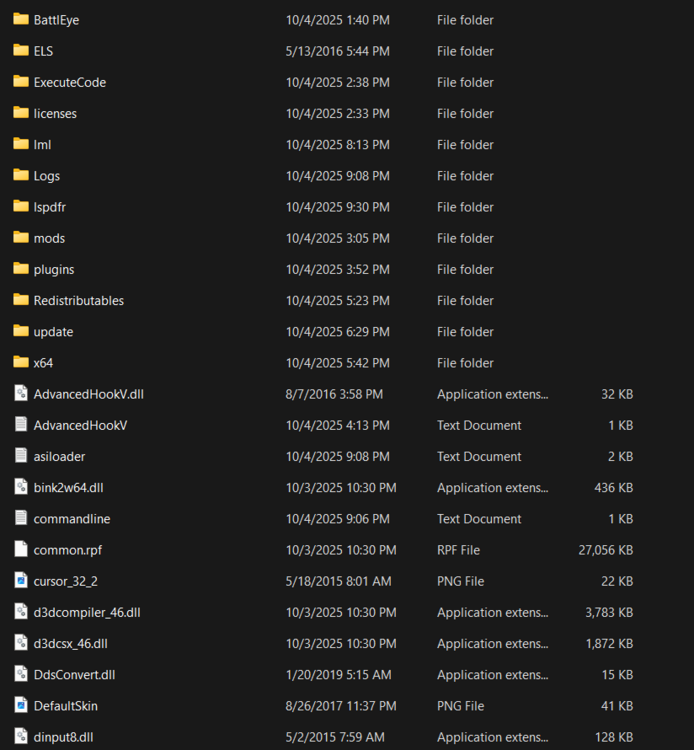
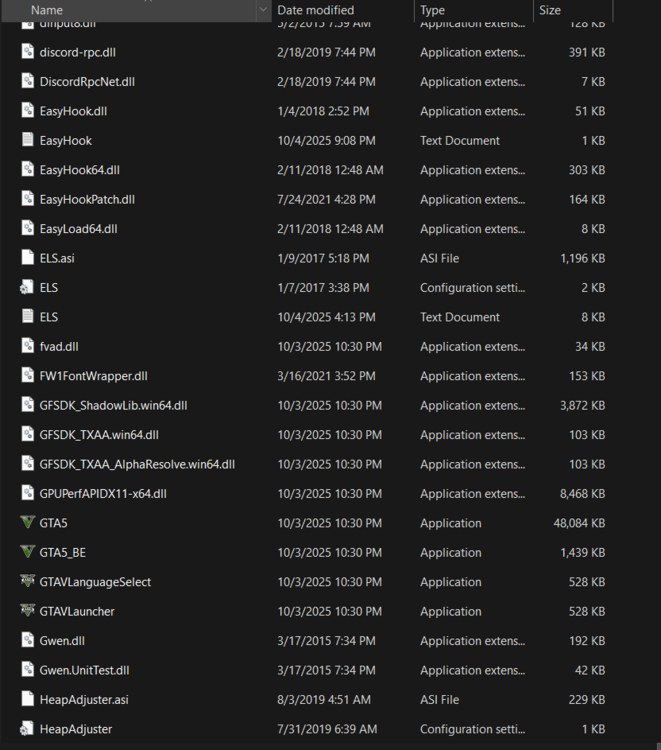
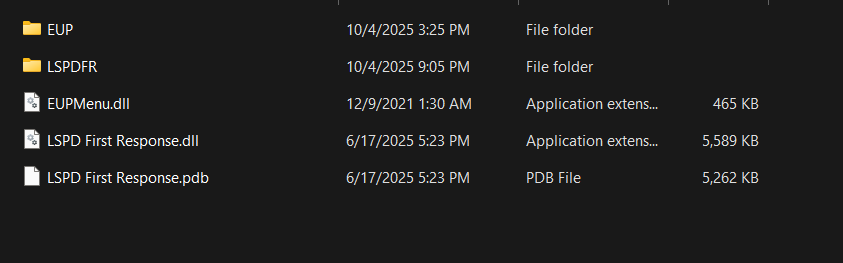
-
Its located in: This PC/ OS C/ Program files x86/ steam/steamapps/Common/ gta v
-
You mean where my gta 5 is located on my pc?
-
Yes heap adjuster and pack adjuster are installed. Latest versions. Those are meant to be pictures


-
Yes. Search Rescue, mega pack and menu but those were the first mods I installed and they seemed to run fine. I was able to load in.
-
Alright I'll try this now So I deleted both files. I started RPH and it crashed but it worked a second time but it still did not load. Still stuck on the loading screen. New log RagePluginHook.log I also recently installed Simple HUD and trainerv. Along with the x26 and glock 17. Are any of these outdated?
-
So I should delete the vocal dispatch folder and police smart radio folder and the dlls?
-
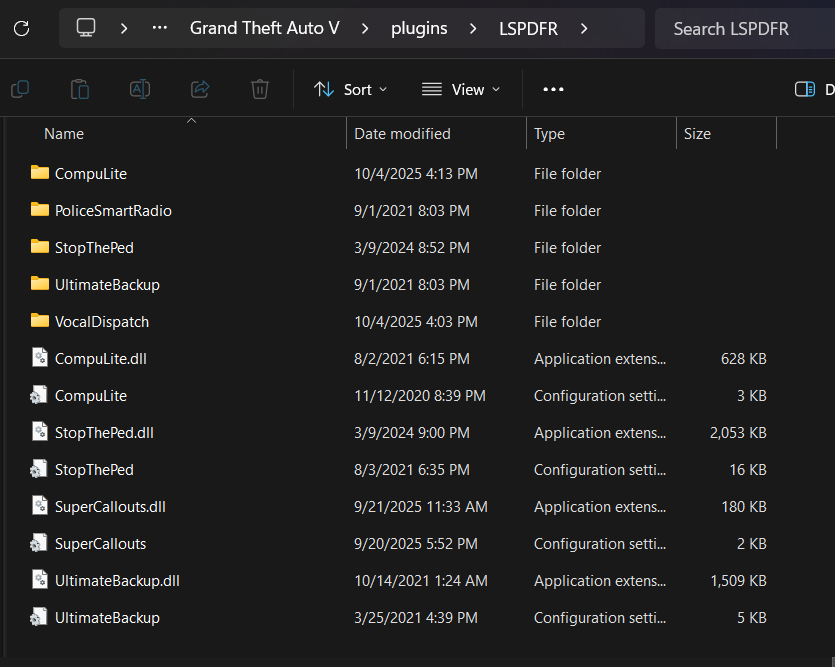
-
Everything is up to date
-
New hook file after installing gameconfig RagePluginHook.log
-
@Firmtry Tried and still got the same result
-
Hi. I recently downloaded LSPDFR and installed some mods. It worked fine for a few days but I booted it up one day and it just would not get pass the loading screen. It said it had loaded both my plugins and I was just stuck waiting there. I disconnected antivirus, tried changing it to not load any plugins and verified game files. It simply wouldn't get pass the loading screen. So I'm not sure what to do now. RagePluginHook.log I waited a few minutes and decided to quit the game To Clarify this is not a black screen. It is the GTA story mode loading screen


