
John Q MERICA
Members
-
Joined
-
Last visited
Everything posted by John Q MERICA
-
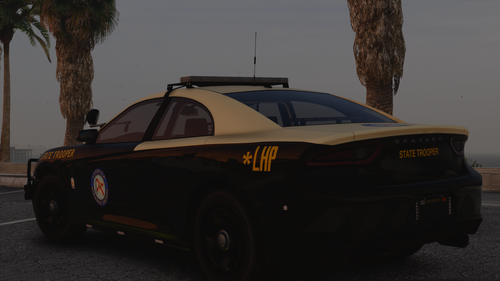 These look amazing. Would you be willing to do a SAHP version? I've switched to Enhanced and am doing a lore-friendly conversion mod list.
 -
-
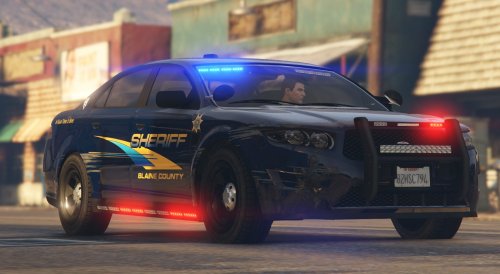 Converted this and the slick top Buffalo SX to Enhanced. Works like a charm. Looks great! Thank you for your time and effort.
- 1 comment
- 1 review
-
-

- 1
-
-
-
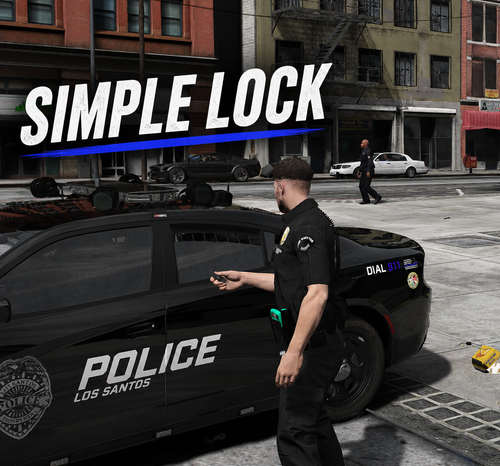 Works perfectly on Enhanced. Didn't know I needed this until I tried it. Thanks!
 -
-
-
-
-
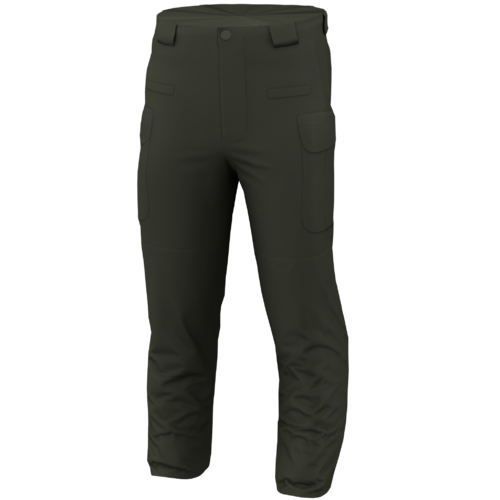 These look great. Would you be willing to add a dark blue color to match the LSPD uniform tops? Thank you.
 -
-
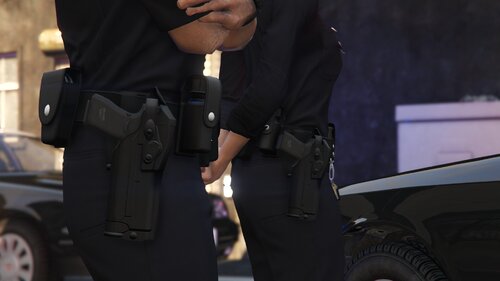 This is an outstanding holster. Converted to Enhanced and installed as a replacer. Works great. Thank you.
- 21 comments
- 4 reviews
-
Enjoying this so far. Works great on Enhanced. Thank you.
-
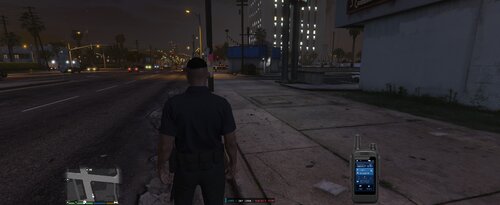 Would definitely like to see PR support as I'm on Enhanced. Looks pretty cool. Thanks.
 -
 This outfit is sick! Where did the belt and holster come from?
 -
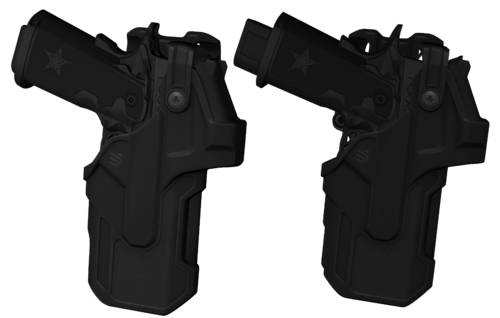 Converted to Enhanced. Looks great! Works with Cop Holster and Realistic Holster. Perfect for Heavy Pistol users like me. Thank you.
- 9 comments
- 2 reviews
-
-
I added RageNativeUI, which works fine on Enhanced, and Policing Redefined. Testing the results here in a minute after I get keybindings sorted. Thank you for your replies.
-
I have NexusMDT Lite but the problem happens with or without the computer plugin. RagePluginHook.log
-
As the title says, when I use the computer to search plates or ID's nothing shows up. Also, when I search NPC's I get no display of results. I'm using the interior fixed version of LSPDFR for GTA 5 Enhanced. I've tried with and without my additional mods.
-
-
-
 These are f***ing amazing! Can confirm these work on Enhanced like a charm. Thank you.
- 86 comments
- 15 reviews
-
-

- 1
-
-
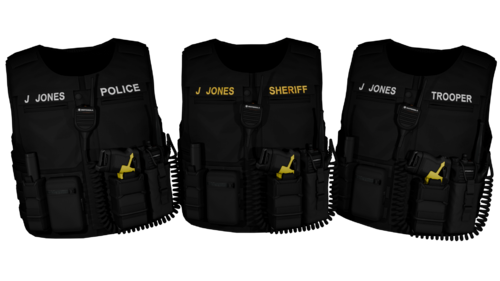 I was hoping for a GTA V Enhanced conversion of the single player Legacy files. I can get the models to work with Codewalker but the textures are the wrong format and beyond my skillset. Thank you.
 -
Would you be willing to do an Enhanced version of this?