Skip to content
View in the app

A better way to browse. Learn more.

LCPDFR.com

A full-screen app on your home screen with push notifications, badges and more.

To install this app on iOS and iPadOS
  1. Tap the Share icon in Safari
  2. Scroll the menu and tap Add to Home Screen.
  3. Tap Add in the top-right corner.
To install this app on Android
  1. Tap the 3-dot menu (⋮) in the top-right corner of the browser.
  2. Tap Add to Home screen or Install app.
  3. Confirm by tapping Install.

PoppeyeTopFR

Members
  • Joined

  • Last visited

  1. Poppeye Reyes     Went on-duty at Vespucci Police Station in Mission Row, Atlee Street
  2. Poppeye Reyes     Finished responding to a Wanted Criminal In Car in Rockford Hills, Dorset Place
  3. Poppeye Reyes     Arrested Tyler Ryson in Rockford Hills, Dorset Place
  4. Poppeye Reyes     Responded to a Wanted Criminal In Car in Rockford Hills, Dorset Drive
  5. Poppeye Reyes     Finished responding to a Arrest Warrant in Rockford Hills, Dorset Drive
  6. Poppeye Reyes     Finished responding to a CC Deputy Check in Pacific Bluffs, Eclipse Boulevard West
  7. Poppeye Reyes     Responded to a CC Deputy Check in Del Perro, Bay City Avenue
  8. Poppeye Reyes     Finished responding to a PedestrianHit in Los Santos International, Plaice Place
  9. Poppeye Reyes     Arrested Micheal Caine in Los Santos International, Runway1
  10. Poppeye Reyes     Performed a traffic stop on a Black Bati 801RR with registration 46SAI011 in Los Santos International, Runway1
  11. Poppeye Reyes     Responded to a PedestrianHit in Los Santos International, New Empire Way
  12. Poppeye Reyes     Finished responding to a RoadRage2 in Los Santos International, Runway1
  13. Poppeye Reyes     Arrested Jose Jalepeno in Los Santos International, Runway1
  14. Poppeye Reyes     Reported a PC245 in Los Santos International, Runway1
  15. Poppeye Reyes     Responded to a RoadRage2 in Los Santos International, New Empire Way
  16. Poppeye Reyes     Finished responding to a [CC] Underage Drinking in Los Santos International, New Empire Way
  17. Poppeye Reyes     Responded to a [CC] Underage Drinking in Los Santos International, New Empire Way
  18. Poppeye Reyes     Finished responding to a Drug Activity in Los Santos International, New Empire Way
  19. Poppeye Reyes     Went on-duty at Los Santos Intl. Airport Field Office in Mission Row, Atlee Street
  20. Poppeye Reyes     Went on-duty at Sandy Shores Sheriff Station in Mission Row, Atlee Street
  21.    PoppeyeTopFR reacted to a comment on a file: Policing Redefined Traduction Français
  22. PoppeyeTopFR changed their profile photo
    • 115 downloads
    • Version 1.0.0
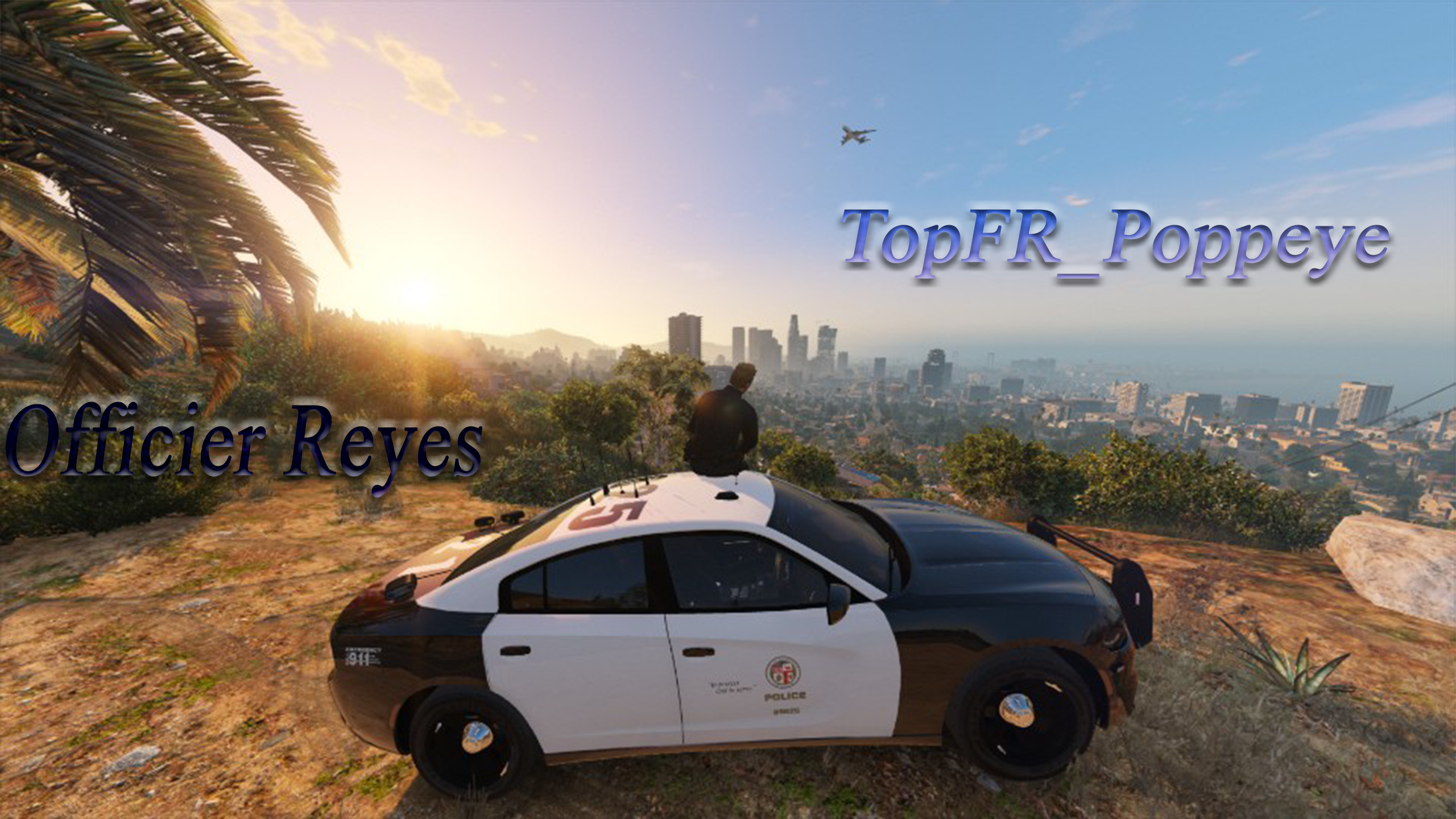
    Ce Script ne vient pas de moi, je n'ai fait que la traduction en Français avec l'accord de MarcelWRLD son modder. 🫡 Ceci est le tout nouveau script qui révolutionne LSPDFR par le moddeur MarcelWRLD, qui remplace StopThePed et Ultimate Backup. J'ai décidé de le mettre en full français pour les personnes qui ne comprennent pas trop l'anglais comme moi pour avoir une immersion FR et évidemment comprendre tous les textes. 😅 Vous venez de télécharger le fichier en cliquant sur Télécharger et copier-coller tous les fichiers dans la racine du jeu GTA V. Et voilà ! Vous avez La police redéfinie en FR. Bon jeux et bonne patrouille Officier ! 👮‍♂️ Le mod original par MarcelWRLD : Si vous constatez des problèmes de traduction, merci de me le signaler dans les commentaires ou sur mon discord. Discord : https://discord.gg/c4hhS5h9rt Youtube : https://www.youtube.com/@TopFR_Poppeye
  23.    PoppeyeTopFR reacted to a comment on a file: Policing Redefined
  24.    PoppeyeTopFR reacted to a file: LSPD First Response
  25.    PoppeyeTopFR reacted to a comment on a file: Policing Redefined
  26. Un mod vraiment exceptionnel ! 🤩 Néanmoins j'aimerais bien que ce soit compatible avec Compulite s'il vous plaît ou une alternative (option à part) pour continuer à mettre les arrests reports et Citations. J'espère que ça arrivera avec le temps et les mises à jours ! 🙏🏼💪🏼

Account

Navigation

Search

Search

Configure browser push notifications

Chrome (Android)
  1. Tap the lock icon next to the address bar.
  2. Tap Permissions → Notifications.
  3. Adjust your preference.
Chrome (Desktop)
  1. Click the padlock icon in the address bar.
  2. Select Site settings.
  3. Find Notifications and adjust your preference.