toccoaelaine
Members
-
Joined
-
Last visited
Everything posted by toccoaelaine
-
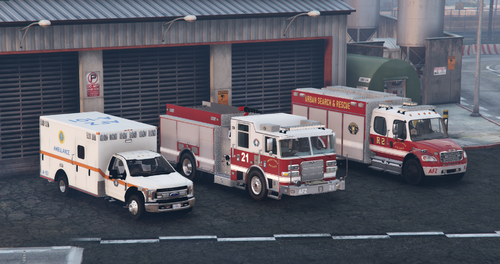 Just as a heads up Modification Universe has shut down, no word yet on where Medic will host his files now
 -
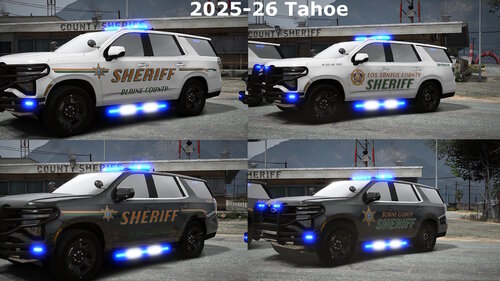 Similar issue happening with the 25 FPIU, whenever it gets dirty the copyright/credit section of the skin appears on the back bumper for some reason
 -
Thanks!
-
I can't get the F150 skins to work correctly using the linked model, they end up showing the ghost badge from SACS still.
-
Hi y'all, on startup my LSPDFR will freeze upon loading, and I am stuck on an infinite black screen. I tried to read the log, but am fairly new to modding the game & am having a devil of a time figuring it out. Here's the log: Thanks in advance!