
LennyModVanta
Members
-
Joined
-
Last visited
Everything posted by LennyModVanta
-
-
Does anyone have any idea how I can get the breathalyzer tests from Stop the Ped and Policing Redefined to show a reading other than 0.0 or 0% for my own custom callout?
-
 I saw it, it turned out well, thank you. It's in development with CompuLite.
- 16 comments
- 4 reviews
-
-

- 1
-
-
Really appreciate that, thanks! Let me know when it’s out, I’d love to check it out
- 16 comments
- 4 reviews
-
It might be the same callout name as in my pack. I can provide a screenshot of the code if you’d like to verify.
- 16 comments
- 4 reviews
-
-
LA Callouts brings a fresh set of immersive police callouts to your LSPDFR experience. Whether you're a rookie officer or a seasoned veteran, this pack has something for everyone. Respond to a wide variety of mixed incidents across Los Santos — from minor disturbances to serious criminal activity. Every callout is designed to keep you on your toes and make your patrol feel alive. Features: 🚨 14 unique, handcrafted callouts 🎭 Custom dialogues & voice lines for a more immersive experience 🌆 Set in the streets of Los Santos (LA-inspired) 👮 Suitable for all players — beginner friendly yet engaging for veterans 🔀 Mixed callout variety — no two patrols feel the same Requirements: OpenAllInteriors Policing Redefined - Script Modifications & Plugins - LCPDFR.com or Stop The Ped (v4.9.5.4)
- 16 comments
- 4 reviews
-
-
- 6
-
-
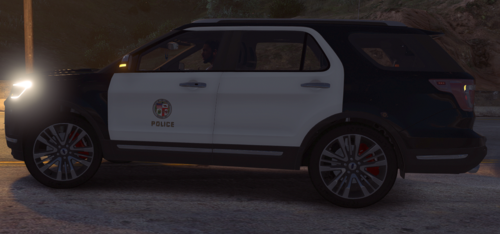 For this Mod you need to install https://www.lcpdfr.com/downloads/gta5mods/vehiclemodels/26123-els-blueghosts-unmarked-pack/
 -
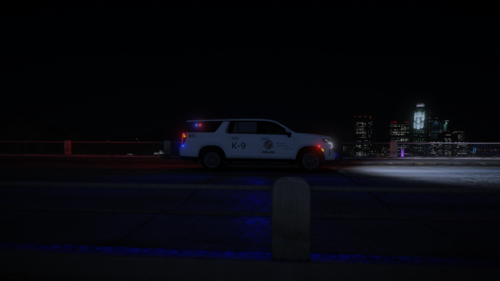 For the mod you need to install this mod