Skip to content
View in the app

A better way to browse. Learn more.

LCPDFR.com

A full-screen app on your home screen with push notifications, badges and more.

To install this app on iOS and iPadOS
  1. Tap the Share icon in Safari
  2. Scroll the menu and tap Add to Home Screen.
  3. Tap Add in the top-right corner.
To install this app on Android
  1. Tap the 3-dot menu (⋮) in the top-right corner of the browser.
  2. Tap Add to Home screen or Install app.
  3. Confirm by tapping Install.

officer Mshari

Members
  • Joined

  • Last visited

  1. officer Mshari changed their profile photo
  2.    officer Mshari reacted to a comment on a file: Police White Snow Jacket | EUP (SP)
    • 113 downloads
    • Version 1.0.0
    A custom white police snow jacket created for winter patrol and field operations. Designed for realism and immersion in EUP Single Player and LSPDFR ⭐ Special Features - Custom white police snow jacket designed for winter patrol and field operations - Inspired by an existing jacket and reworked for snowy environments - Created in a short time with a clean and practical design in mind - Includes two options: - Version A: No "POLICE" text on the back - Version B: "POLICE" text on the back - Fully compatible with EUP Single Player & LSPDFR 🔧 Installation 1. Open OpenIV 2. Navigate to: mods\update\x64\dlcpacks\eup\dlc.rpf\x64\eup_componentpeds.rpf\mp_m_freemode_01_mp_m_importexport_01 3. Install or replace the jacket files 4. Launch the game and equip the jacket via EUP Menu ✨ Notes This project was made for fun and realism — staying clean in the field is not guaranteed 😉
  3. John Zalon     Performed a traffic stop on a Steel Gray Vigero with registration 89YFJ271 in Strawberry, Alta St
  4. John Zalon     Responded to a Dynamic Traffic Stop in Strawberry, Alta St
  5. John Zalon     Finished responding to a Dynamic Traffic Stop in Strawberry, Alta St
  6. John Zalon     Responded to a Dynamic Traffic Stop in Strawberry, Alta St
  7. John Zalon     Performed a traffic stop on a Steel Gray Vigero with registration 89YFJ271 in Strawberry, Alta St
  8. John Zalon     Finished responding to a Solicitation in Little Seoul, Innocence Blvd
  9. John Zalon     Responded to a Solicitation in Pillbox Hill, Las Lagunas Blvd
  10. John Zalon     Finished responding to a SuspiciousVehicle in Mirror Park, Mirror Park Blvd
  11. John Zalon     Responded to a SuspiciousVehicle in Strawberry, Innocence Blvd
  12. John Zalon     Responded to a EscapedFugitives in Pillbox Hill, Vespucci Blvd
  13. John Zalon     Finished responding to a Dynamic Traffic Stop in Little Seoul, La Puerta Fwy
  14. John Zalon     Responded to a Dynamic Traffic Stop in Little Seoul, La Puerta Fwy
  15. John Zalon     Finished responding to a Dynamic Traffic Stop in Strawberry, Olympic Fwy
  16. John Zalon     Responded to a Dynamic Traffic Stop in La Mesa, Olympic Fwy
  17. John Zalon     Finished responding to a Dynamic Traffic Stop in La Mesa, Olympic Fwy
  18. John Zalon     Responded to a Dynamic Traffic Stop in Murrieta Heights, Palomino Fwy
  19. John Zalon     Finished responding to a Dynamic Traffic Stop in Textile City, San Andreas Ave
  20. John Zalon     Responded to a Dynamic Traffic Stop in Pillbox Hill, San Andreas Ave
  21. John Zalon     Finished responding to a PoliceImpersonator in Burton, Las Lagunas Blvd
  22. John Zalon     Responded to a PoliceImpersonator in Rockford Hills, Dorset Dr
    • 96 downloads
    • Version 1.0.0
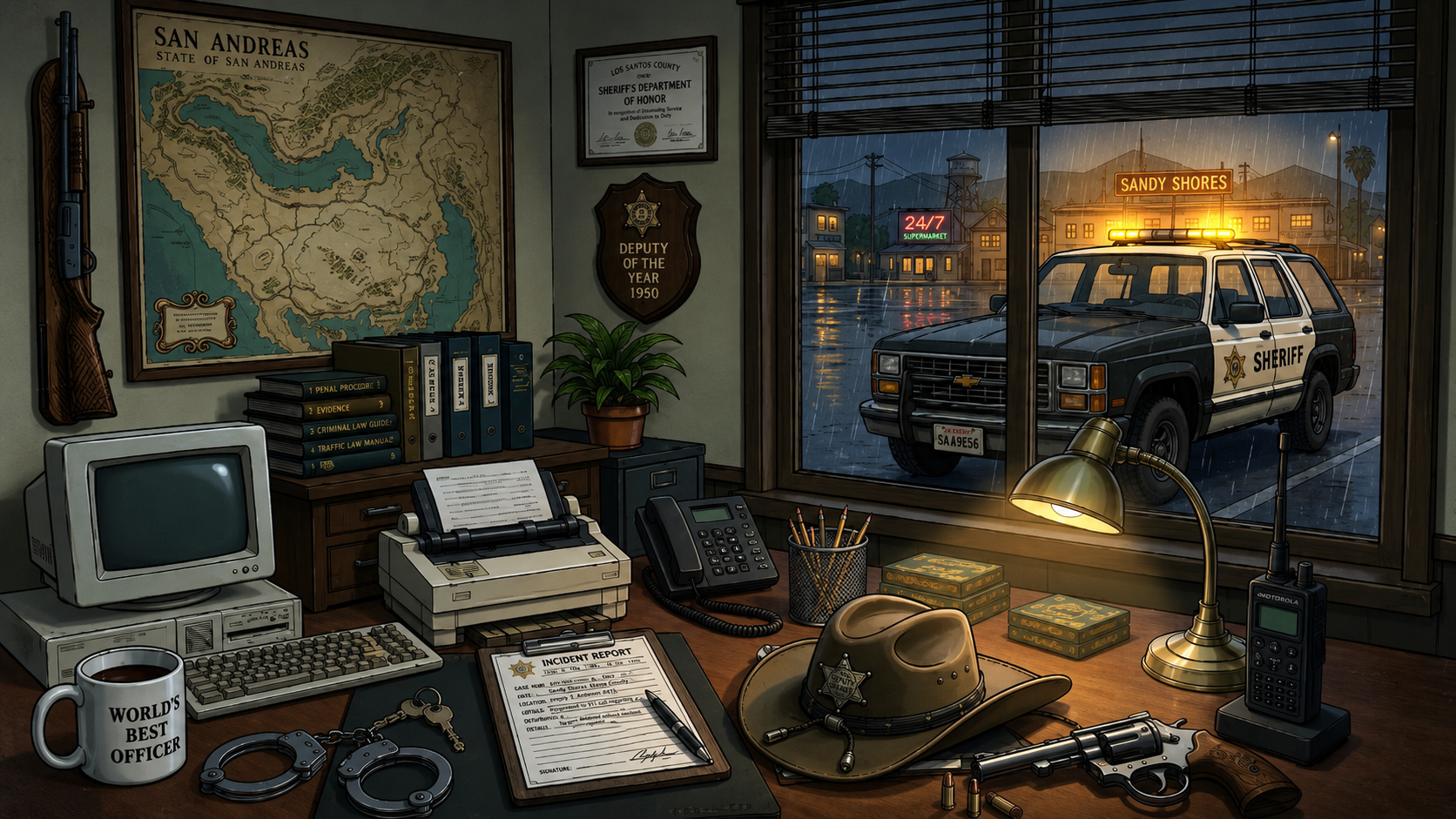
    This is a simple texture modification for an existing police vehicle. I did not create the vehicle model — all credit for the original model goes to its creator. I only redesigned the exterior livery to give it a fresh and more realistic look. The textures have been carefully adjusted for a clean black-and-white patrol unit feel, including custom decals, and updated styling.

Account

Navigation

Search

Search

Configure browser push notifications

Chrome (Android)
  1. Tap the lock icon next to the address bar.
  2. Tap Permissions → Notifications.
  3. Adjust your preference.
Chrome (Desktop)
  1. Click the padlock icon in the address bar.
  2. Select Site settings.
  3. Find Notifications and adjust your preference.