Skip to content
View in the app

A better way to browse. Learn more.

LCPDFR.com

A full-screen app on your home screen with push notifications, badges and more.

To install this app on iOS and iPadOS
  1. Tap the Share icon in Safari
  2. Scroll the menu and tap Add to Home Screen.
  3. Tap Add in the top-right corner.
To install this app on Android
  1. Tap the 3-dot menu (⋮) in the top-right corner of the browser.
  2. Tap Add to Home screen or Install app.
  3. Confirm by tapping Install.

sawnshotgun

Members
  • Joined

  • Last visited

Everything posted by sawnshotgun

  1. can you give me more details, i dont understand
  2. how can i create an els myself
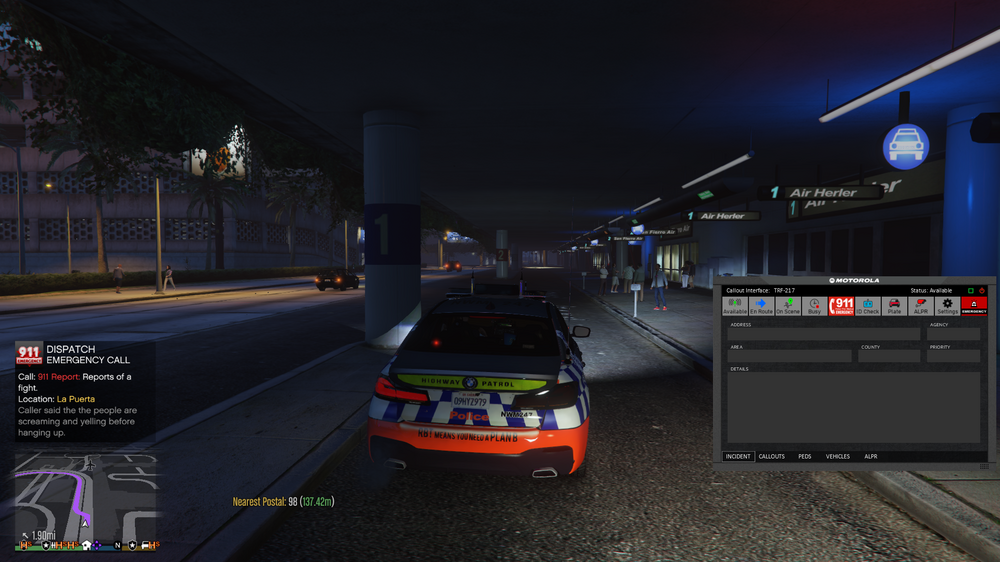
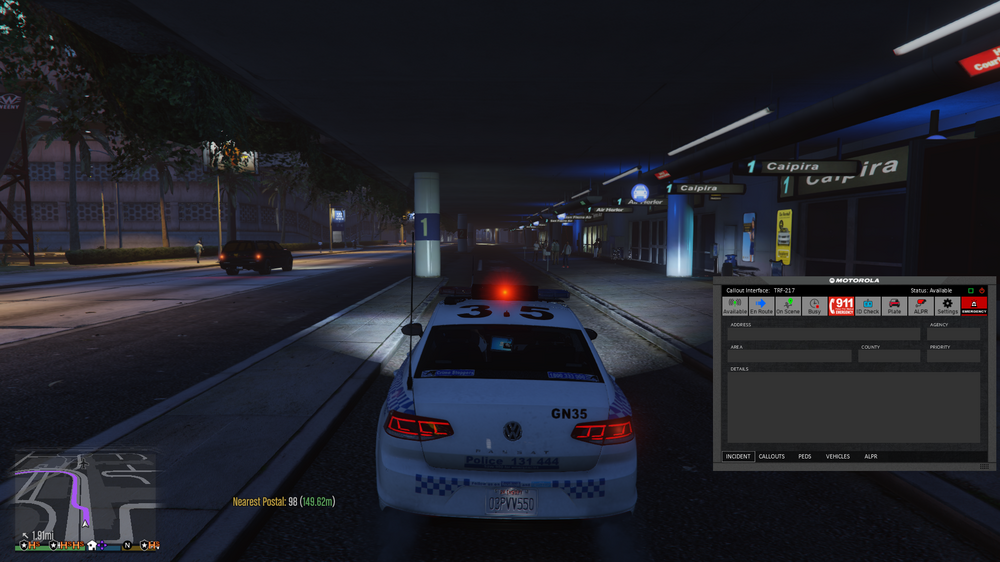
  3. I downloaded this car and followed this and this I named this car police3. I spawned police3 car, and noticed that the lights were not correct the light is a little dot, how can I fix the lights on this This is the same with police4, the lights should be in the top and the ones in the window, also the ones in the window are just red, no blues.
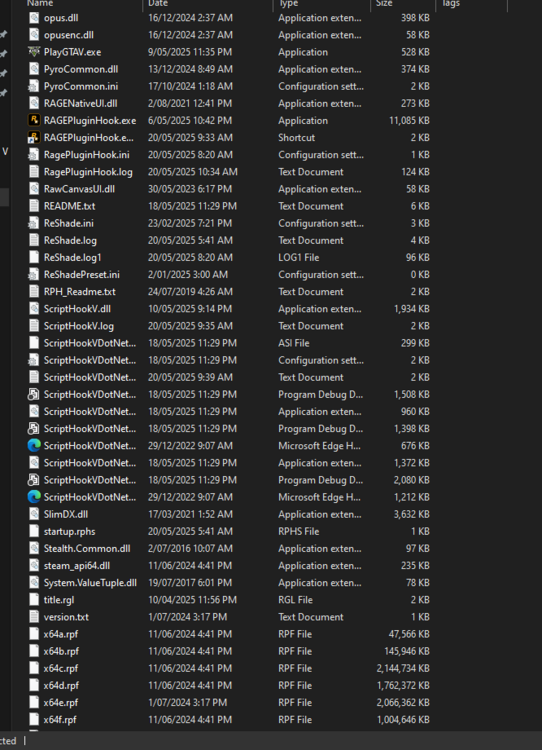
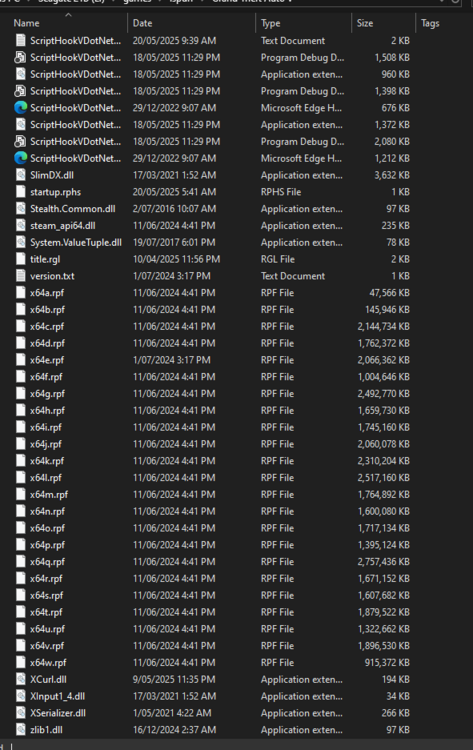
  4. i looked at my log after posting and i saw the ragenativeui outdated so i googled the newest versio and put it in problem fixed
  5. forgot to message back to this but i already fixed the issue thanks
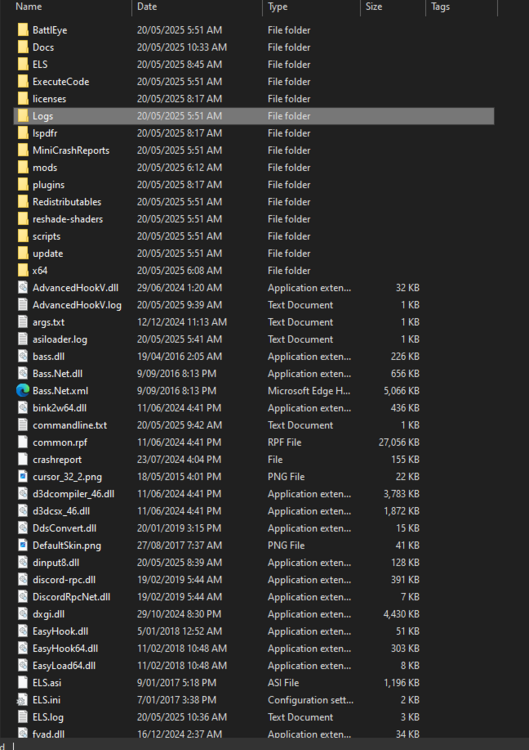
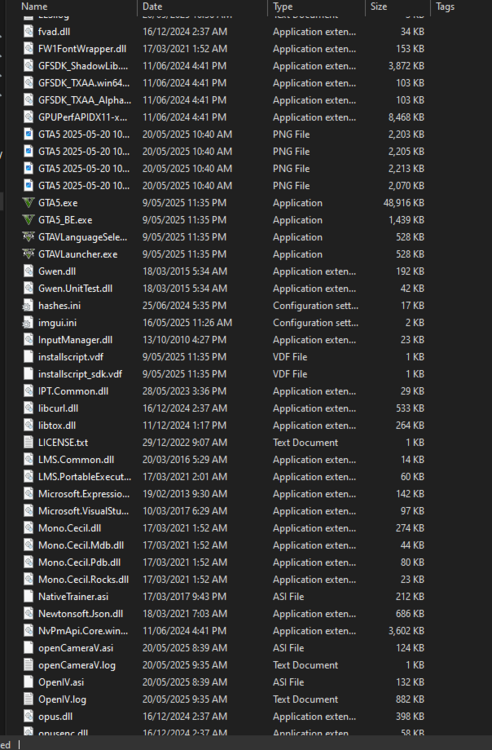
  6. i drove to the police station, went to the locker, pressed e, when i pressed e it crashed, when i pess f4 it crashes attachments:
Account

Navigation

Search

Search

Configure browser push notifications

Chrome (Android)
  1. Tap the lock icon next to the address bar.
  2. Tap Permissions → Notifications.
  3. Adjust your preference.
Chrome (Desktop)
  1. Click the padlock icon in the address bar.
  2. Select Site settings.
  3. Find Notifications and adjust your preference.