Skip to content
View in the app

A better way to browse. Learn more.

LCPDFR.com

A full-screen app on your home screen with push notifications, badges and more.

To install this app on iOS and iPadOS
  1. Tap the Share icon in Safari
  2. Scroll the menu and tap Add to Home Screen.
  3. Tap Add in the top-right corner.
To install this app on Android
  1. Tap the 3-dot menu (⋮) in the top-right corner of the browser.
  2. Tap Add to Home screen or Install app.
  3. Confirm by tapping Install.

INTworkshop

Members
  • Joined

  • Last visited

About Me

🚔 Interceptor Workshop 🚔 =========================================
 
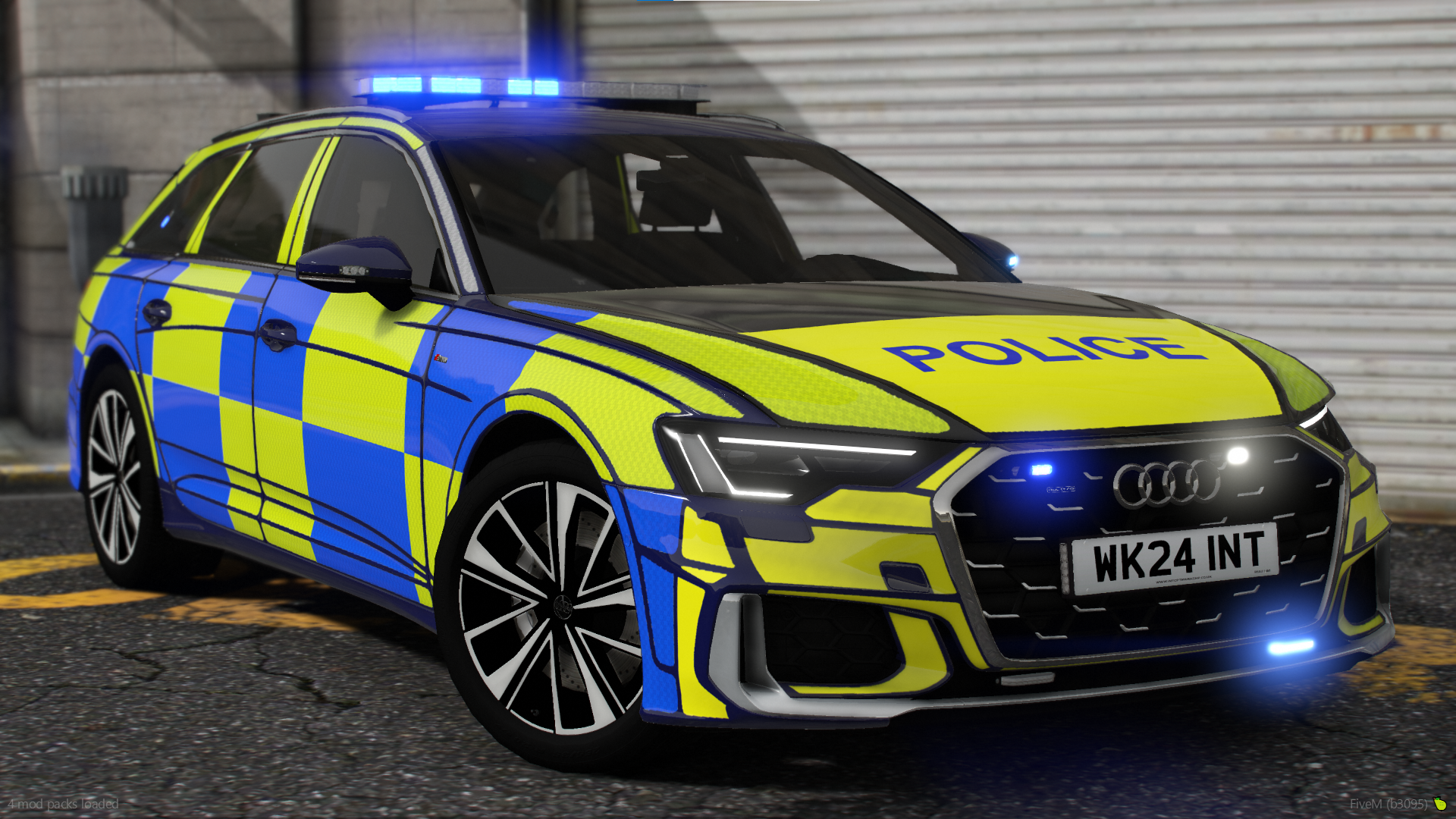
🔹 Our Story Interceptor Workshop is a leading provider of high-quality, British-themed assets tailored for the FiveM platform. Our mission is to deliver authentic, performance-optimized modifications that enhance immersion and elevate the realism of UK-based roleplay environments.

🔹 What we Offer: Accurately Modelled Police Vehicles Featuring realistic liveries, lighting setups, and configurations reflective of modern UK policing. Professional-Grade EUP Packs Uniforms and equipment designed for realism, accuracy, and compatibility with UKRP frameworks. Custom Lighting Systems & Liveries Developed with attention to detail and tested rigorously for optimal FiveM performance. Ongoing Development & Customer Support We pride ourselves on consistent updates, quick support response times, and a thriving community of developers and server owners. 🔹

Why INT Workshop?
Trusted by professional and community-led roleplay servers across the UKRP scene Committed to delivering assets that meet high standards of quality, detail, and performance Transparent communication and dedicated support via our active Discord server 📩 Join Our Discord to Explore Our Portfolio and Connect with Our Team 🔗 INT Workshop – Where Our Goal is to make your ideas a reality.

Account

Navigation

Search

Search

Configure browser push notifications

Chrome (Android)
  1. Tap the lock icon next to the address bar.
  2. Tap Permissions → Notifications.
  3. Adjust your preference.
Chrome (Desktop)
  1. Click the padlock icon in the address bar.
  2. Select Site settings.
  3. Find Notifications and adjust your preference.