
Talibrations007
-
Joined
-
Last visited
Everything posted by Talibrations007
-
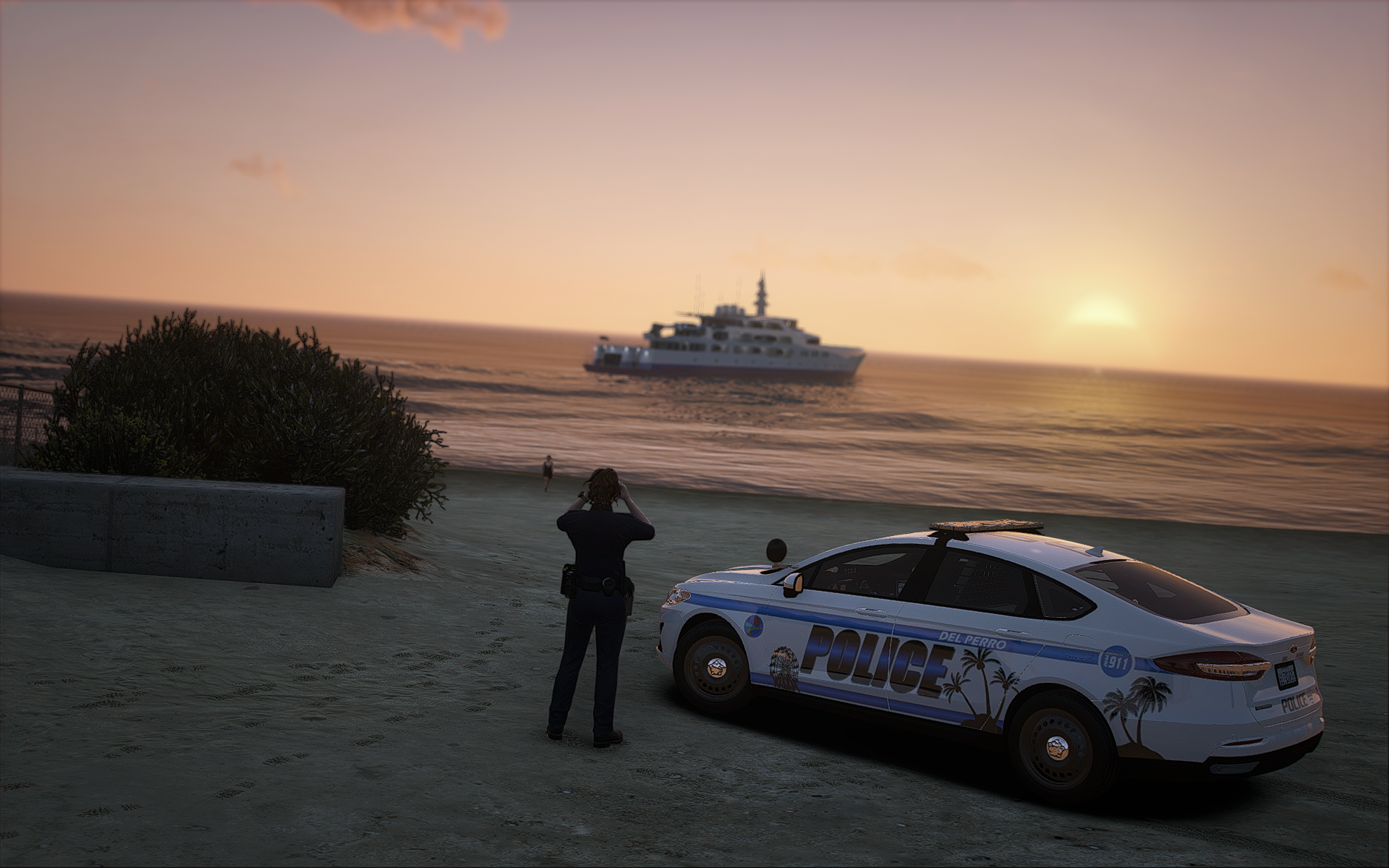
From the album: Livery Projects
-
From the album: Livery Projects
-
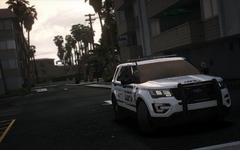
From the album: Livery Projects
-
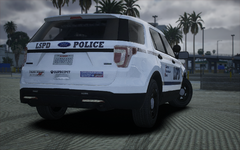
From the album: Livery Projects
-
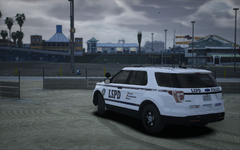
From the album: Livery Projects
-
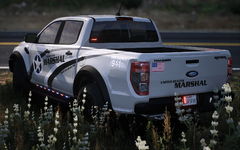
From the album: Livery Projects
-
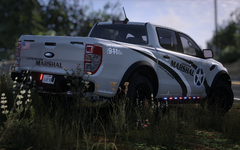
From the album: Livery Projects
-
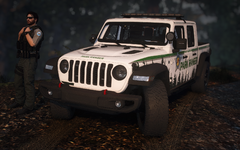
From the album: Livery Projects
-
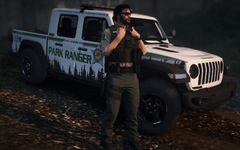
From the album: Livery Projects
-
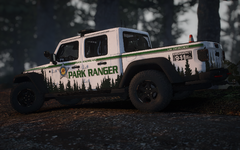
From the album: Livery Projects
-
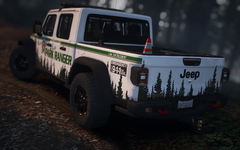
From the album: Livery Projects
-
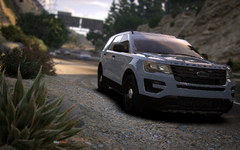
From the album: Lily's Patrols
-
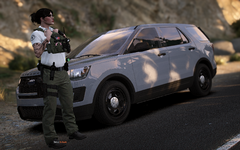
From the album: Lily's Patrols
-
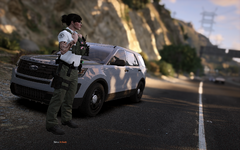
From the album: Lily's Patrols
-
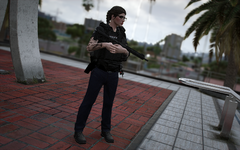
From the album: Lily's Patrols
-
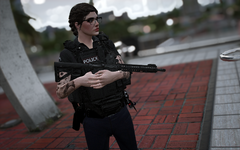
From the album: Lily's Patrols
-
 Hi Nemesis, first of all, great work! Sadly however, I am facing the exact same issue as UnitedOrange, which sucks because this is such a wonderful mod that makes my player character feel more alive without me having to do any actual talking. At first I thought it was AmbientDispatch because I used to experience the same FPS loss when I had xScanner installed, but after some troubleshooting I found out that it was TalkativePlayer. My hardware is more than capable of running LSPDFR around the 60 fps range on Custom High at 1080p (RTX 4060, i5 13th gen 16GB). I do have QuantV installed as well some SHVDN scripts alongside some of the basic LSPDFR plugins (STP, CompuLite, Callout Interface, etc.) and only 3 Callouts. With TalkativePlayer installed, my FPS dips to the high 40s which to me is a pretty significant loss in FPS. Mind you, this is using the extensive world nightlly build version, but I will try the limited one to see if it improves performance in any way. I just wanted to let you know because I appreciate authors who are not only actively updating their mods, but also listening to community feedback to help with further improvement.
- 181 comments
- 4 reviews
-
-

- 1
-
-
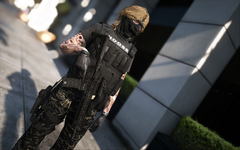
From the album: Lily's Patrols
-
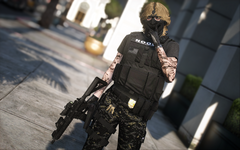
From the album: Lily's Patrols
-
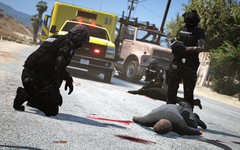
From the album: Lily's Patrols
-
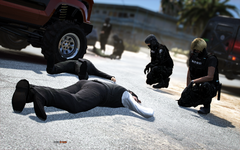
From the album: Lily's Patrols
-
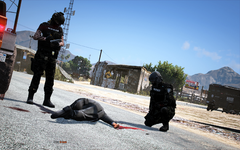
From the album: Lily's Patrols
-
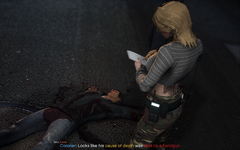
From the album: Lily's Patrols
-
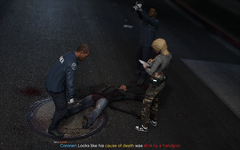
From the album: Lily's Patrols
-
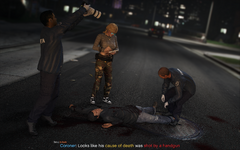
From the album: Lily's Patrols