


Xavier3333777
Members
-
Joined
-
Last visited
Everything posted by Xavier3333777
-
I understand, but I have a limit of 4 megabytes and the log file weighs 4 with kopecks. But what is the problem with unpacking the archive? Why are you writing about this?
-
and by the way, all plugins with such things when the texture should appear on the screen do not work. The textures of prowler radar, police radio, etc. do not work.
-
RagePluginHook.zip compressed because it weighs more than 4 megabytes
-
-
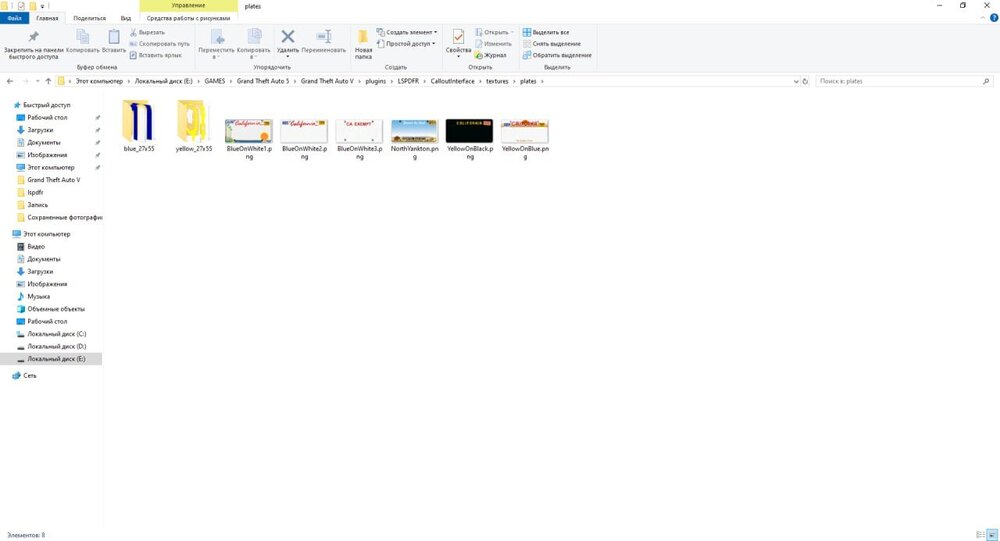
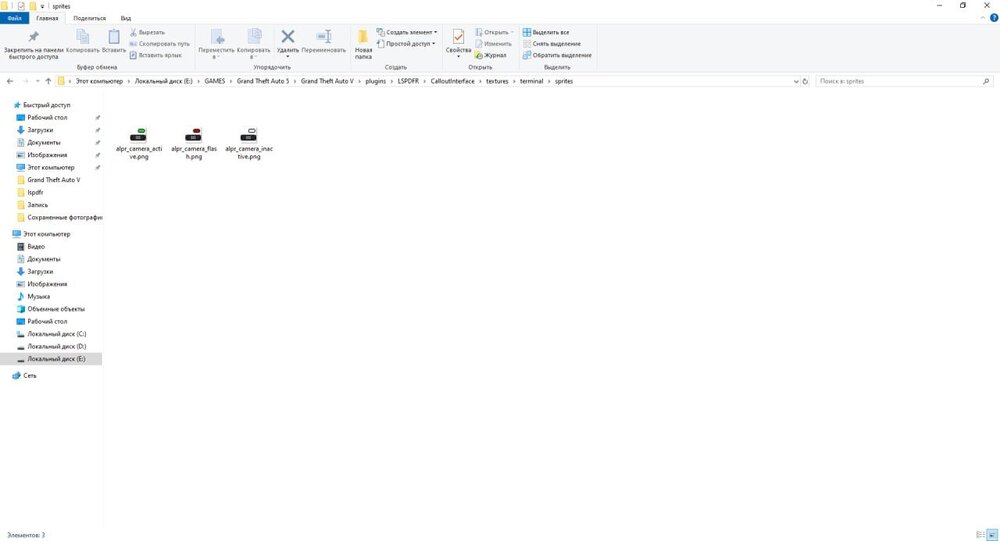
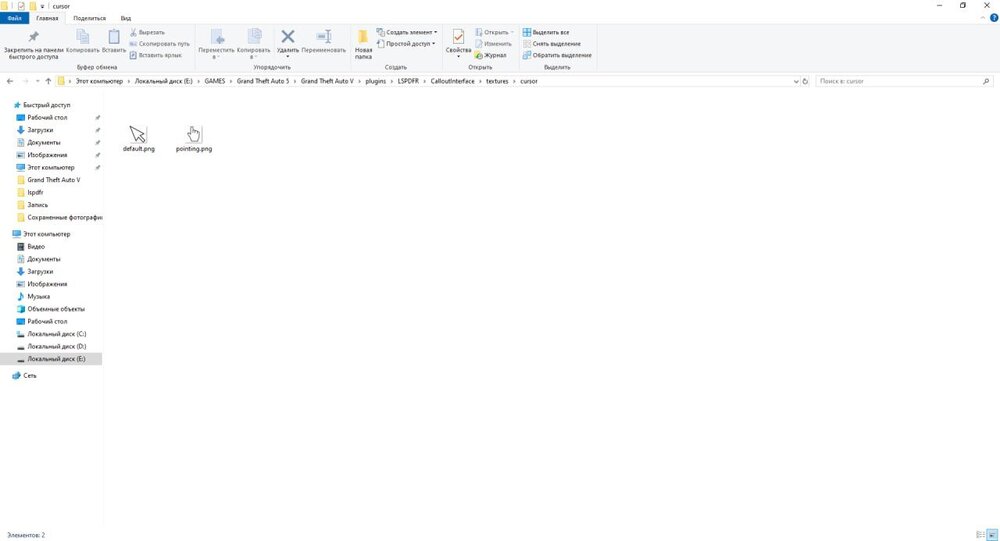
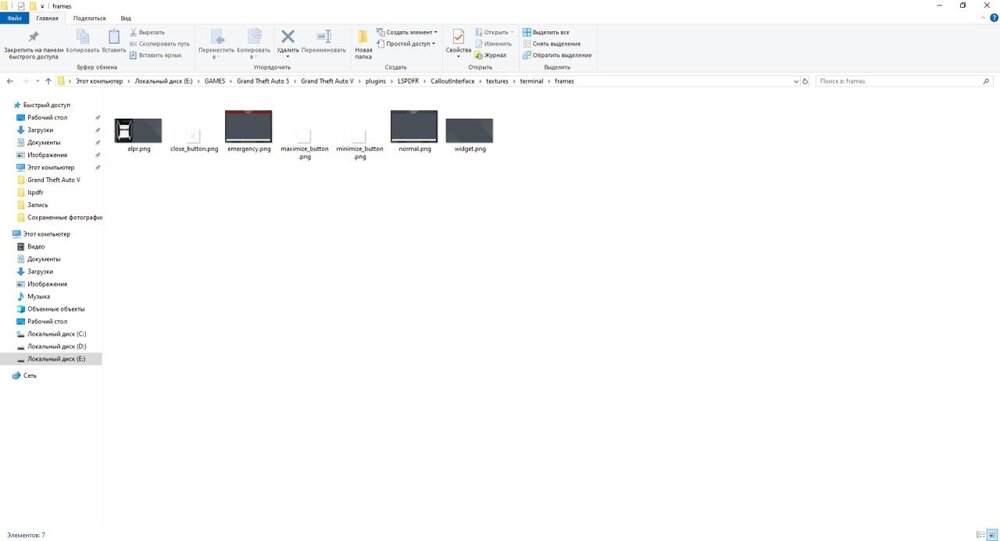
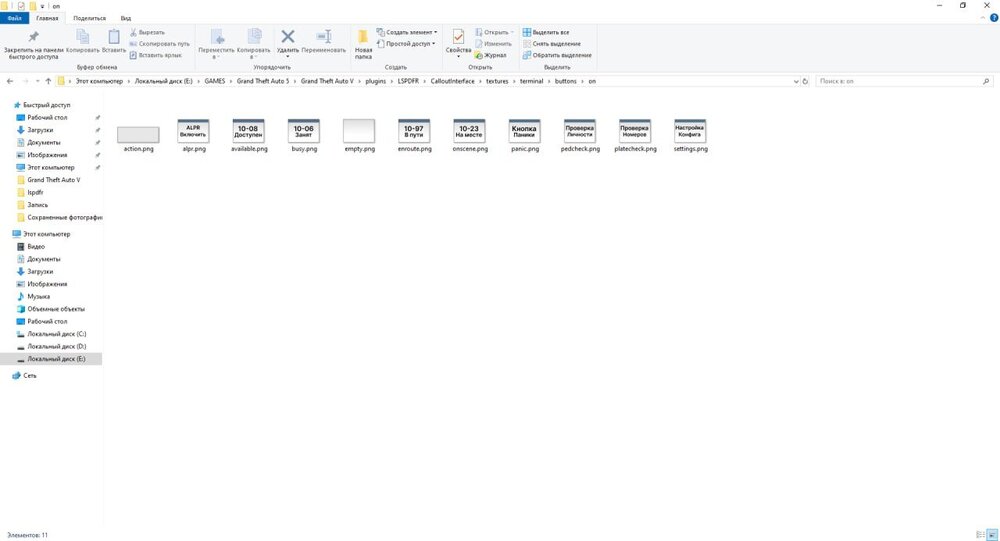
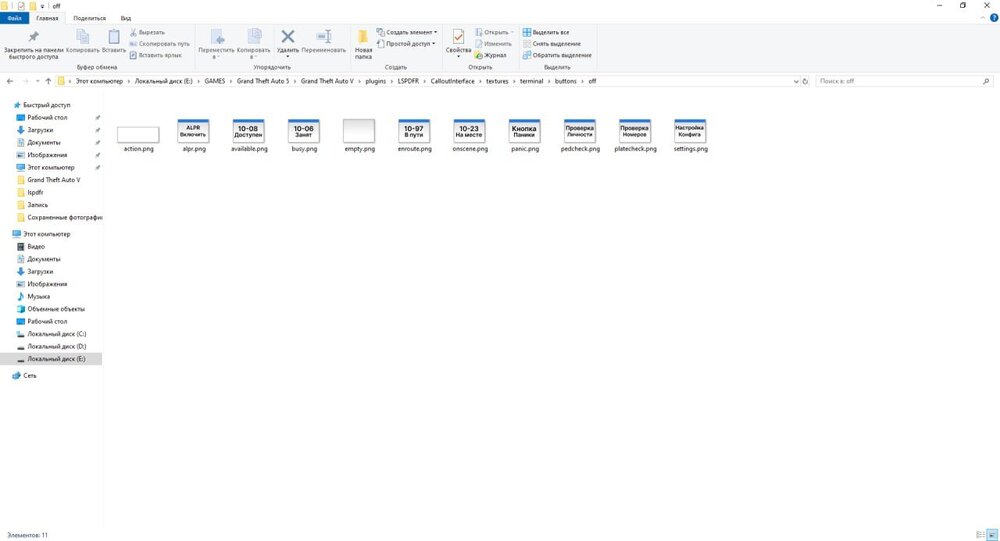
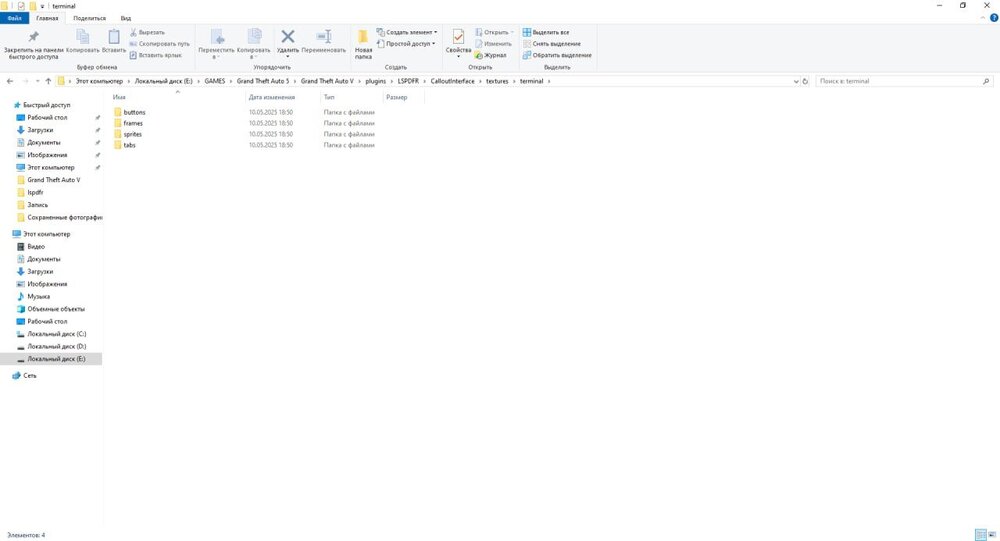
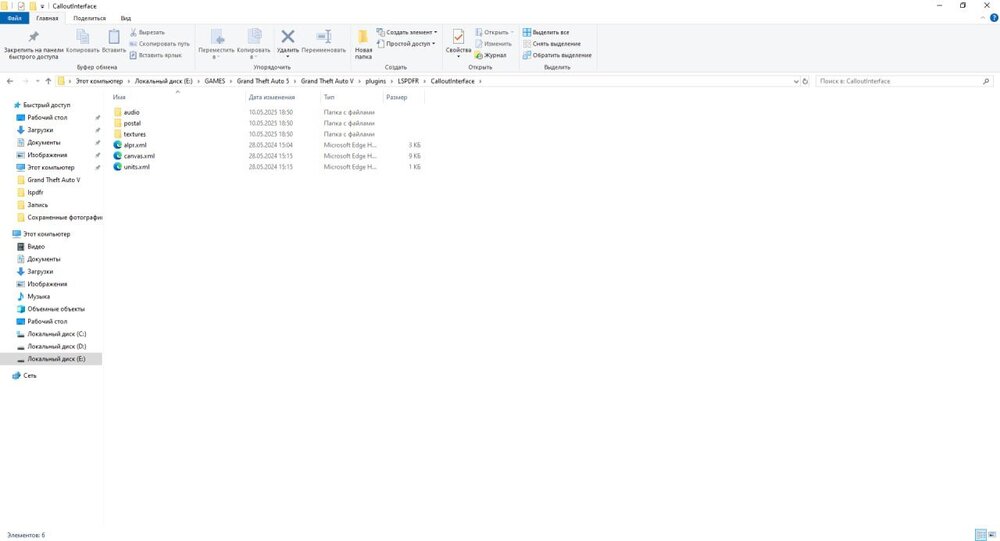
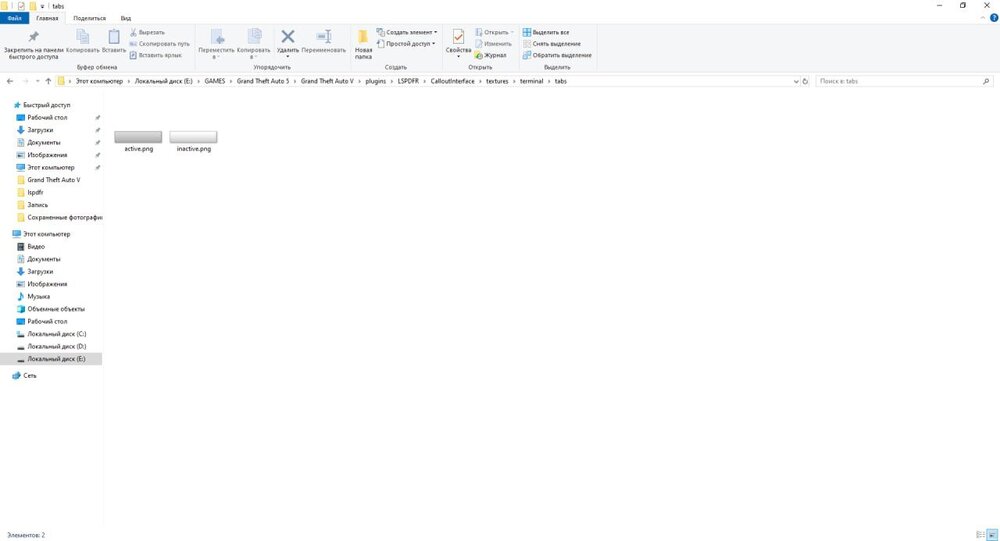
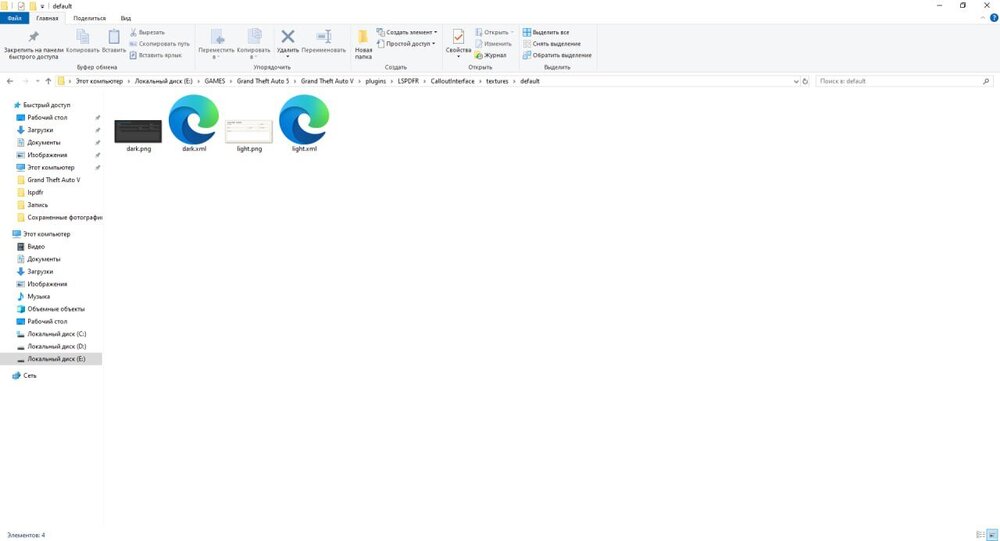
Installed the lspdfr build, it had a fully working callout interface plugin. I used this plugin for about 2 hours, everything was fine, but after I re-entered the game, something strange happened. I logged in as usual, joined the service, got into the patrol car, the callout interface works, the computer texture and the license plate of the cars work, but as soon as I hold down the number 6 to turn on the cursor and turn on viewing the numbers of stolen cars, the interface just disappears and never appears again. Everything works correctly except for this interface, it just took and disappeared, there is no computer or number. The callout interface menu works and all the settings that are there can be moved, but there are no computer textures, although everything is fine in the folder in the game and everything is there. I updated script hook 5, script hook dot net (installed nightly and the regular version), nothing helps. Even when I reboot the computer, the plugin still does not work. Even after I completely remove it and reinstall it, it does not help. I don't know what the problem is anymore
-
I think I got it with lspd, you just need to replace the lspd_cop form in outfits. But what if I want to make this uniform for sheriffs? I want only men to appear in the same form all the time. What should I replace? The sheriffs don't have lssd_cop in agency.xml. There's only s_m_y_sheriff_01 written at the end, and I don't understand what that is. do you just need to add outfit to outfits.xml with the name lssd according to the same scheme as outfit lspd?
-
Yes, I have EUP configurations. What exactly needs to be changed in the agency files? And what needs to be changed and where in the custom folder? If necessary, I can send a screenshot of what I have in the custom folder. I just don't speak English and I watch all the tutorials through a translator, please explain to me I converted one of my outfits, but I don't understand what I should do in agency.xml. Let's say I want to make a Broward County Sheriff form for lspd employees. I converted it, but I don't understand where to insert it and what to change
-
I want one of my eup forms to be used on NPCs when they spawn in patrol themselves, not when I call them via ultimate backup
-
please just tell me HOW TO CHOOSE A FORM FOR NPCS THAT SPAWN THEMSELVES, NOT WHEN I SUMMON THEM. Please no 103038373728 turns of phrase and touching on other topics. JUST SAY IT SPECIFICALLY
-
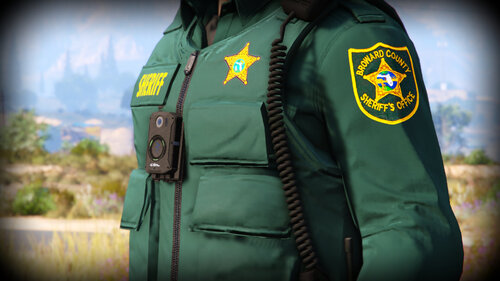 since the author was too lazy to share his wardrobe for these shapes, here you go [Male BSO Deputy Class A] Gender=Male Hat=0:0 Glasses=0:0 Ear=0:0 Watch=0:0 Mask=91:1 Top=201:4 UpperSkin=5:1 Decal=1:1 UnderCoat=39:1 Pants=26:1 Shoes=52:1 Accessories=9:1 Armor=9:1 Parachute=55:1 [Male BSO Deputy Class B] Gender=Male Hat=0:0 Glasses=0:0 Ear=0:0 Watch=0:0 Mask=91:1 Top=194:4 UpperSkin=5:1 Decal=1:1 UnderCoat=44:1 Pants=26:1 Shoes=52:1 Accessories=9:1 Armor=9:1 Parachute=55:1 [Male BSO Deputy Class C] Gender=Male Hat=0:0 Glasses=0:0 Ear=0:0 Watch=4:1 Mask=91:1 Top=191:4 UpperSkin=12:1 Decal=1:1 UnderCoat=39:1 Pants=26:1 Shoes=52:1 Accessories=9:1 Armor=5:1 Parachute=55:1 [Male BSO Deputy w/ vest] Gender=Male Hat=0:0 Glasses=0:0 Ear=0:0 Watch=0:0 Mask=108:1 Top=194:4 UpperSkin=5:1 Decal=1:1 UnderCoat=39:1 Pants=26:1 Shoes=52:1 Accessories=9:1 Armor=19:1 Parachute=21:1
 -
And I noticed it not only with the callout interface. The textures of the prowler radar plugin also don't work
-
Yes
-
Call-out interface menu not showing up when I press the button to open the menu it doesn’t come up but the postal are showing I even installed callout manager and still the same issue it was working fine before.


