


flooent
Members
-
Joined
-
Last visited
Everything posted by flooent
-
 I don't mean opening the MDT, I mean typing something in the MDT (e.g. searching for charges, writing narrative)
- 422 comments
- 48 reviews
-
-

- 1
-
-
This plugin is great, but one bug I noticed is that if I press the "F" key while typing something in the MDT and I'm in a vehicle I automatically get out of that vehicle, and that can get pretty annoying. But other than that, this is probably the best MDT mod on this website imo
- 422 comments
- 48 reviews
-
-
- 1
-
-
I've been having this idea for a while, and with the release of NPCAI, I decided to post this. I think it would be great to have a working, text-based chat system (just like in FiveM, but powered by AI) for LSPDFR/singleplayer. It could be used both as a radio system and as a way to communicate with NPCs/subjects. To my awareness, something like this doesn't exist yet (but I might be wrong). This would be GREAT for people like me that want to have real interactions with dispatch/NPCs, but don't want to actually talk/ don't own a mic/ don't have the possibility to talk in their game for some reason. These are some of the features I thought about: Maybe there could be two separate chats for radio and for talking with NPCs, much like a lot of systems used in Roblox RP games, because having both radio and chat in the same menu could get confusing. The two chats could have separate UIs/could be switched with a hotkey/ could automatically switch when, for example, a message from dispatch comes in. A commands system could also be integrated, similar to the ones in FiveM, to be able to write commands like /me (where NPCs will actually respond in the chatbox if needed) or maybe even commands incorporated with other mods (e.g. turning on the bodycam with something like /bodycam or /bwc). Another command I was thinking about is an emote system (/e), as that would be ideal for roleplaying, also because there's not a lot of good emote menus for singleplayer (except SimpleEmotes, or Roleplay+ maybe). Instead of a whole separate chatbot, the radio system could also just use Grammar Police to do different actions (basically, an AI interprets the text you write and chooses the thing you're trying to do and sends it to grammar police, but I don't know if that's possible code-wise). So the radio would just be activated by a command, like maybe /r for radio (for example, you could write in the chatbox: /r dispatch, show me 10-8; and your grammar police status would actually change). These are just my ideas of features the plugin could have, but basically I'm just thinking about a FiveM chatbox but ported in singleplayer where everything actually functions with the help of AI. I would LOVE to develop a script like this, but I have no idea how to code and I don't really have the time to learn something like that. Maybe a plugin like this could also be done with the help of AI, but I'm also not too skilled at that. Feel free to steal this idea since this would definitely be the best plugin of all time for me.
-
You mean via steam? If you mean that, I've already tried. Anyways, by reverting my game version to the 3725, the game works flawlessly, somehow...
-
Nope. I even tried starting it without the mods folder, but it still doesn't work. I'll try reverting it back to the old version just to see if it works
-
No, I tried both steam and the rockstar launcher but it doesn't work
-
That did nothing unfortunately
-
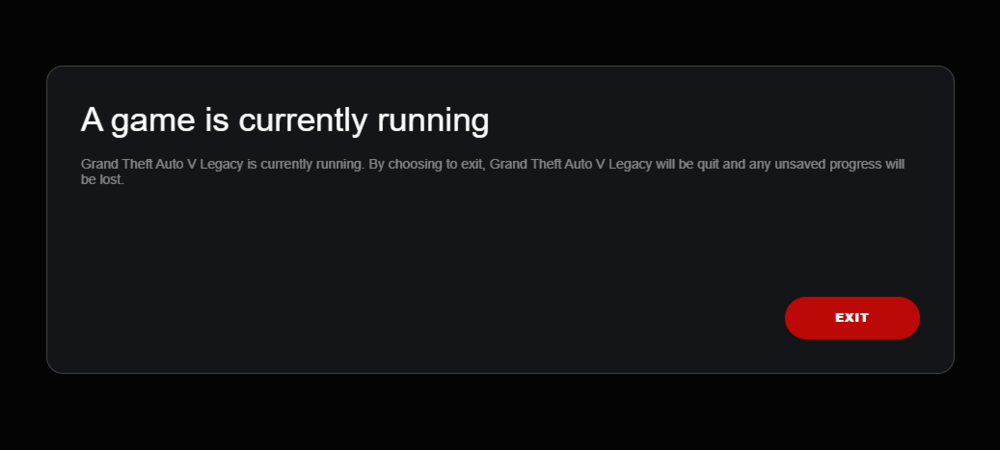
Now I can't even boot the game because I get this error from the Rockstar launcher. I don't think it's an LSPDFR/RPH problem because it doesn't even boot the base game from steam/rockstar launcher. I already tried restarting my PC and closing and reopening steam but the problem persists.
-
I have found what the texture issue was, but my game is still crashing after a few minutes. Here's my log: RagePluginHook.log
-
You got any help for me?
-
I have quantv installed. If I rename my mods folder, the problem goes away. More precisely, if I rename my updates folder, the car glitching goes away, but the trees are still glitched.
-
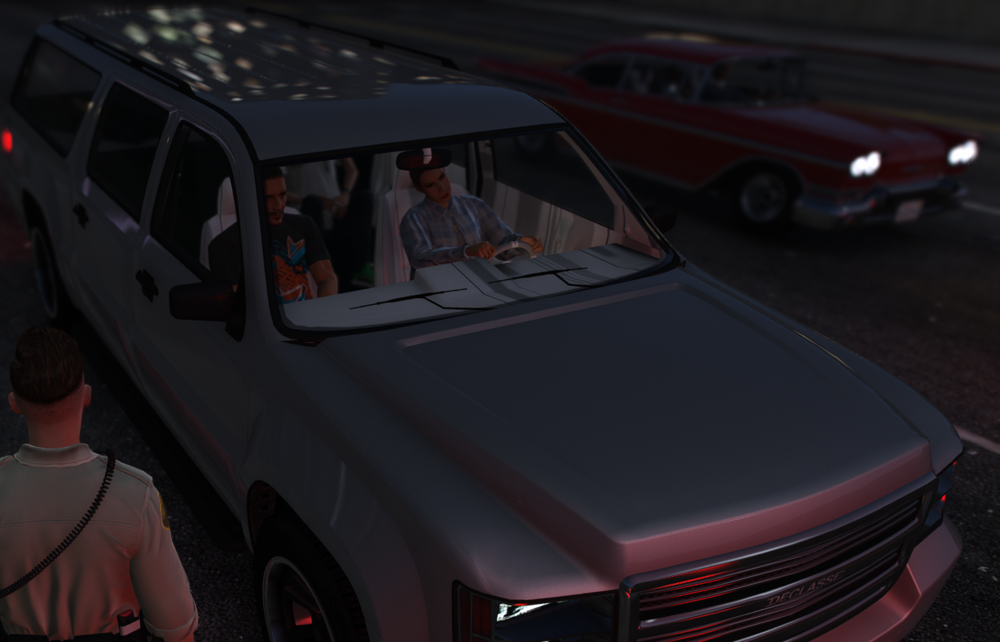
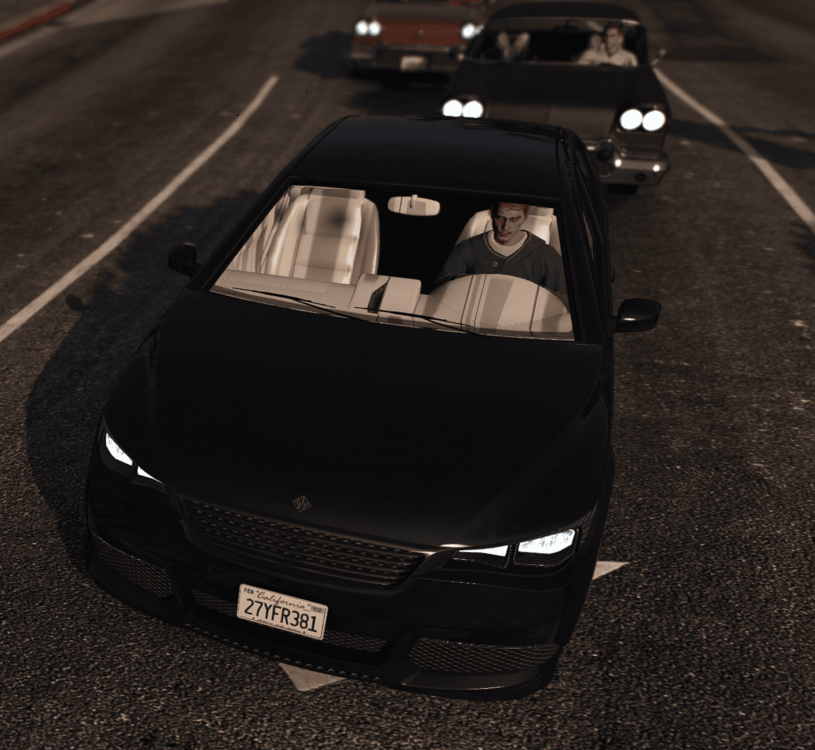
I've been having these weird texture problems with some trees (especially palm trees for some reason) and the interiors of some cars. I already checked and it isn't because of my DLClist. Also, my game keeps constantly crashing after a certain amount of time (about maybe 15 minutes) but I don't know if that's related. Project 3 (1).mp4
(1)(1).thumb.png.166fd7df089b059a1807997d1d76d9d5.png)
-
That's alright. I'm gonna figure it out myself. Thank you everyone for your help!
-
I actually launched LSPDFR now (without having changed anything) and it boots up just fine for some reason. @UnknownBastion , do you happen to know the right naming convention for pants for mpclothes?
-
I am able to launch the game normally, even with RPH. But, when I launch LSPDFR through the F4 console, that's when the issue happens.
-
I put LA Revo inside my DLClist but when I launch LSPDFR, the game freezes. It looks like before freezing the RPH console says 'forced termination' so I assume that means that LSPDFR crashed.
-
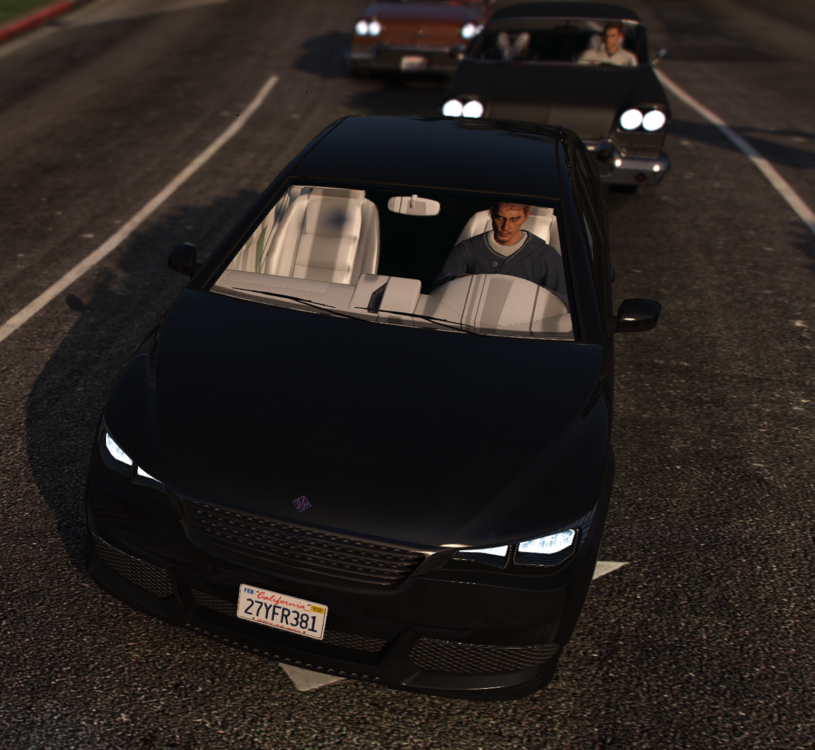
I fiddled around with my DLClist and I got my LSPDFR to start! However, there's 2 minor issues I've been having: I've noticed some texture bugs in the interior of some cars For some reason, when I boot up my game, a lot of times my graphics settings have been reset to the default and my resolution is set to 4K (I don't even have a 4k monitor), despite me changing them back every time it happens. I think this may be caused by me having 2 installations of gta5 with RPH, but I have no idea how to solve it Also, do you happen to know the right naming convention for pants for mpclothes? The one in the included txt file doesn't seem to work for me.
-
Yeah. I installed pedproplimit, resource, heap, packfilelimit, ssla and weaponlimits adjuster.
-
Yes. Honestly, I don't know why EUP is crashing. It didn't crash prior to me updating my game, but I think it also could be caused by a DLCpack mod?
-
Sorry for the late response, I was very busy this week. I managed to install the latest version of RPH and scripthookv, scripthookvdotnet and ragenativeui, but the game was still crashing. I did some testing and I think there's a problem with my DLCpacks/what's in my DLClist, but I can't figure out what it is exactly. I also noticed that whenever I open EUPMenu, I get an error message from ScriptHookV and the game crashes. This is my dlclist and the crash report: dlclist.xmlRagePluginHook.log
-
Still doesn't work. My computer just deletes RPH when I try to extract it. Also, I don't think my RPH version is the problem because I tried reverting everything back to the previous version and my LSPDFR still doesn't work.
-
That's because if I try to upgrade my RPH my computer deems it as a virus and there's no way of turning it off. I have tried both disabling windows defender and adding RPH to exceptions but it still says it's a virus and won't let me open it.
-
When loading LSPDFR manually via the F4 RPH menu, it either crashes the first time and then crashes the whole game the second or third time, or crashes the whole game the first time. Here's my RPH log: RagePluginHook.log
-
I played around with the game for a bit and everything looks fine! Thank you so much for your help.
-
Yeah, looking back at it whenever I received callouts from lore callouts they would always crash at some point. I'm gonna try removing it and see if I have anymore issues.


(1)(1).png.0c53bec88c71cc7b4605c4e4f8c898b4.png)
