



.jpg.ee70c03810194763c6661f61b8f37bdf.jpg)
Koljay987
Members
-
Joined
-
Last visited
Everything posted by Koljay987
-
I found a fix! you need to reset your pc in order to make it work. You might find a option where it saves your apps and files
-
I reinstalled everything and it looks like it's a windows issue
-
Yes, but same issue
-
Also, Is there any other way to fix this?
-
Yes
-
It did start a new session

-
I'm on Version25H2 Build 26200.8894
-
Could it be my windows build?
-
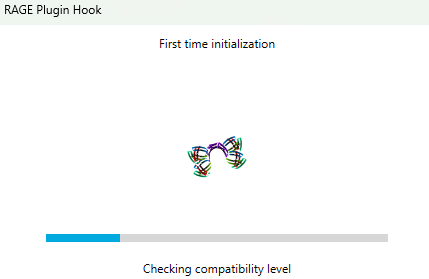
Is there any other way to fix this? The Ragepluginhook settings menu doesn't open, since when doing the setup install, it couldn't open the settings even if I pressed show settings
-
Okay
-
Also is this a ragepluginhook bug?
-
No they are still off
-
It worked for a second, it still couldn't open the settings
-
Looks like it was already off
-
That didn't work
-
Yes
-
Nope, Windows turns it back on
-
I turned it off, but it didn't work
-
It looks like it's only the RagePluginHook settings menu that is freezing and not opening
-
It's still freezing
-
Yes, but it gave me the same pop up
-
I can't load RagePluginHook since I need to do the settings first but it freezes
-
It's not generating any logs, since I'm not in the game. I don't have any other anti-virus, I used to have norton before, but I deleted that a month ago
-
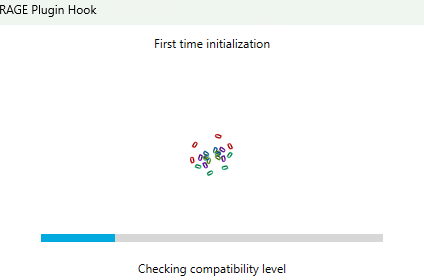
It's still freezing, but now it's says: "Checking Compatibility Level"
-
Didn't work, but it looks like it closes it self again like it opened the settings, and it's still running in the background so I think it is open but just in the background. Yes everything was working normally before the update
.thumb.jpg.37b0700153829a1d6baaf9c573e22cc0.jpg)

