


DeputyArticolo
Members
-
Joined
-
Last visited
Everything posted by DeputyArticolo
-
-
.thumb.png.5f0755e6b17e2d29f04f39b0aebfe742.png) I got the charger to work with the legacy pack charger and it made the lights red, But I can't find the fpiu that works, I used the 2016 fpiu from legacy lspd pack and when I add the ytd the whole car turns white.
I got the charger to work with the legacy pack charger and it made the lights red, But I can't find the fpiu that works, I used the 2016 fpiu from legacy lspd pack and when I add the ytd the whole car turns white. -
-
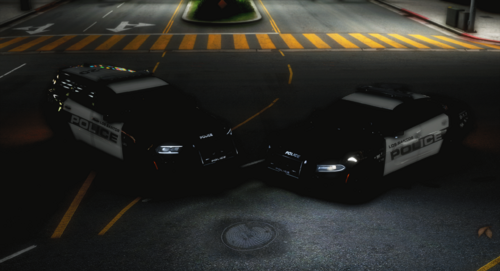 I put the police, police2 files in my patchday28 with other ELS cars I use, for some reason I only get stage 3. I have working ELS on other vehicles and have xmls installed with correct names in packfile, Any help?
- 18 comments
- 3 reviews
-
-
Is there an update on solutions. I personally did the file rename and still have the same crash happening. For the mean time i deleted reshade and just have quantv. Would love to hear some updates on this issue.
-
I’ve tried all those things stated has this actually worked for anyone with the slim.dx error. It seems to pretty much make the game never playable again if those above stated solutions don’t work. I’ve legit done everything to fix it.
-
Have had this same problem now for a couple days and have legit done everything you’ve done. I even did the DDU uninstaller, but nothing works everytime a callout pops up it just beeps then crashes with slim.dx error. I was hoping in the time it’s been you’ve found a solution, I’m really desperate at this point because it’s a pc issue I’m super lost as to what it is.
-
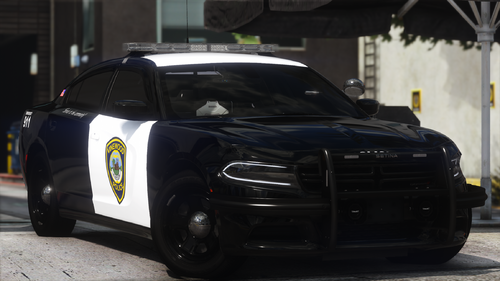 I went out of my way to create an account just to say thank you for the hard work hope to see your name a bunch in the future. Absolutely abscessed with the lighting and paint job!!
.thumb.png.5f0755e6b17e2d29f04f39b0aebfe742.png)


