
myrtlemadman
Members
-
Joined
-
Last visited
Everything posted by myrtlemadman
-
 That was the issue! Thank you! Im back in action on Super Callouts again!
- 1,024 comments
- 64 reviews
-
-

- 1
-
-
Well I took it out when I installed the new update and it crashed. Sorry about that. Ill install it again and run it RagePluginHook.log just installed it and started up the game. Somehow I've run into the same issue. I've installed this before and it ran perfectly. Not sure what I did wrong this time. RagePluginHook.log
- 1,024 comments
- 64 reviews
-
RagePluginHook.logThat's my log, I've had super callouts and events before, I love it! I just replaced the last version. Not sure whats happening.
- 1,024 comments
- 64 reviews
-
New callout pack crashes game or wont load because it says installed incorrectly. Its not at all installed incorrectly.
- 1,024 comments
- 64 reviews
-
-

- 1
-
-
 Great mod but needs to be updated for the new version. Also changing the key bind in the INI does not work, it's locked on Left Control. Should be able to change it
- 44 comments
- 70 reviews
-
 Been trying to use this, but unfortunately it does not work. Its definitely installed correctly, just wont pop up or work.
 -
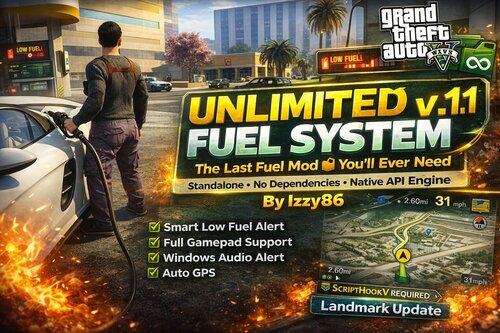 Looks cool, is it possible to add an INI so we can change the keybindings? unfortunately my F7 is grammer police, so i cant change it.
- 21 comments
- 1 review
-
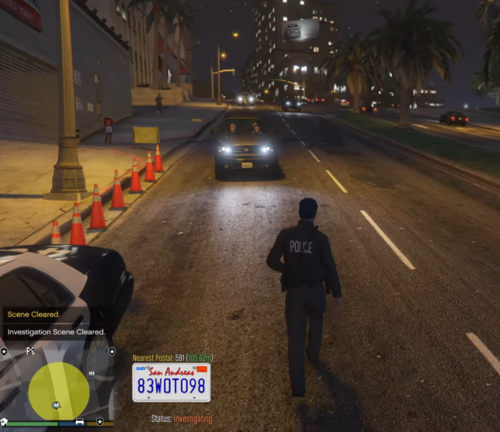 Cant wait to check this out tonight!
 -
-
-
 Excited to try this out! Also you should include a install read me for new people.
- 189 comments
- 9 reviews
-
 Seen that newest update, when i try to download it, my computer flags it as a virus. thats never happened before and ive been using your callout for years.
- 259 comments
- 23 reviews
-
Just downloaded and installed the newest update and it keeps crashing my game. Not complaining, I know it will be fixed. Just wanted to let you know.
- 259 comments
- 23 reviews
-
I recently uninstalled NVE, it did nothing but wreck and crash my game. I got all of my original files back but my firetruck is now a weird blueish purple. All my other vehicles are fine, but I can't get my firetruck back to normal. Can anyone tell me what I'm missing?
-
I was wondering if anybody with a little bit more experience with NVE could help me out, I have NVE installed, and it looks great, but none of my downloaded police cars that I had in the game before NVE are spawning now. It's all default police cars. I uninstalled all of my car packs and reinstalled them, and they show up in open IV ytd's, but when I go into the game only the default cars spawn. Was wondering if anybody could help me find a solution to make my police car spawn. I use the LAPD/LSPD lore friendly pack.
-
I did try a new patch day, unfortunately it did not work. I did find a solution, I just downloaded a replacement pack instead and it worked. All cars show up now.
-
So my downloaded cars that I have been playing with for awhile are gone from my garage in LSPDFR. There are only those default vehicles, none of my police, fbi, or sheriff downloaded cars are there. The files are still in my OpenV, my ELS files are still in the directory. I deleted and reinstalled them, even downloaded a whole different pack and when I go back in the game the only options I have are default vehicles. Can someone help me understand this and how to fix it?
-
I found the problem, I did not have advanced hook for ELS. As soon as I installed it, everything worked.
-
I don't think it's script hook because my gta5 is doing the same thing without rage.
-
Can anyone help out, i start my game, click start story mode with rage, it starts up loading then screen just stays blank. I've tried loading all plugins, loading no plaugins, starting gta by itself, restarting my PC. Nothing is working.
-
I actually found out that we need to wait for a new script hook v, the one that got released yesterday is now outdated.
-
I installed the new "updated" version on rage native, new script hook and new game version. Now my rage is saying that this new version is not supported. Can anyone help me out figuring out how I installed this updated version and it's not compatible?