NoHuzzLarry
Members
-
Joined
-
Last visited
Everything posted by NoHuzzLarry
-
.thumb.png.69f541f5ea239013499a869869dccd5a.png) is there anyway to make this but for lore cars like the scout, buffalo and alamo??
is there anyway to make this but for lore cars like the scout, buffalo and alamo??- 10 comments
- 5 reviews
-
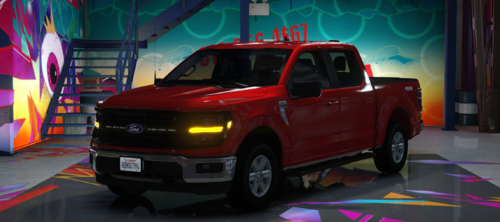 cant wait to test this will give my opinion when im done with a shift. edit: its amazing i love it
 -
Does anyone know a fix for my (JMsahp) cars spawning black? Specifically, the Alamo and the marked buffalo unit spawn black and sometimes normal, but with red wheels? if anyone has had similar or knows a fix that would be greatly appreciated
-
edit: i found where i screwed up i left a bit of the old lines in and forgot to put a single "\" in the lines
-
not sure why maybe could be an issue with the default regions, but heres the files file2.txt file1.txt
-
Jesus I don't know how u guys do it, as someone who knows jack about modding and fixing stuff i unknowingly break all of you guys are like wizards when it comes to finding the problem and solving it. thank you very much!
-
lspdfr crash on black loading screen after making that crash noise, cant quit gta and having to restart pc every time i try and load, no idea the problem RagePluginHook.log
-
yeah im having a problem where when i click plugins, all of them are in that folder, then when i click on the lspdfr folder the same plugins are inside that one as well
-
my bad RagePluginHook.log
-
first few times loading up the game after spending a while updating everything as i havent played in 3 months. thought i updated everything file wise but it seems ive ran into a problem with rage having errors with my plugins. ScriptHookV.log
-
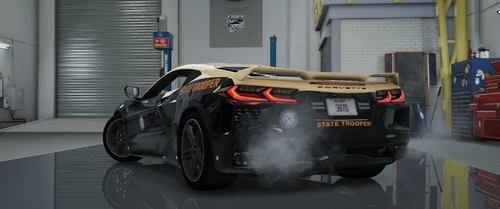 heck yeah that would be sick
 -
car is perfect only thing id wanna know if you change the car audio to the coquette d10, you can normally do it in game but it never stays and always reset
-
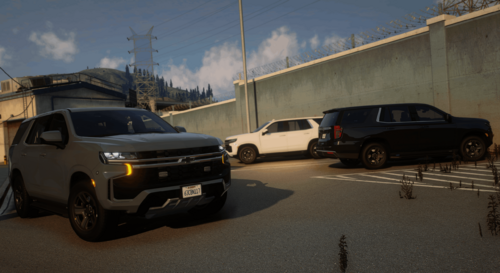 cantt wait to see this as a potential addon, i love those big front end lights, good mod!
 -
how do you find this menu is it in the config i followed the route, plugins/lspdfr/UltimateBackup and couldnt find it
-
that fixed it thank you!!!
-
got the "XML parsing error at line 177, col 4: End tag ''paths'' does not match the start tag 'item' i dont know what happened as i dont mess with those lines and all i do is fill in pre typed xml list i have, when i spawned in game i had no dlc cars and the hair and such was funky i added the list below, help would be very much appreciated (the error line is the one right below the last line ''simplehud'' dlclist.txt
-
would i have to tick or untick this option then?
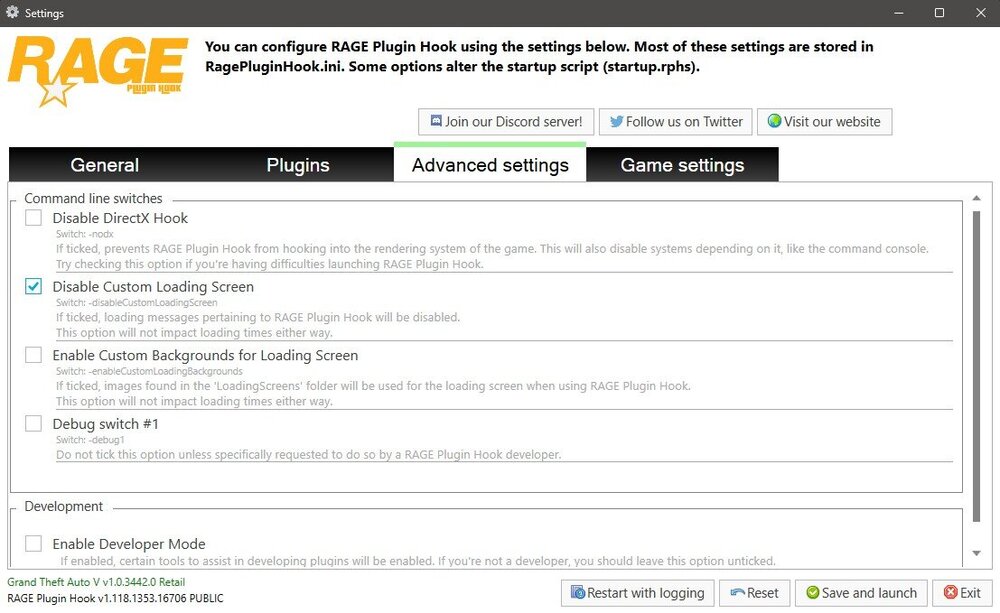
-
Game launches fine when launching base and mods without rage, crashes when launching with rage RagePluginHook_18032025_004926.log
-
-
maybe the crashes had something to do with the space i had free (675mb/475gb) but the only game i run and have stuff for is gta and lspdfr so im out of luck there but i had a crash loading into being off duty which made the beep noises then earlier had a crash in the off duty when i was looking at new pack cars RagePluginHook_16022025_211012.log RagePluginHook_16022025_205444.log
-
it happened once, did a full overhual and fixed alot of issues i had so its better now
-
im not sure, crash whilei had a guy with his hands up, could possibly be something simple but im not smart enough to read logs RagePluginHook.log
-
yessir thank you!
-
my problem was a gameconfig error. i guess something happend and my vehicle limit got set back to default not allowing me to have more than 2 cars addon and when i updated the config it added the latest cars from the update futhering that limit, installed a new config and manually changed the vehicle pools myself and now its working
-
its okay i just deleted all of my lspdfr and gta as a whole, ill rebuild it one day
.thumb.png.69f541f5ea239013499a869869dccd5a.png)