Rez46Delta11
Members
-
Joined
-
Last visited
Everything posted by Rez46Delta11
-
-
 I actually seen it last week. It’s ok. Extremely overrated. The trooper was like. Yep I can tell you in LE with that statement. lol 😂
 -
 That man. Not releasing nothing. I stop asking months ago. 🤣🤣
 -
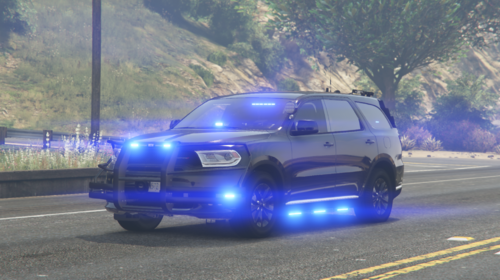 What do I put as the name in the DLC List?
 -
 Where are the Units? or Base cars?
 -
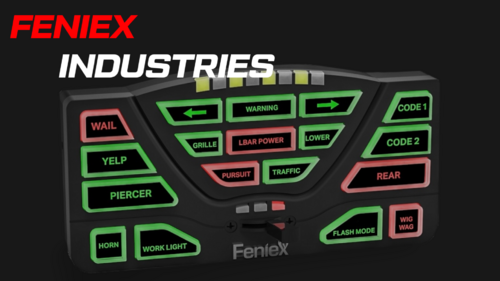 normal horn 1) P-Call Fast 2) Fast Yelp 3)Phaser
 -
How do I add it to single player?
-
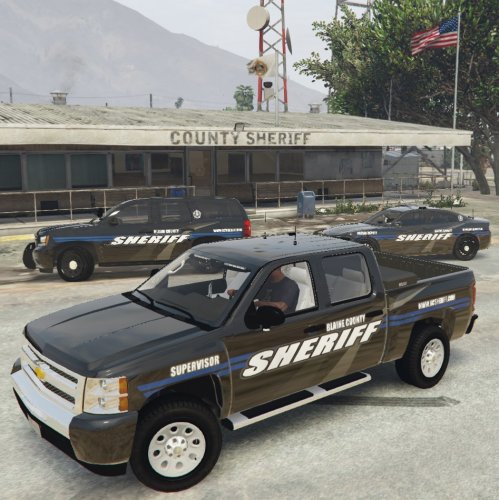 you covered your FACE. LOL @Master Cheef
 -
This is awesome. I can’t not wait. I love your past liveries.
-
-
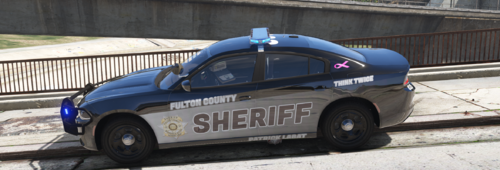 I am having a problem with the Explorer Sheriff Department livery. What is the year unit do it go on?
 -
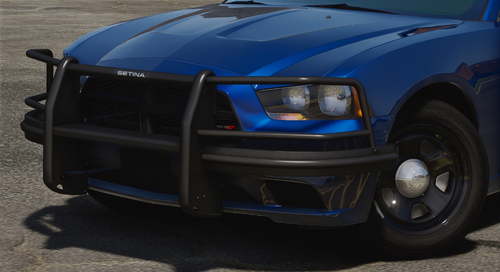 Will this work on the camero or challenger?
 -
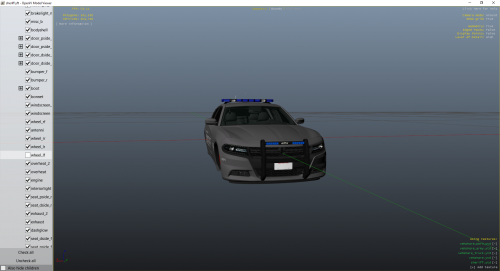 Where is the livery at? The texture is messed up.
 -
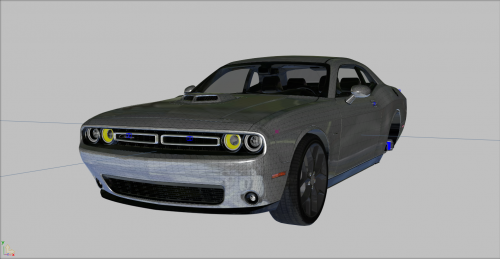 This is nice. Im literally brand new to create in police vehicles.
 -
-
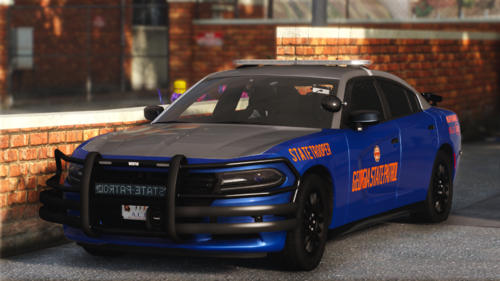 Hey @Master Cheef I really appreciate the vehicles. I use them a lot. Any word on the Camaro or challenger? I would definitely pay money to get those two units. The ghost challenger with the ALPRa that Steve the gamer 55 is amazing. Where did you get that model?
 -
-
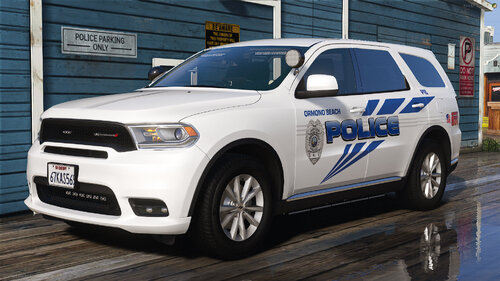 Where are the vehicles located at?
 -
-
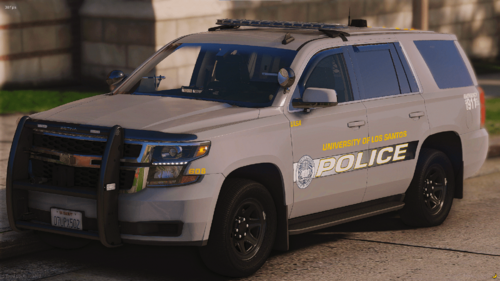 Where are the vehicles located?
 -
-
-
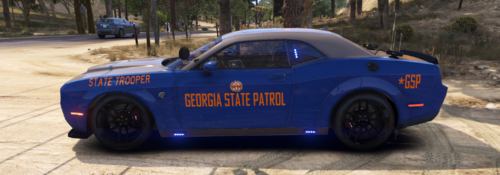 So, I am looking on Open IV and I don't see anything in the YTD file saying charger sign or texture. Once I see these words I can replace the livery. Also, can you provide me with the properly livery that fits this vehicle. And lasty the vehicle is currently black once it's loaded in LSPDFR.
 -
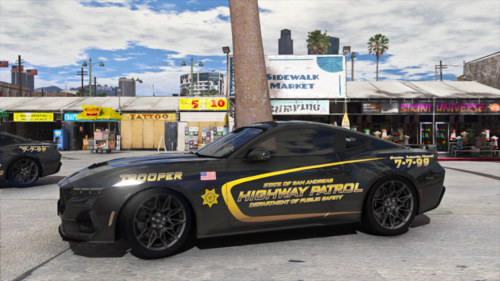 How do I added the livery?