



night7
Members
-
Joined
-
Last visited
Everything posted by night7
-
 No, I didn't do anything. All I did was replace 'Buffalo' with 'police2,' but the problem still wasn't resolved. (Sorry for my English, I don't know it well.)
- 90 comments
- 15 reviews
-
-
-
-
I don't know about this and I can't help you. Sorry
-
First, you need to disable the BattlEye anti-cheat in the Rockstar Game Launcher. After that, reinstall LSPDFR if you already have it. Then, download the LSPDFR Manual. Once you've downloaded it, move the files from the archive to the game's root folder, replacing the existing ones. https://www.dev-c.com/gtav/scripthookv/ Updated ScriptHook V
-
-
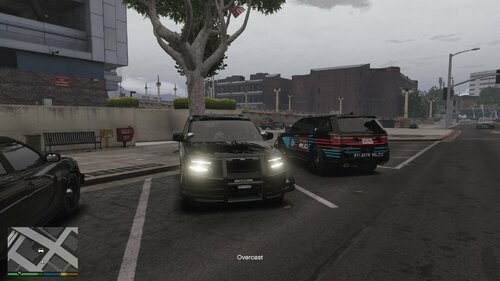 What plugin or tool do you use to make emergency lights so bright and reflective off the walls?
 -
-
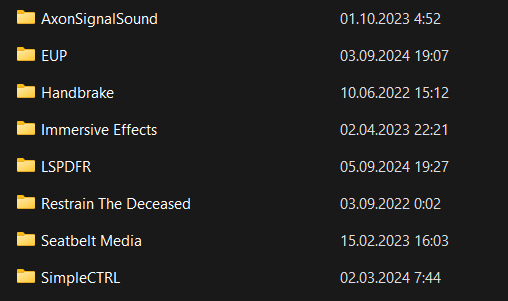
What plugin could be lowering my FPS? Because when I launch LSPDFR, my FPS drops significantly to 40 FPS, whereas when I launch the game without LSPDFR, my FPS reaches 140.
-
-
-
"If you mean police special signals, then I can recommend this mod. But keep in mind, I don't know how to remove it if you don't like it. :))
-
Always a pleasure 🙂 Could you please click the "Resolved" button so that other people with the same issue can easily find this thread? 🙂
-
-
I solved it by simply changing the game language to English.
-
1. Update Script Hook V: Ensure that you are using the latest version of Script Hook V. Download the update from the official site or trusted mod sources. 2. Update ELS (Emergency Lighting System): Check if there are any new versions of mods, particularly ELS. Sometimes mods can be incompatible with new versions of the game or other mods. 3. Check Mod Compatibility: If you have many mods installed, they might conflict with each other. Try removing all mods and installing them one by one to identify the problematic one. 4. Reinstall ELS: Delete the 'ELS.asi' file and all related files, then try reinstalling it. 5. Verify Game Files Integrity: If you are using Steam or another platform for the game, use the file integrity check feature to ensure all game files are original and not corrupted. 6. Use a Clean Version of the Game: If none of the above steps help, try running the game without any mods and gradually add them back to identify which mod is causing the error. Try removing Dynamic Lighting System v2 if you are using Emergency Lighting System
-
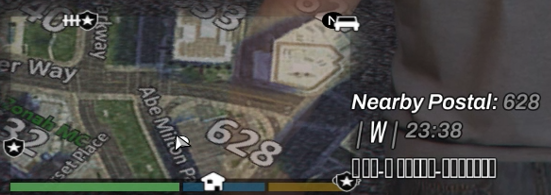
Hello everyone! I have a problem with the Simple HUD script: instead of street names, I see squares. Does anyone know how to fix this?
-
Please excuse me!
-
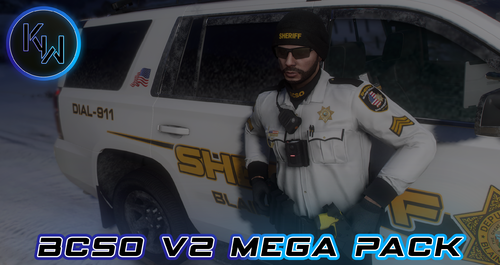 Clothes can only be selected through the Simple Trainer?
 -
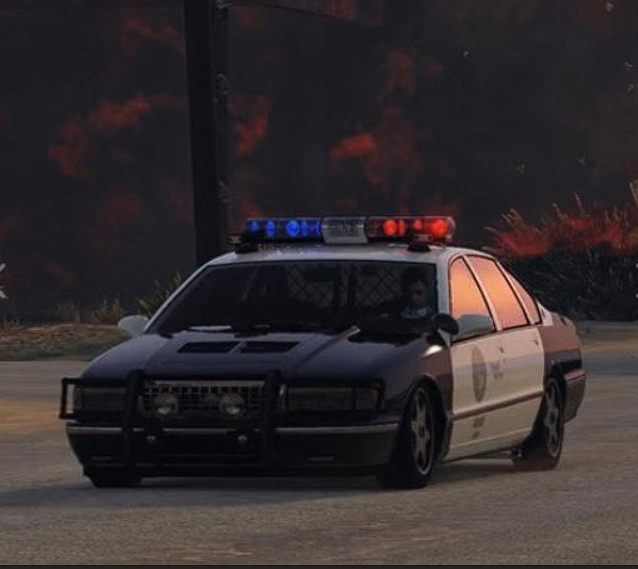
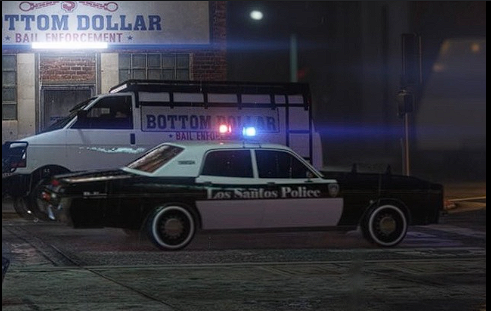
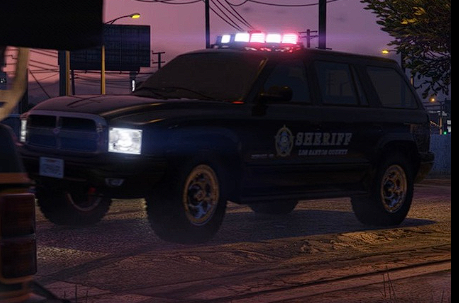
Hello everyone! I wanted to find out if it's possible to remove police cars that were recently added because when I call for backup and these cars arrive, they ruin the realism for me. 😄

-
 I moved three files that were in an archive to the Plugins folder. When I launch the game, one of the three files causes the plugin to crash, and the game continues to work without this plugin.
 -
I installed this pack as instructed for LSPDFR, but for some reason, I don't see it in EUP. Am I doing something wrong?
-
-
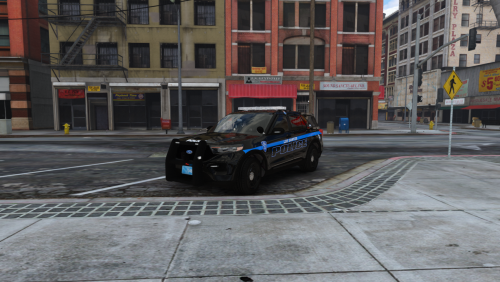
Does anyone know which mod or plugin allows issuing fines?





.thumb.jpg.47537e89d2561e67b6535a8763365799.jpg)