


pohlow
Members
-
Joined
-
Last visited
Everything posted by pohlow
-
I changed them all in these files in D:\Steam Library\steamapps\common\Grand Theft Auto V\plugins\LSPDFR - not the ones with the .dll the other ones. I edited the keybind and saved it. For example stop the ped in the image attatched. But even the context menu which i didnt change doesn't work either.


-
Hey, I’ve got a problem when I force duty in LSPDFR. Every time I do, it tells me that "Stop the Ped," "Ultimate Backup," and "CompuLite" have loaded above the mini map. Along with that, sometimes I hear a beep that says "LSPDFR First Response has crashed." Even if it doesn’t crash, none of my plugins are working. I know the keybindings for them, but they don’t respond, and the menu doesn’t pop up either. Anyone have any idea what's causing this? Thanks in advance for the help! LOG:RagePluginHook.log
-
Yes, i have. Still doesnt hook
-
Hey, thanks for the tips! I’ve tried a few things, but I’m still stuck. I uninstalled Norton and excluded both the GTA V and Temp folders from Windows Defender. I checked the Protection History, but nothing’s showing up, so it doesn’t seem like Defender is blocking anything. I even turned off real-time protection and tried again, but RPH still won’t hook. I also went through Task Manager to make sure there’s nothing else running that could interfere, and I did a full game file verification through Steam. I tried running RPH in verbose mode as well, but no log is being generated. At this point, it doesn’t seem like Defender is the issue, but I’m still not sure what’s going wrong. Any other suggestions? I’d really appreciate any help.Yeah ive tried this and get the same error messagedoes any mods or anyone else know how to help?does any mods or anyone else know how to help?whats the lag?I verified the integrity of my gta files on steam, i then when into my gta main directionary and opened ragehook as administrator, then ragehook and rockstar starts loading then i get brought with 'A game is currently running - Grand Theft Auto is currently running. By choosing to exit, Grand Theft Auto will be quit and any unsaved progress will be lost'. What can do/ did wrong?
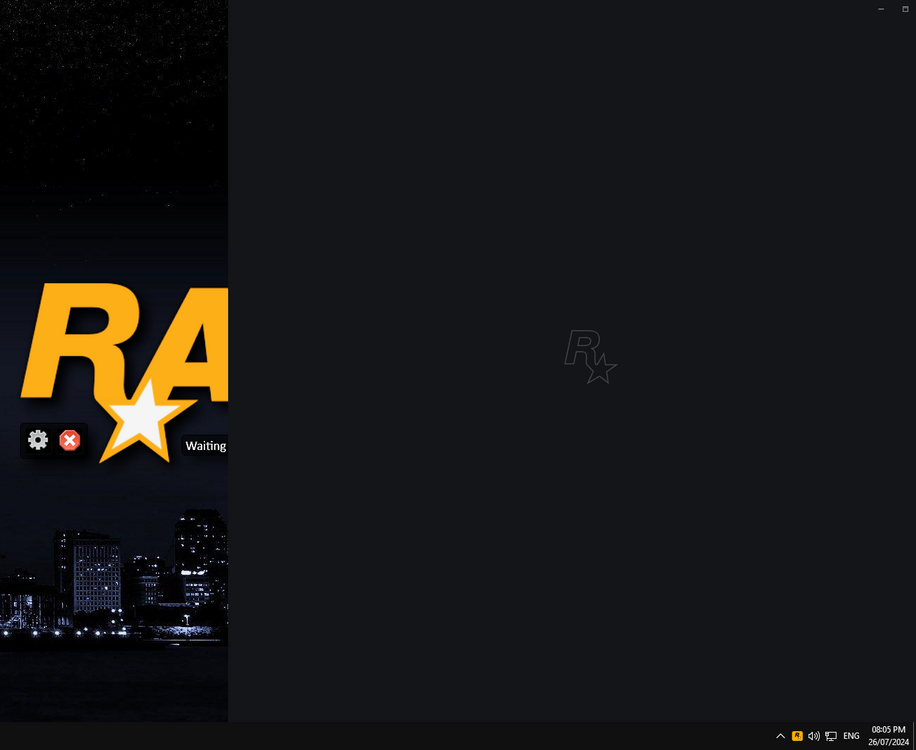
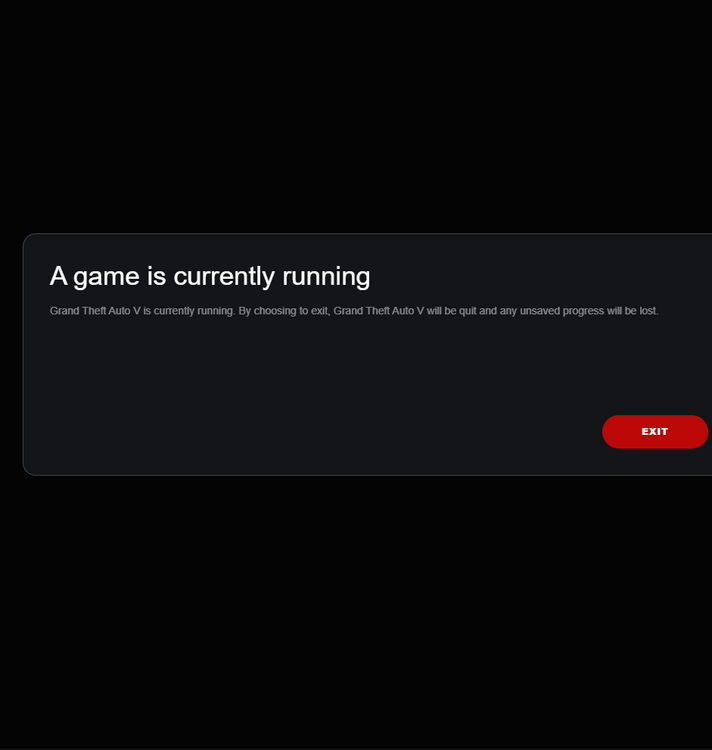 Can any mods or anyone help?So i opened up GTA as normal through steam and then it loads the rock* games launcher as normal but instead of opening i get this message (attached bellow). Ive tried numerous things through reddit and google searched but none of them seem to work. GTA is also NOT OPEN, however it does open in task manager and ive tried ending the task but still the same issue.(ive tried opening through ragehook but it doesnt work so i just open gta then ragehook) if anyone knows why this is happening and how to fix i would be more than grateful!
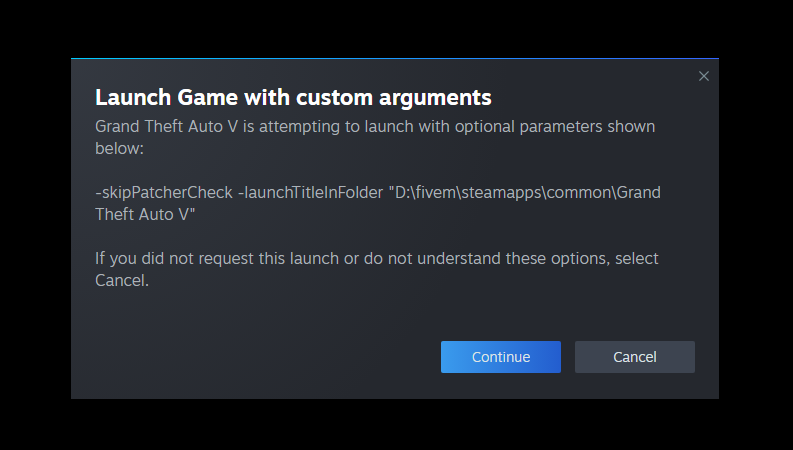
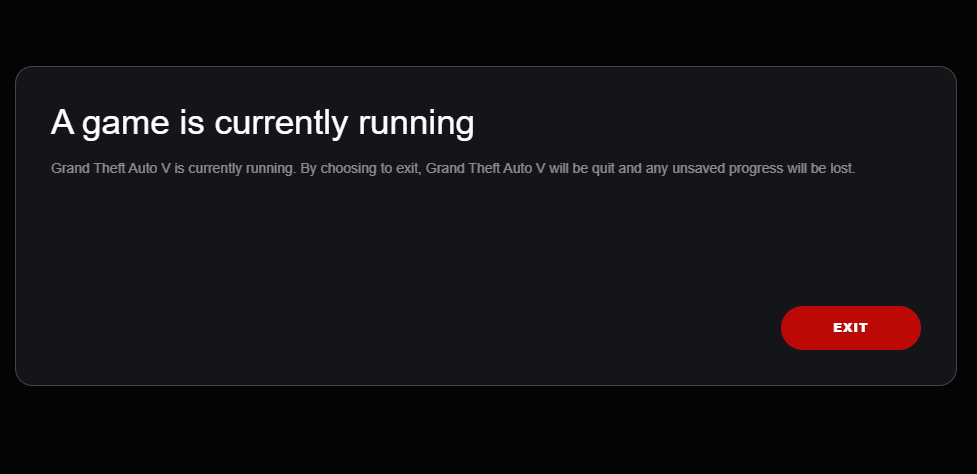 Can any mods help? or just anyone lol would be appreciatedI recently made a new folder for GTA in attempt to be able to play regular GTA Online using the steps linked below. In doing so i had to download GTA through steam again, once it downloaded it, which took 3 hours, it just wasn't there? It wasn't in the Grand Theft Auto folder (which showed up when it started downloading) and i had the same amount of storage as before so i guess it downloaded nothing? Anyway now my GTA wont start at all, i open it through RageHook as normal and get brought with this message on steam and then when i click continue this error message pops up (both linked below). If anyone can help or knows how to fix it would be greatly greatly appreciated!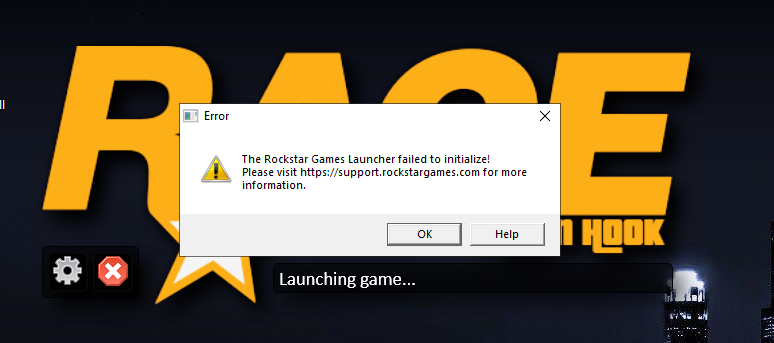
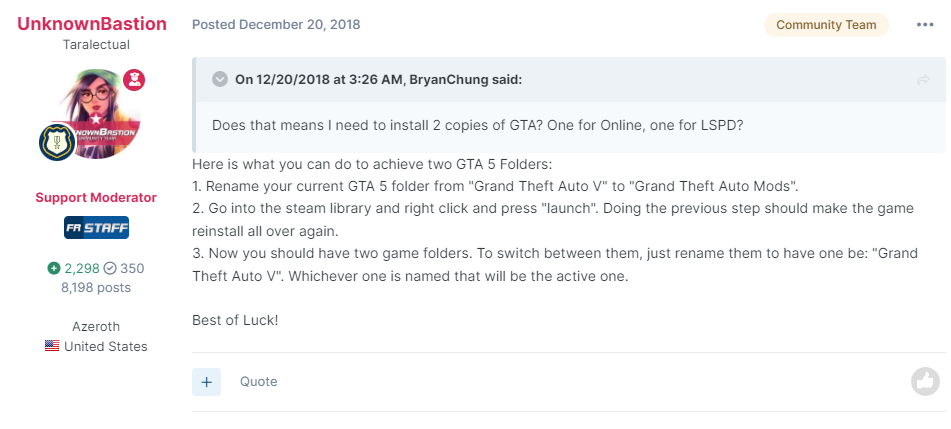
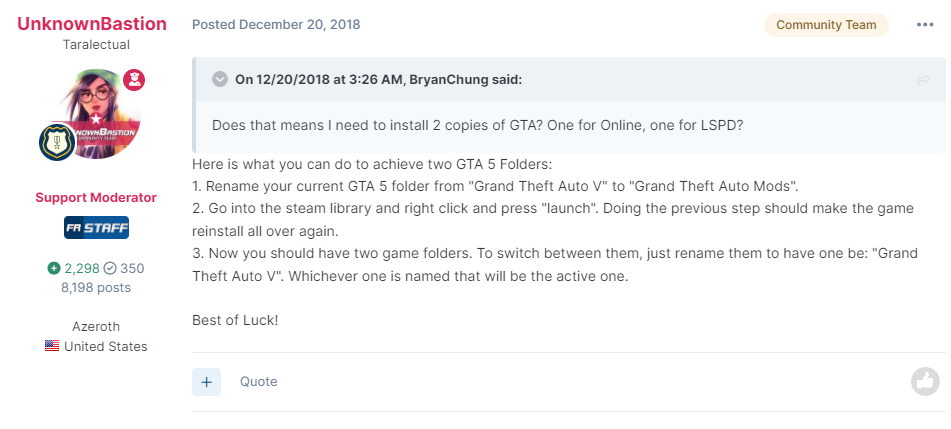 Good question, im not sure but you could try going to the ragehook setting before you start it up, go to plugins and see if it allows you to do it there?So i wanted to play GTA online while having lcpdfr downloaded, so i looked on forums and found these instructions from acouple years ago and followed them bc it was the only one i found. (attached below) Which worked, i changed the name of the folder and now its currently downloading GTA to a regular folder. However when i try to open up RAGEHOOK it wont launch unless the ragehookplug.exe is in the new Grand Theft Auto folder, which obv isnt going to work since GTA.exe isnt downloaded into it yet. So my question is do i have to wait for GTA to be fully downloaded into it? I didnt think so since the whole reason for the new folder is to be able to play regular GTA so why would it need ragehook? So i should be able to play LSCPDFR while GTA is downloading right? Anyone know ?
 This worked thank you!I just downloaded grammar police and the menu and everything is working fine but when i try to speak to dispatch i get brought with 'The speech engine is not running'. So i followed the instructions where you go to windows language ect ect ... went to control panel and tried to click set up microphone and i get brought with the message 'Your currunt default speech engine does not support this action at this time' does anyone know how to fix? RagePluginHook.log I also notices in the log i attached it states 'The language for the grammar does not match the language of the speech recognizer.' which is one issue but it doesent let me set up my microphone in general. Any advice would be greatly appreciated! Thanks
 i renamed my mods folder and i still cant hear anything. I can hear dispatch calling in a 911 call ect but other than that nothing. It may be something to do with the sirens tho as i did recently add them today. How do i fix it?PS i dont care how cringey this is, i feel like a knobI just verified them and im still having the same problem.I suddenly have no game sound, i was playing around with some files on openIV and my GTA main game directionary and now i have no audio at all in game. I have the normal start up eith the police sirens and glass breaking but after that point i have no sounds what so ever. Please can someone help me.. RagePluginHook.log Just to add, i can hear my dispatch calling in an emergency call? But thats itCan anyone help meDoes anyone know how to fix please??


