


steelrfan85
Members
-
Joined
-
Last visited
Everything posted by steelrfan85
-
I have the TLS rifle. I got the spawn name and I put it in open IV hash generator. I generated the hash and then took that number and pasted it in as a secondary weapon for fast draw . For some reason when I press the 2 key. it says there’s no weapon there. I have gone through the settings And everything pulls up like my pistol pulls up, the stun gun on three, the flashlight on four. But when I press two it says there’s no weapon. I’ve tried different assault rifles and it doesn’t even want to use those. What am I doing wrong?
-
.thumb.png.b9e18d9931090871b064059f2c315cf8.png) If I don’t do the reports at end of shift, does my progress not get saved? I’ve clicked on the to clock out but I backed out like it said in the instructions so if I was to hit y key would unload plugin
If I don’t do the reports at end of shift, does my progress not get saved? I’ve clicked on the to clock out but I backed out like it said in the instructions so if I was to hit y key would unload plugin- 698 comments
- 22 reviews
-
Yeah I found out I had it on
-
I purchased a couple vehicles from ripple. It has all the meta files and vehicle files but he told me I have to make it into an add-on DLC to make it work. How do I do this?
-
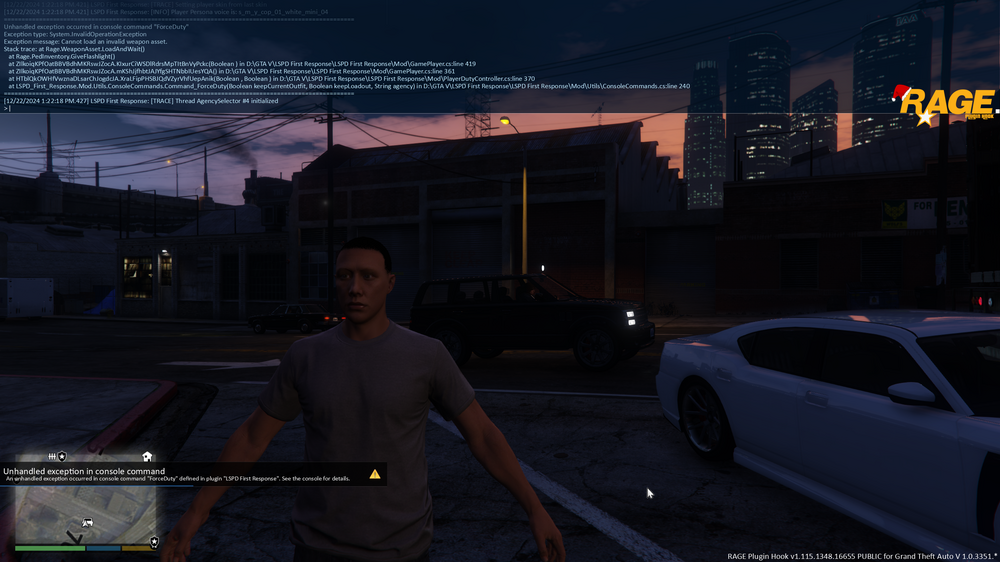
Im getting this error when trying to load up lspdfr I did just install TLS add ons but I followed the insructions
-
I have the most recent RPH installed, I can pull up the menu but can't cycle. I can press the 0 key and it clears wanted level. All my plugins work, I reload all plugins and force duty, no problem but for some reason simple trainer just wont let me cycle
-
What forum did it get moved to?
-
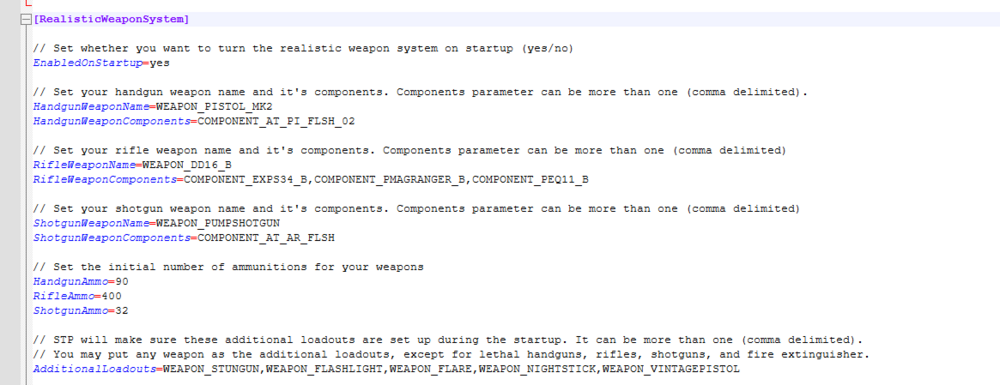
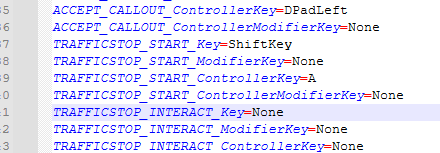
I’m not sure if this is where I ask this but I’ve been frustrated for days. I have the traffic stop interaction in the LSPDFR keys ini to none. When I walk up to vehicle there is a prompt about interacfing on either side of car to press. Obviously no key. When I go press the E key for STP, nothing happens. No prompt. If I double tap E or hold E, then the ped gets out. I then get the STP prompt about pressing Eband can interact. I don’t know why it’s not working. It used to. I added weapons for realistic. But I don’t think that has anything to do with please help. I did remove then weapon_vintage pistol from additional load out. Still nothing

-
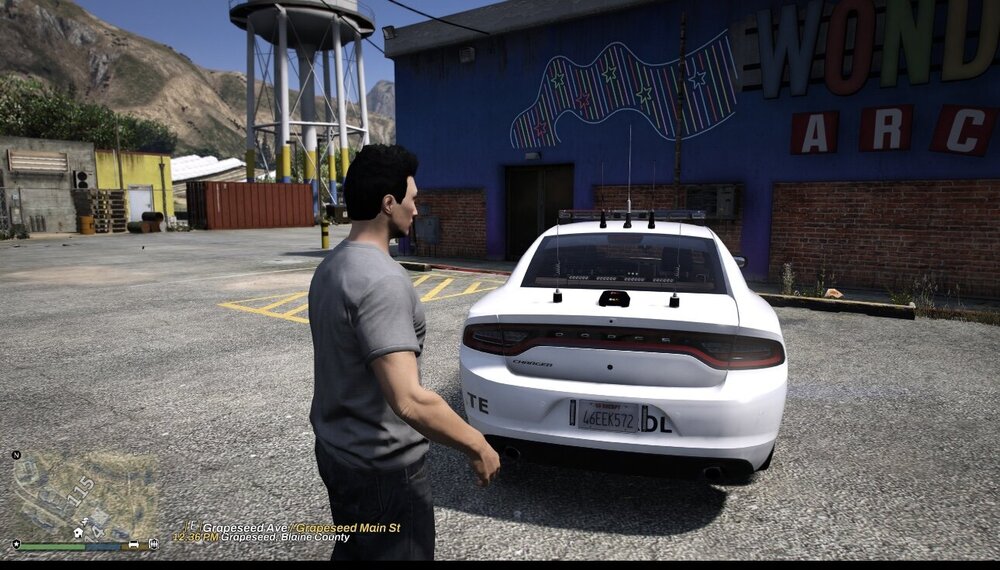
Tahoe skins are for Tahoe just like charger is for charger. Also shared what files are supposed to look. I went into the ytd file and replaced with file provided and it isn’t working.
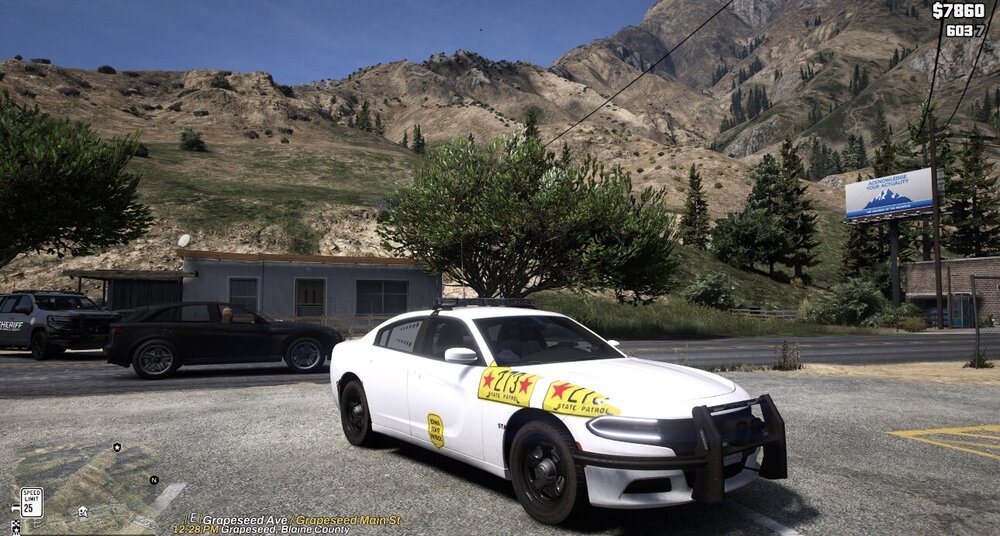
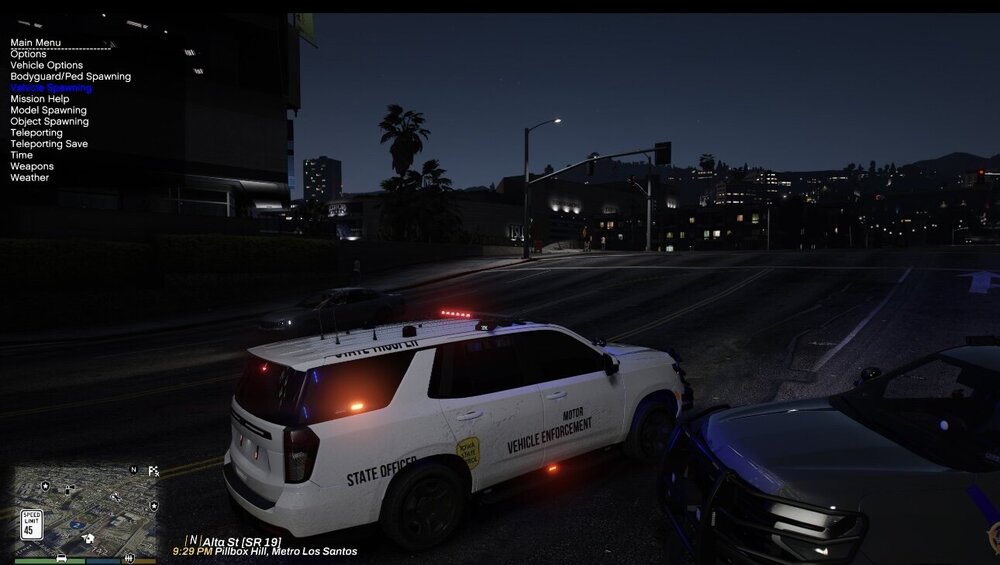
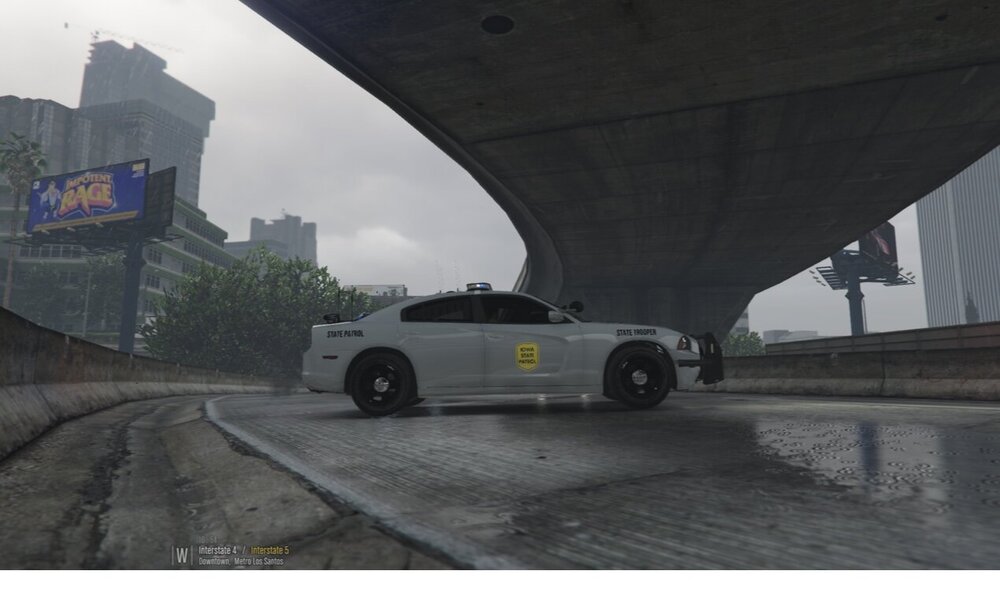
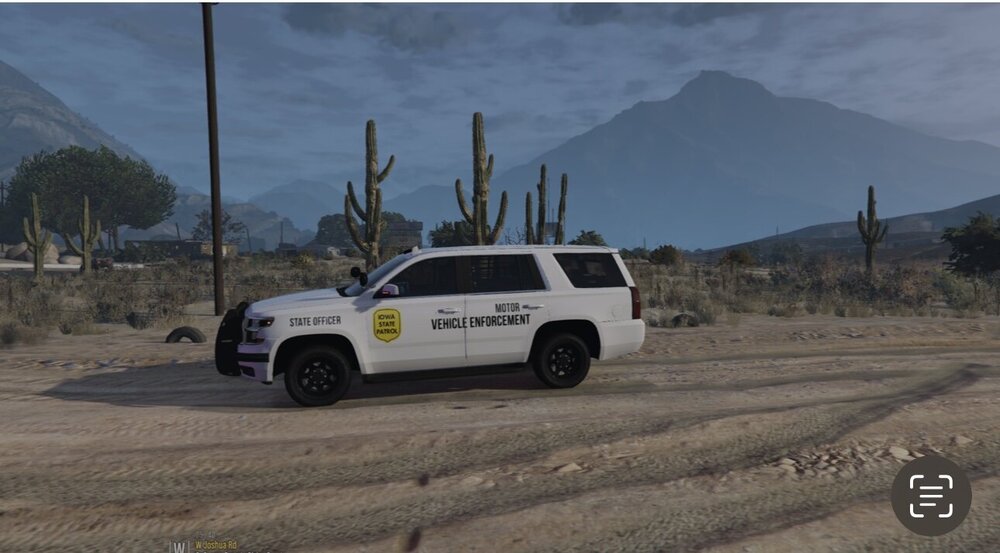
-
I get the mouse to move but when I go to hover over the interface the mouse disappears. What could be the issue? Should I just reinstall callout interface and hope for the best?
-
So you can use modifier to bind an extra item in game? https://learn.microsoft.com/en-us/dotnet/api/system.windows.forms.keys?view=windowsdesktop-8.0 how do I implement keys using this in game? Like the symbols?
-
I’m trying to understand how modifiers work. I’m other games if a key is bound I can bound another key using the modifier plus that key. Didn’t seem to do anything though. Also I’m lookin into using the Microsoft C+ keys to use like the divide, less than etc. it’s like key 119 or divide etc. I’m trying to set a key in callout interface as forced key but it’s not recognizing. I tried key binder and when I press a backward slash it doesn’t recognize. Already all F1-12, numpads and letters are bound allreadh and u need more keys to bind. Can someone help me.
-
I just purchased GTA V July 16th 2024. I was so excited to try LSPDFR but can’t install. Apparently it is not compatible currently with most recent update. Couldn’t find my steam folder which I can see when not installing. Was told in discord it is unplayable. I know there isn’t an exact date but how often to updates take to be released? Will it be done this month?
.thumb.png.b9e18d9931090871b064059f2c315cf8.png)


