



OneStarLaw
Members
-
Joined
-
Last visited
Everything posted by OneStarLaw
-
 Didn't know that, my fault I thought this was a Police only thing because police stuff only gets uploaded 90% of the time all good though.
 -
Not a moderator here but this website is for Police content only so you may want to post that on gta5mods.com instead
-
 Make an ELS version.
 -
 NOT to nitpick AT ALL, but just curious on why the Tahoe plays different tones from the "SIREN_PA20A_WAIL" and "SIREN_2", Other than that amazing pack!
 -
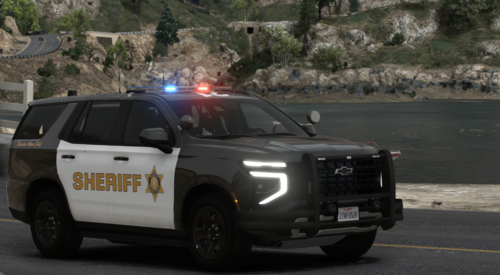 Add a livery to addon that's Non-Lore
 -
 Best FHP ELS DLC pack out there everything seems accurate and a 1:1 to how they have it in real life.
- 133 comments
- 20 reviews
-
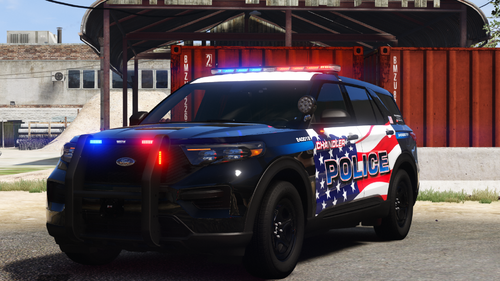 It would be really nice if you can add an ELS version.
 -
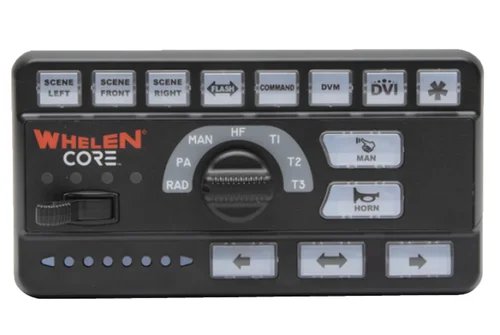 I'd love to hear them.
 -
 Just curious on why the 2021 durango isn't ELS. because unless i misunderstood You said in the desc, The 2026 FPIU will be hybrid which means ELS stage 3 only and the 2021 Durango would be non - els.
 -
Why not both els?
-
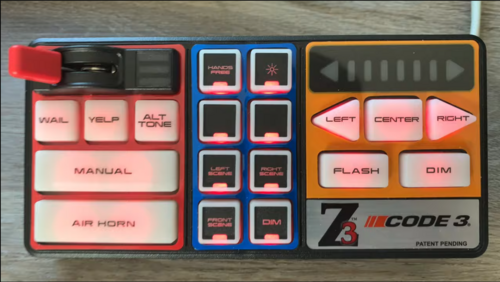 Yes, I will work on doing that!
 -
Credits to Bay Area 911 Media on YouTube for the tone source. Demo of the source video: https://www.youtube.com/watch?v=4bDeiA1R2IA In game demo: https://youtu.be/l14MxQ1Q2pA
-
 Idk
Idk -
 Would be nice to know Like pyro said It'd be nice to know what type of siren it is what brand? etc, There needs to be a preview OR at least a description of what siren it is like the brand. #1 the siren isn't even looped properly.. #2 It doesn't even sound like a real modern good siren.. #3 what even is this....?
 -
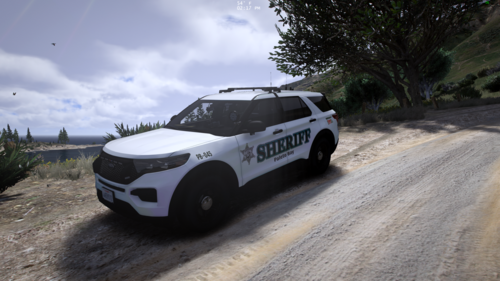 You should really make a Durango and Tahoe.
 -
 Hella good quality!
 -
Depends on the agencies and how the sirens are upfitted and programed too.
-
Idk who did the demo vids but can't they get a full SSP wail Rumbler in? all they gotta do is ask i believe.
-
Yeah nice, I'm looking for a full SSP Wail too It's really hard to find genuinely good siren demos online anymore. As a siren creator myself
-
Did you get a full wail tone?
-
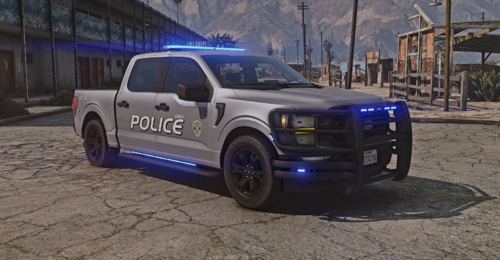 What vehicle pack did you use for this?
 -
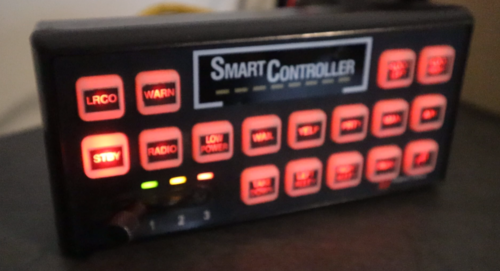 If anyone has any questions feel free to ask.
 -
I debated heavily on uploading this but I decided to anyway, Any who I don't have GTA 5 installed because I don't play it anymore so unless someone decides to make a demo there will be none except for the video and i got bored of GTA 5 But I will still from time to time make sirens for those who like and enjoy my work. -Rumbler tones included [note] I made the rumbler overlays myself inside audacity -Will i make it FiveM ready? No because you can convert it to fivem Here's the video I got the demo from:
-
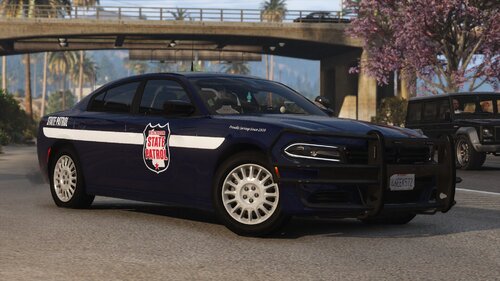 [Suggestion]: Make an Arizona Department of Public Safety Pack?
 -
Hey, guys it has been a while since i have uploaded a siren and the reason behind that is I don't think my sirens live up to demand/ people actually caring about them Because I don't see many people upload sirens to this site anymore sometimes i do but it's just remakes of other peoples work, So what am i saying? I'm saying that I have some recorded sirens but I have been debating whether or not to upload them to this site anymore as I'm starting to see people don't care about that stuff anymore. So that's why i haven't been uploading just incase anyone is wondering.



