Skip to content
View in the app

A better way to browse. Learn more.

LCPDFR.com

A full-screen app on your home screen with push notifications, badges and more.

To install this app on iOS and iPadOS
  1. Tap the Share icon in Safari
  2. Scroll the menu and tap Add to Home Screen.
  3. Tap Add in the top-right corner.
To install this app on Android
  1. Tap the 3-dot menu (⋮) in the top-right corner of the browser.
  2. Tap Add to Home screen or Install app.
  3. Confirm by tapping Install.

miniminuss

Members
  • Joined

  • Last visited

Everything posted by miniminuss

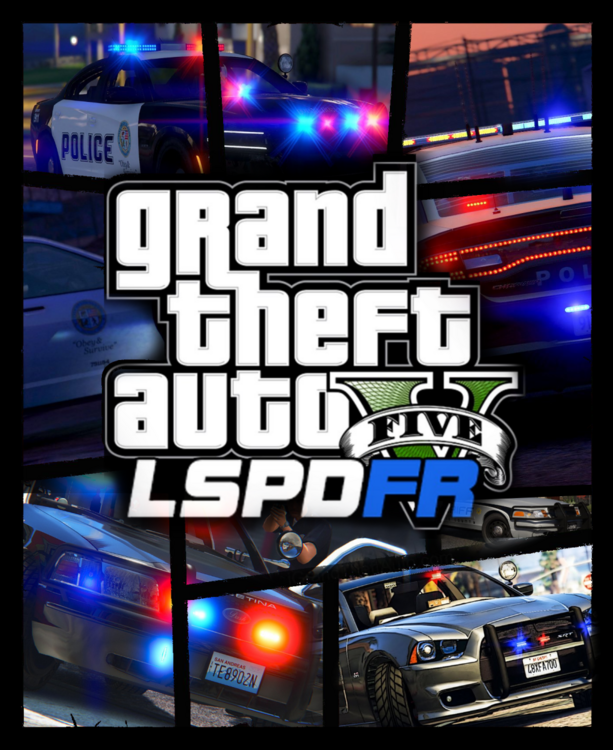
  1. Bonjour, pour steam, j'ai vite fait créé une cover pour LSPDFR, je la trouve pas top mais bon .. en avez vous fait vous ? J'en cherche une même si c'est pas trop important ça ajoute une touche d'originalité à steam plutôt que le vieux logo de RPH (Rage Plungin Hook). Bonne soirée/journée/..)
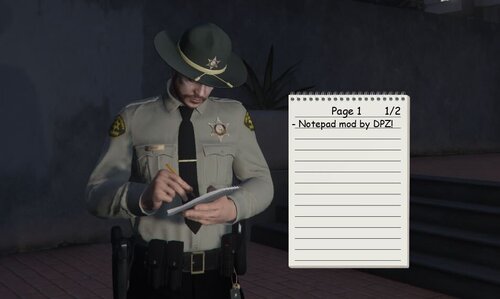
    How to enlarge the notepad, it is too small. Thanks for this mod 🫡
    Work perfectly ! It's so realistic. Tanks. 😁

Account

Navigation

Search

Search

Configure browser push notifications

Chrome (Android)
  1. Tap the lock icon next to the address bar.
  2. Tap Permissions → Notifications.
  3. Adjust your preference.
Chrome (Desktop)
  1. Click the padlock icon in the address bar.
  2. Select Site settings.
  3. Find Notifications and adjust your preference.