Skip to content
View in the app

A better way to browse. Learn more.

LCPDFR.com

A full-screen app on your home screen with push notifications, badges and more.

To install this app on iOS and iPadOS
  1. Tap the Share icon in Safari
  2. Scroll the menu and tap Add to Home Screen.
  3. Tap Add in the top-right corner.
To install this app on Android
  1. Tap the 3-dot menu (⋮) in the top-right corner of the browser.
  2. Tap Add to Home screen or Install app.
  3. Confirm by tapping Install.

ExxeKsgl

Members
  • Joined

  • Last visited

  1. ExxeKsgl changed their profile photo
  2. Hello I have a Problem with my game. While driving through Rockford Hills i noticed that my textures don't load there and just only there. I've tried everything, my Main.PreloadAllModels is set to false, i have Resource Adjuster installed so i don't really know to what the cause of this is. By the way, I've only had this problem since the last update. Thanks in advance to anyone who can help.
  3. Have you found a solution? I have the same problem
  4.    ExxeKsgl reacted to a comment on a file: [EUP] Austria Police Vest (BGST)
    • 898 downloads
    • Version 1.0.0
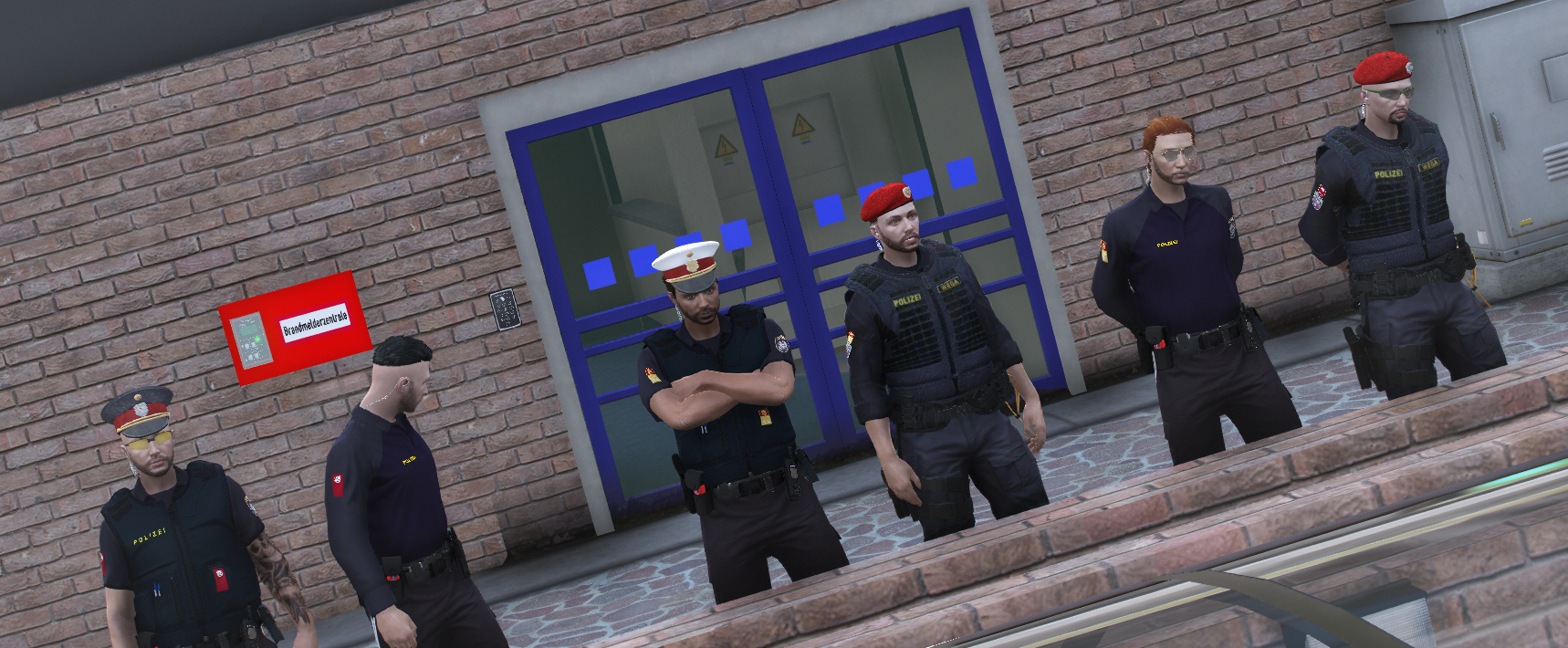
    EN: This is an Austrian Police Vest. Install the Vest into the mp_m_freemode_01_mp_m_january2016 folder in the EUP folder and replace it with task_004_u and task_diff_004_a_uni. DE: Das ist Eine Österreichische Polizei Weste auch BGST genannt. Installiere die Weste in mp_m_freemode_01_mp_m_january2016 im EUP Ordner und Ersetze es mit task_004_u und task_diff_004_a_uni. Version mit dem BE Patch ist nicht dabei!!! ITS FORBIDDEN TO RIP OR RESELL THIS MOD IT IS FORBIDDEN TO REUPLOAD THIS MOD ON OTHER SITES YOU CAN USE THIS MOD IN FIVEM CREDITS: Sneakysnx: 3D Model and Textures Exxe_ksgl: 3D Model and Textures Asalehkho: 3D Model und Textures TypischDerAlan: Textures mit geholfen

Account

Navigation

Search

Search

Configure browser push notifications

Chrome (Android)
  1. Tap the lock icon next to the address bar.
  2. Tap Permissions → Notifications.
  3. Adjust your preference.
Chrome (Desktop)
  1. Click the padlock icon in the address bar.
  2. Select Site settings.
  3. Find Notifications and adjust your preference.