


TheGreatWolf14
Members
-
Joined
-
Last visited
Everything posted by TheGreatWolf14
-
 Hey! So I cant seem to get this mod to work. doesnt matter which plugin folder it is in it simplily will not work. I tried changing the keybinds too as all the other keybinds are used for other LSPDFR scripts. and yes I do have NativeUI
 -
That is another thing. I don't know how. Or what one I even have. I think Windows Defender?
-
So I gave it a shot. nothing happened. tried to start RPH after trying the method and when it goes to validate it instantly closes now.
-
So I took a look and I wont be able to try that method as I got the Epic Games Version. and no I do not have any VPNs
-
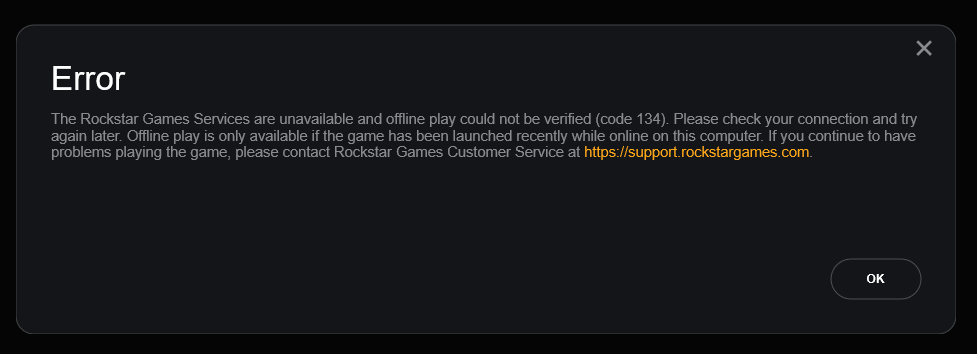
So I updated everything due to the new update. GTAV runs fine but when I go to start RAGE Plugin Hook I get this Error. It fully brings down Rockstar Services on my end. I havent had any issues till the update so I did an update using manual installation. Any way to fix this? I'm on Epic games Version.
-
